
If you want to get a feel for what Sojour is capable of, the current manual can be viewed here.
Have Fun!
RobP

If you want to get a feel for what Sojour is capable of, the current manual can be viewed here.
Have Fun!
RobP
RPG Frequencies has taken the time to create a Discord Channel for Sojour to promote discussion!
You can join the discord here: https://discord.gg/DRnv3Qs5Ru
I’d like to thank him for the time and effort in setting this up!
RPG Frequencies also hosts a You-Tube channel covering all things Solo RPG here:
https://www.youtube.com/@RPGFrequencies
In the meantime,
Have Fun!
RobP
Sojour is a Windows based solo focused VTT that provides journals, maps, tokens and time management. A detailed run through is shown on this timestamped video.
It costs $10 USD. Once bought, Sojour is yours to keep. There are no subscription fees, online servers or DRM. All your data remains your data, stored on your computer. You will get free updates as they are produced.
If you have ever struggled trying to use a multiplayer VTT for solo gameplay, then you should give Sojour a look 🙂
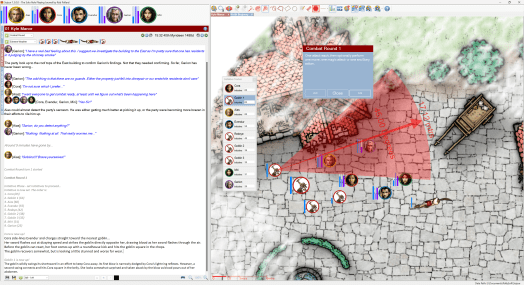
I’m still working on Dorian the new graphics engine for Sojour.
The proof of concept shown a post or two ago has now been retired and the actual coding of the engine itself has commenced. It is pretty powerful, a lot more powerful than the proof of concept, so I’m expecting great things of it.
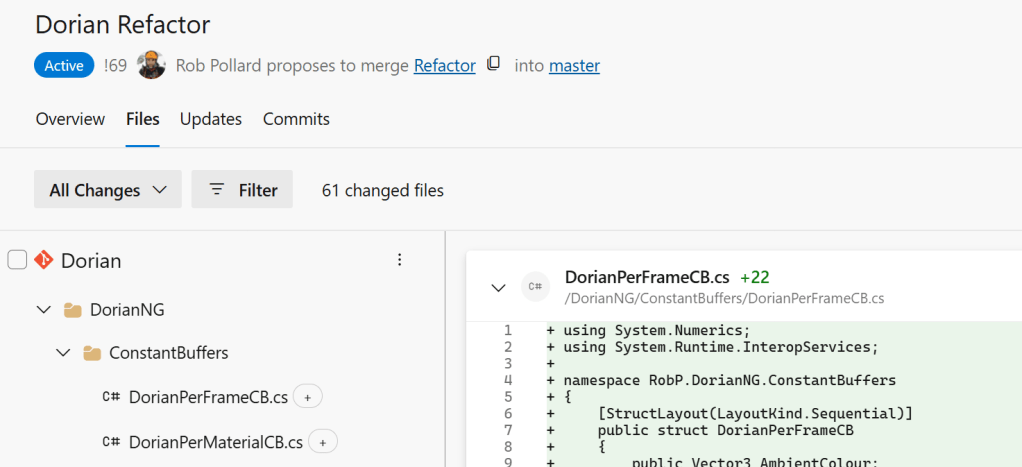
The downside is that code wise it is a lot larger and more complex than the Ionian graphics engine that Sojour currently uses:
What’s changed this release?
The screenshot sub-system. 😊
I had a number of customer reports that the old system used to crash on multi-monitor setups.
As a result I bought myself a third monitor. This finally let me reproduce some of the issues my customers were seeing.
After investigating the core issues, I decided to rewrite the entire screenshot system from scratch.
It now works properly in multi-monitor, multi-DPI setups and is much less prone to out of memory issues. In fact I didn’t see single one at all during the extensive testing and this was on a low powered laptop driving three screens!
I’m pretty happy with the newer system. However, there are some behavioural changes when compared to the previous system.
Firstly, to take the screenshot, you now click and hold the left mouse button and then drag the mouse cursor to size the rectangle. When happy, let go of the mouse and you have your screenshot. This seems to be the industry standard, hence the change.
The new system also allows you to use the <ESC> key to exit screen shot mode if you wish to exit without taking a screenshot.
The final change is that it now darkens the whole screen except the area being screenshotted:
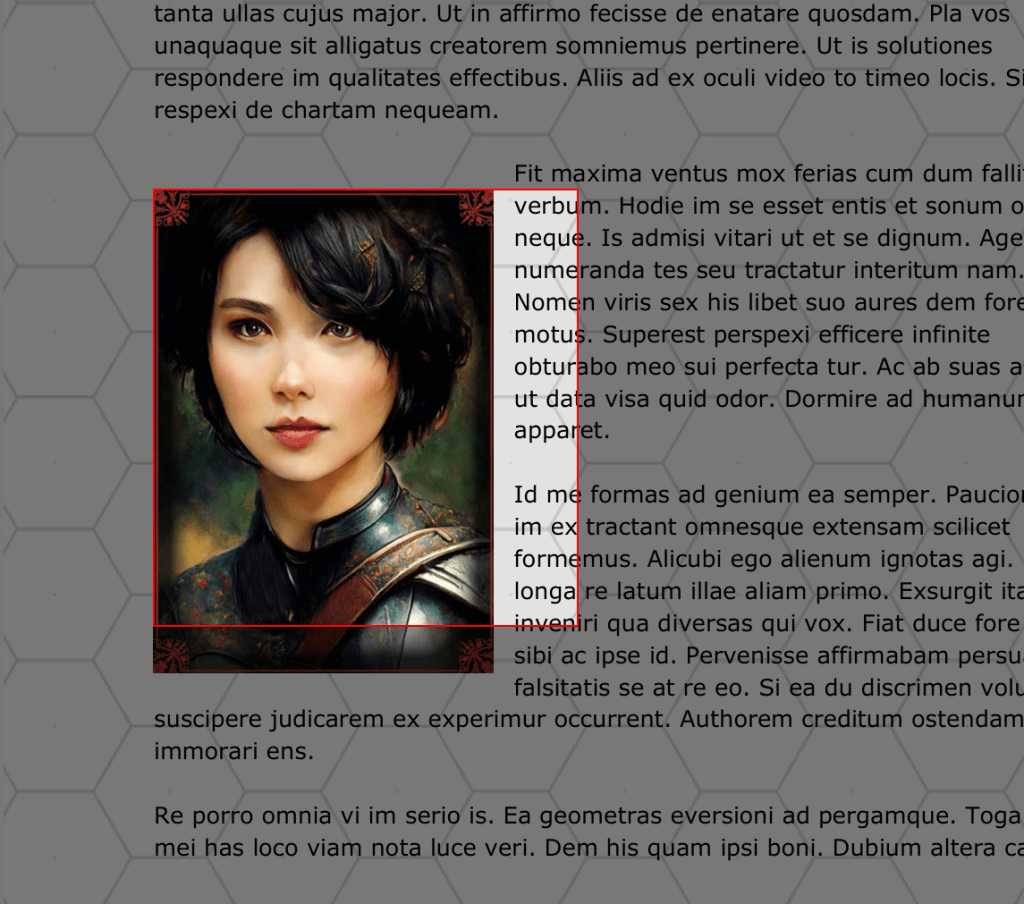
This dimming of the screen makes it much more obvious that you are in screenshot mode and it makes the selected area stand out a lot more.
That’s it for this release.
Have Fun!
RobP
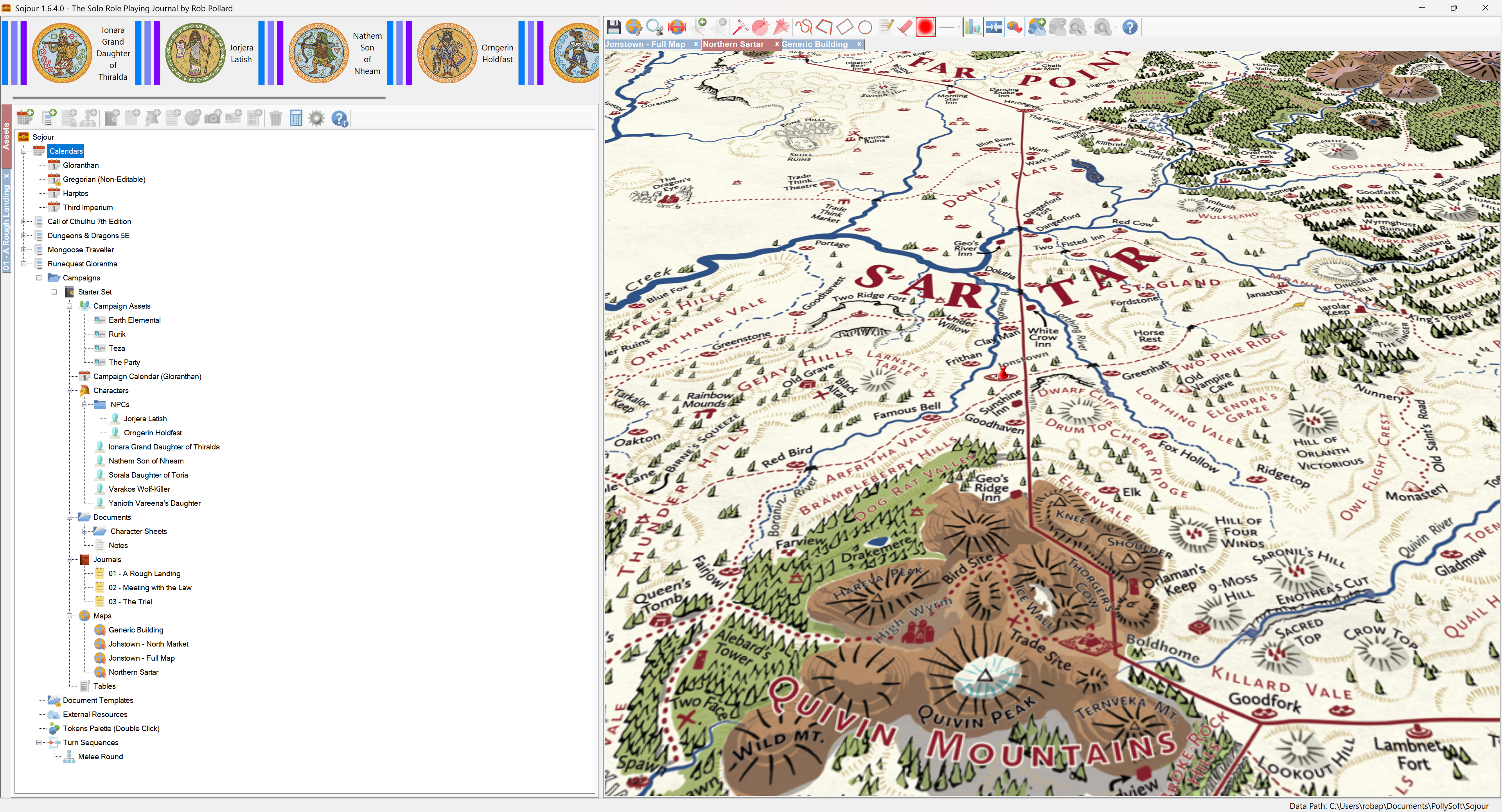
Don’t worry about the version number – you aren’t missing v1.6.3.0 – not all of my build system’s releases go public 🙂
This release contains a single fix, albeit one that took a fair bit of effort to resolve.
Mouse trackpads and touchscreens should now work with Sojour’s map zoom functionality.
The map zoom system has been completely overhauled and has been tested using a variety of trackpad/touchscreen gestures and now seems to behave itself properly. (In the past it would go to max zoom and then fight the keyboard and mouse wheel zoom controls)
That said, there are a huge variety of trackpads and touchscreens out there. I would be very interested to hear from anyone still experiencing map zoom issues with their devices after this fix.
EDIT: Just had independent confirmation that this is fixed 🙂
That’s it for this release.
Have Fun!
RobP
This is a tiny release that now re-enables the left and right cursor keys in the journals. The caveat being that the journal must be in focus and the mouse cannot be over the map pane.
These keys used to be disabled due to the fact that they used to accidently trigger inopportune tab changes.
That’s it for this update – I said it was tiny!
As for the future, I will be posting a video relatively soon that will describe where Sojour is and where I want to take it. I will also be talking about the engineering challenges that I will need to overcome to give you folk the best possible solo journaling system.
Prior to that future update, what I can talk about, is one of the most critical challenges that I currently face: Sojour’s 32 bit graphics engine called Ionian.
Ionian’s biggest issue is that it can only be 32 bit, but Microsoft’s latest development tools only allow for 64 bit development – as a result I have to write a brand new graphics engine – in this case it is called Dorian .
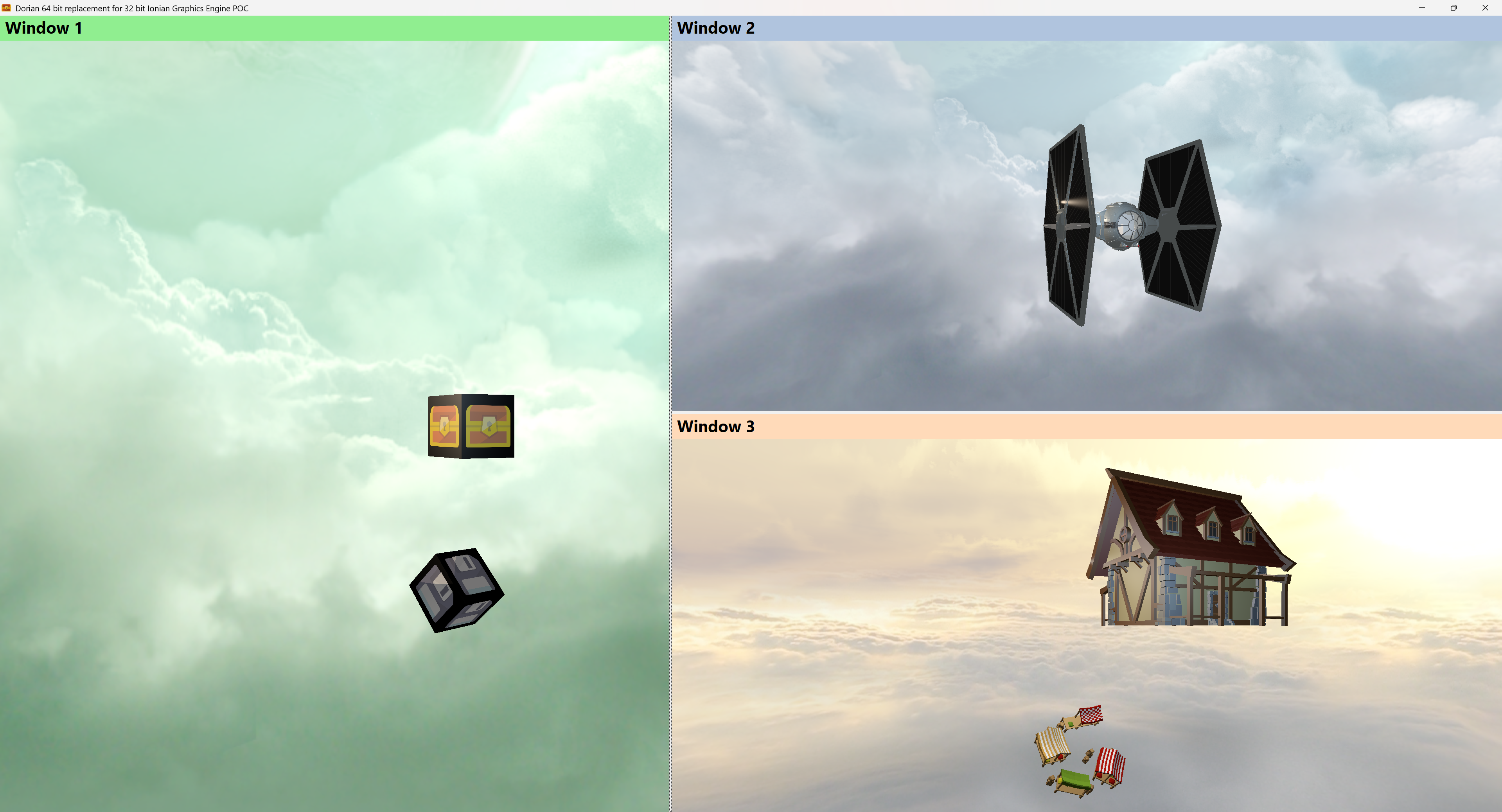
Dorian has many advantages over Ionian.
It’s 64 bit which will enable me to get the rest of Sojour onto much more modern development platforms. Dorian is also User Interface agnostic – Ionian only used to work with WinForms – Dorian works with anything Windows based.
The final bonus is that Dorian can simultaneously render to as many windows as you need (as seen in the screenshot) – Ionian by contrast, can only render to a single window. It’s one of the reasons why you can only see one map at a time in Sojour.
Once Dorian is integrated into Sojour, we will have the ability to display multiple maps simultaneously, including sending ‘player-focused’ maps to another monitor for customers using Sojour as a GM aid.
I won’t say much more, suffice to say that writing a custom graphics engine takes time, plus there are many other technologies that we need to talk about.
I will talk about these in the near future – we just need a little patience!
Also, for those that don’t know, once you pay for Sojour, all new updates are free – including this technology upgrade when it is done.
In the mean time…
Have Fun!
RobP
This version contains a few fixes and enhancements centred around window positioning – if you pardon the pun.
First up, opened documents, document templates or external resources can now be centred on the primary monitor by right clicking on them in the tree-view and selecting this new option:
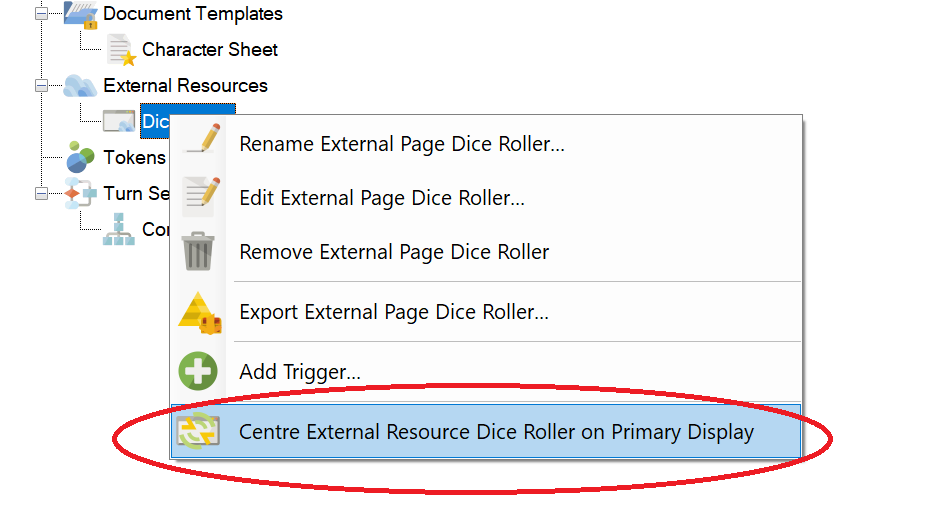
I have also fixed the early disk status dialog windows so that they are now centred correctly during Sojour’s load cycle.
The Webview2 component used for the PDFs also got upgraded to the latest version.
Finally, Sojour should now remember window positions correctly for setups with more than two monitors**.
** I only have access to two monitors to test against, so I’m coding this fix ‘blind’. It will be interesting to get feedback from customers using such environments!
That’s it for this release!
Have Fun!
RobP
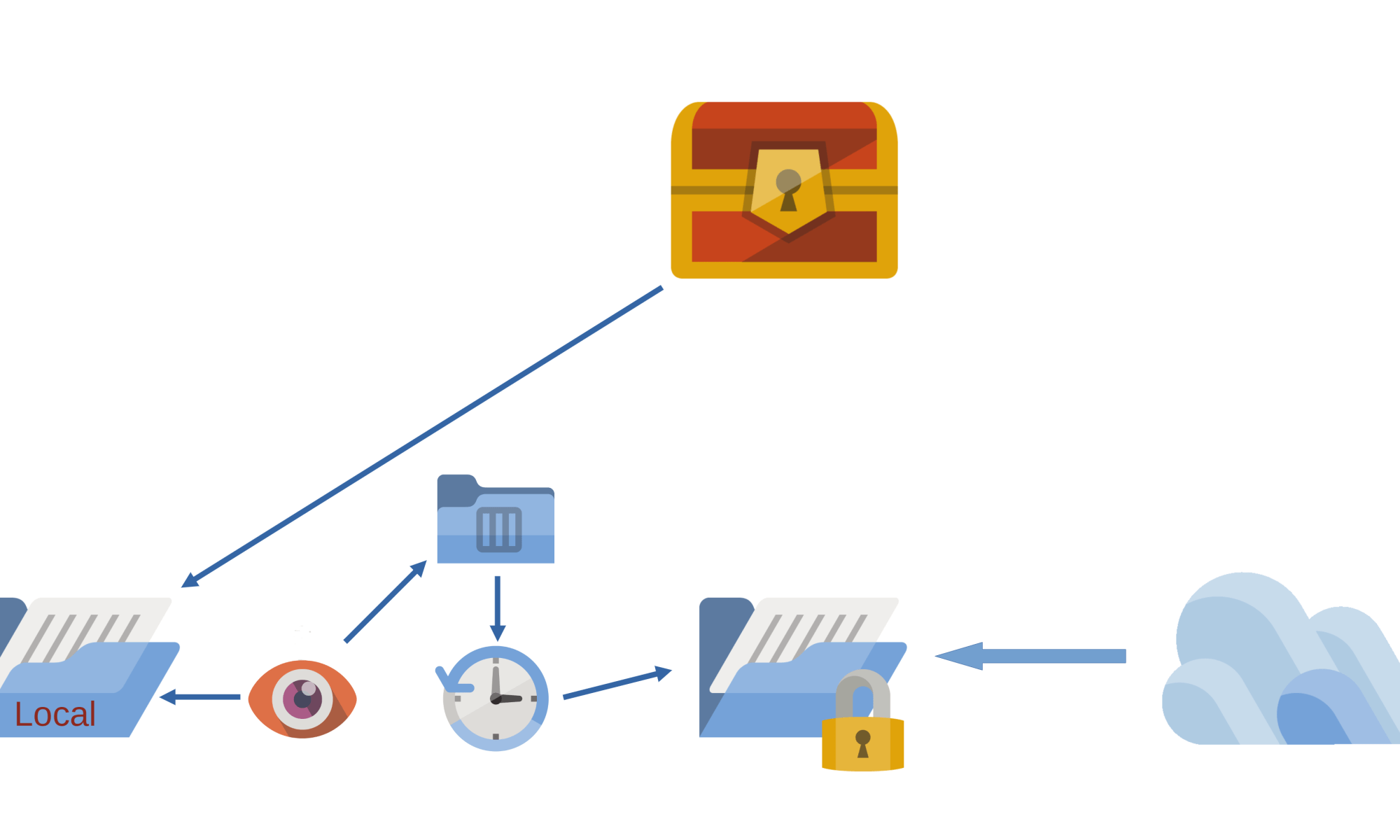
This release is primarily about making Sojour play nicely with Cloud Drives.
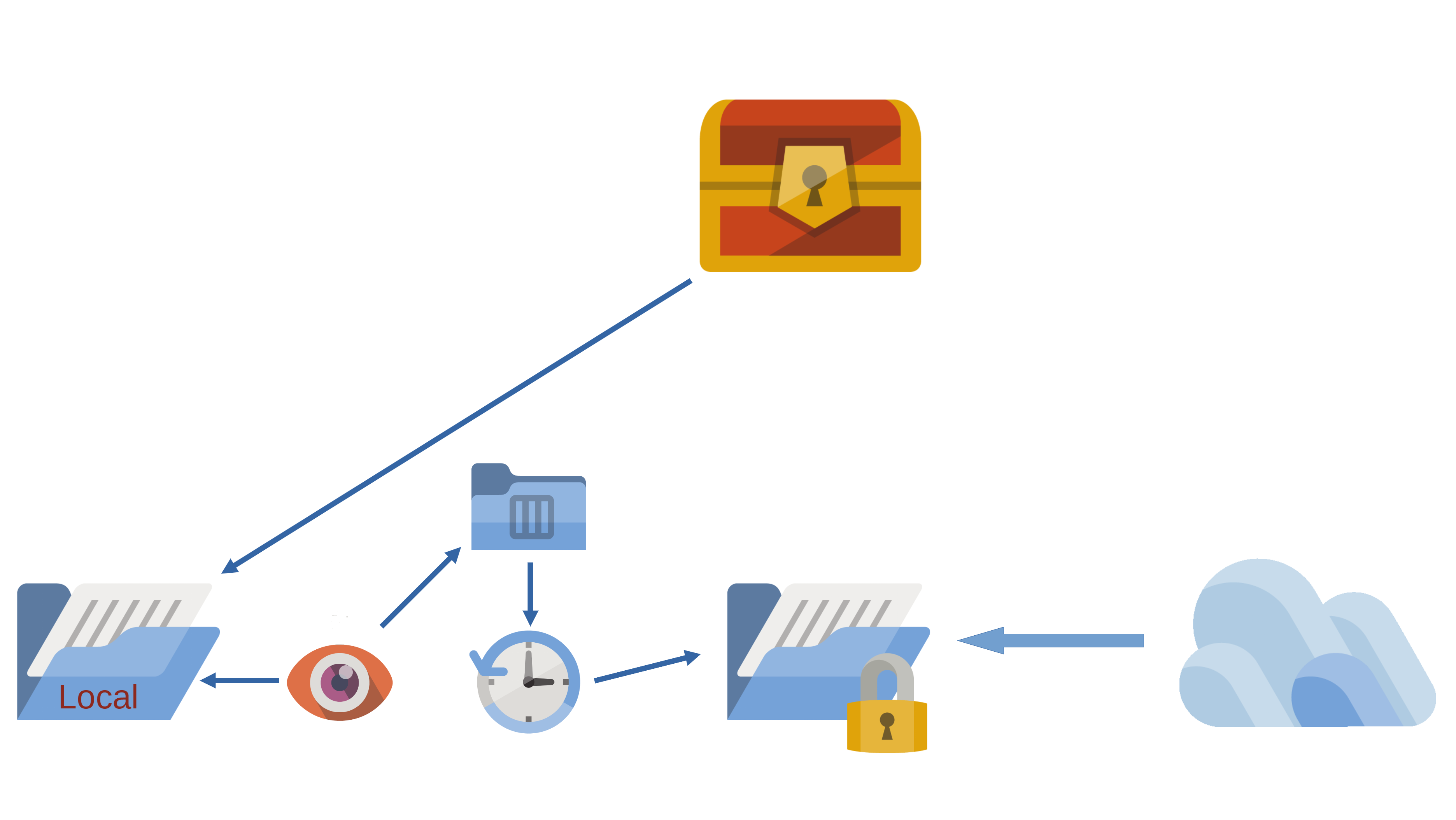
It’s one of those releases where a huge amount of work has gone into it, but if I have done my job correctly, you won’t notice much of a difference between this version and the previous one.
I won’t go into too much detail as to how the new filing system works – that’s the video’s job which you can view at the end of this post.
What I will say is that this is the first iteration of this new and complex filing system. It has had around 2 weeks of testing, but alas, the hardware and cloud systems that I have access to is somewhat limited, which might impact the efficacy of the testing.
Before installing this update, I highly recommend that all customers backup their data first.
I’m hoping there won’t be any issues, but given the nature of what has been done, it wouldn’t surprise me.
If you do find issues, please contact me using the email at the front of the manual and we will work together to get it resolved!
Other changes included the incorporation of a new enterprise level logging system:
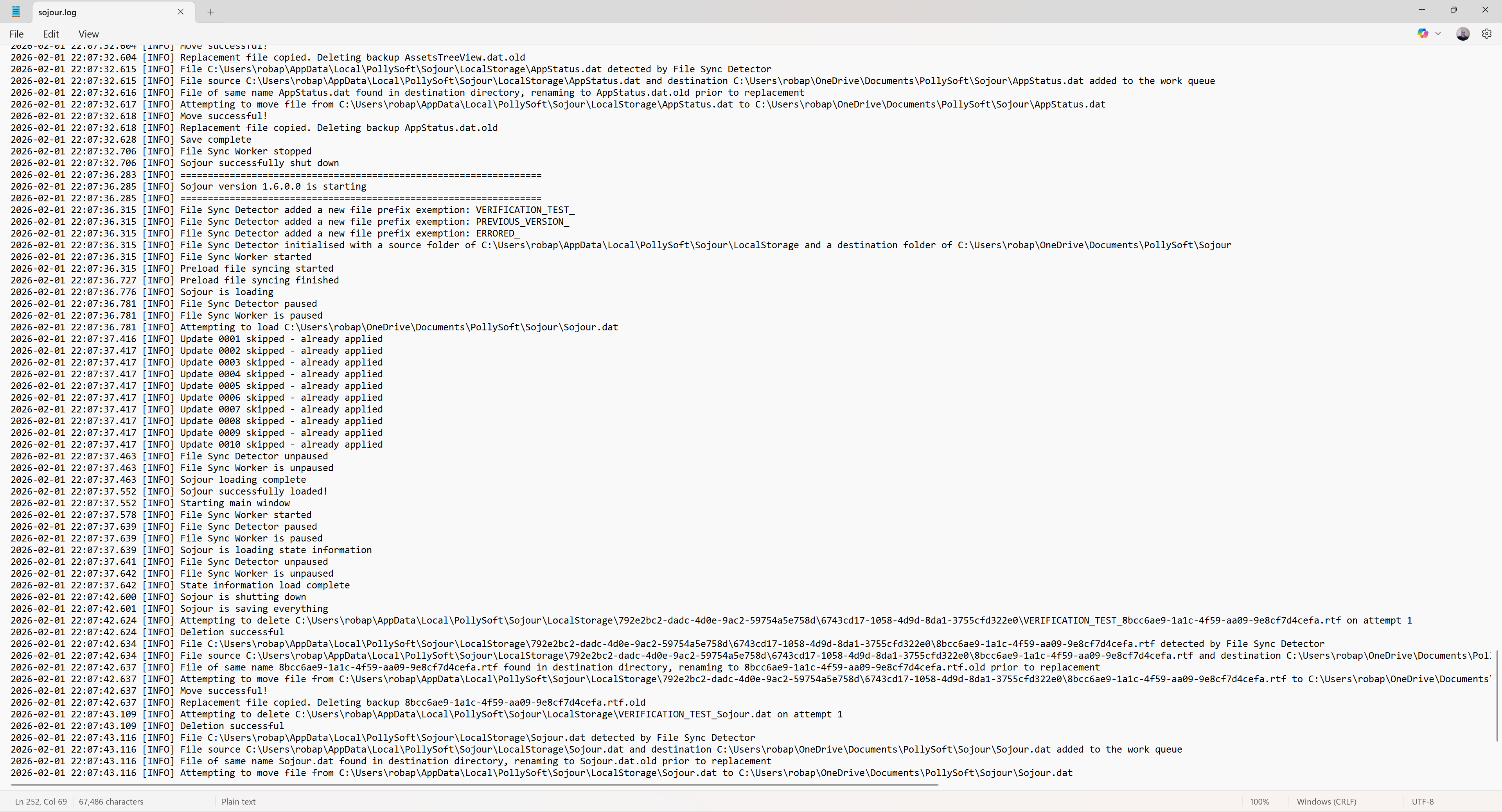
Logging got added to facilitate the testing of the new filing system. It’s needed because so much now happens behind the scenes that this is the only reliable way to see what’s going on.
These log files are rolling log files, so they will never grow out of control. Once they reach their maximum size, the oldest entries are removed to create enough space for the new ones.
The above log is the standard log, but the system also outputs a much more detailed developers log for when Sojour is run from Visual Studio.
These logs are now included in Sojour’s exception windows if, heaven forbid, Sojour crashes:
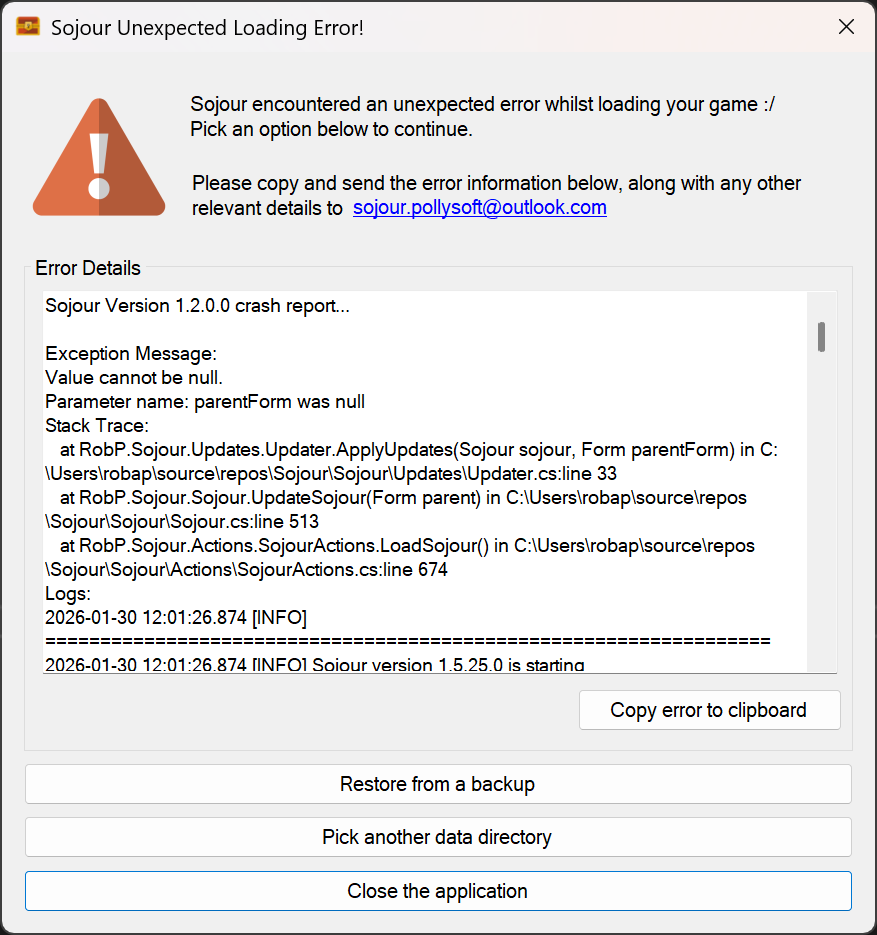
This should enable me to more easily fault find customer issues.
With the inclusion of the robust filing system and logging, I’m starting to feel that Sojour has crossed that boundary from a bedroom project to a full-on enterprise application!
What else got changed?
There is now a new splash screen:
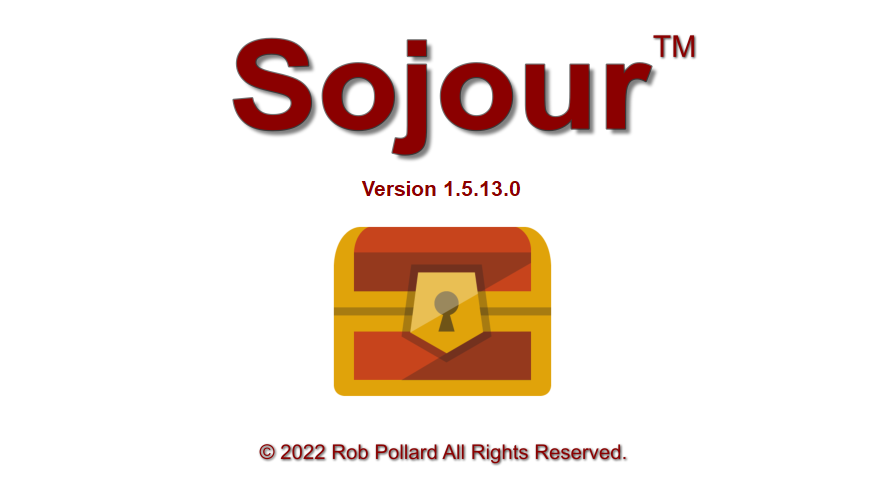
This was added because the new filing system is now asynchronous. This results in the user interface loading up its various elements in real-time, which is somewhat disconcerting. The splash screen was added to hide this behaviour.
The rendering loop of Ionian – Sojour’s graphics engine also got re-written to take into account the fact that asynchronous file operations can make Sojour look less busy than it actually is. This can result in the graphics engine unintentionally hogging all the resources as it thinks Sojour is idling.
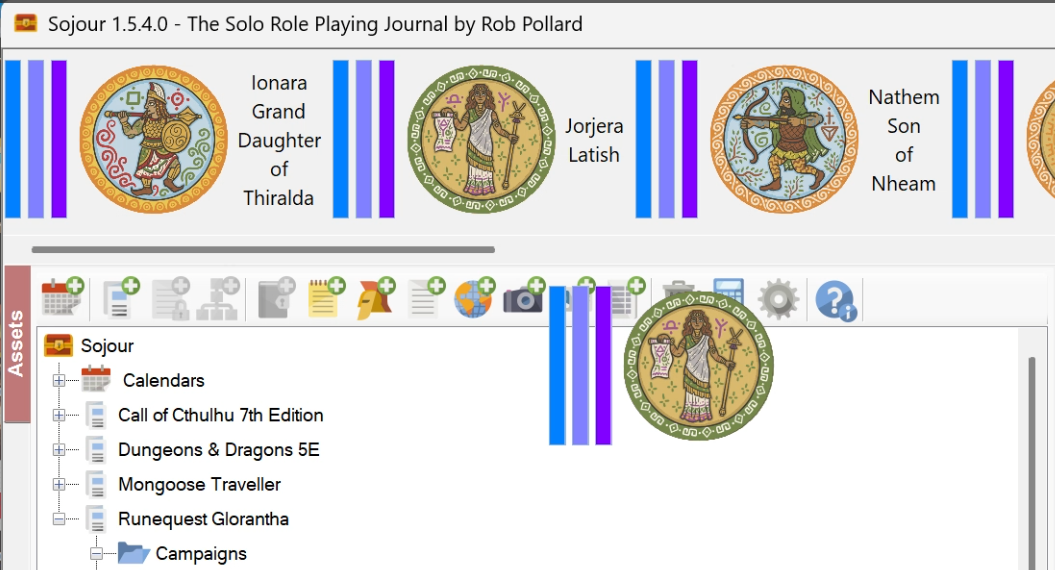
Various additional bugs were also fixed with the character health bars. These were all extreme corner cases. I only found these issues thanks to the new automated integration tests I wrote for this sub-system:
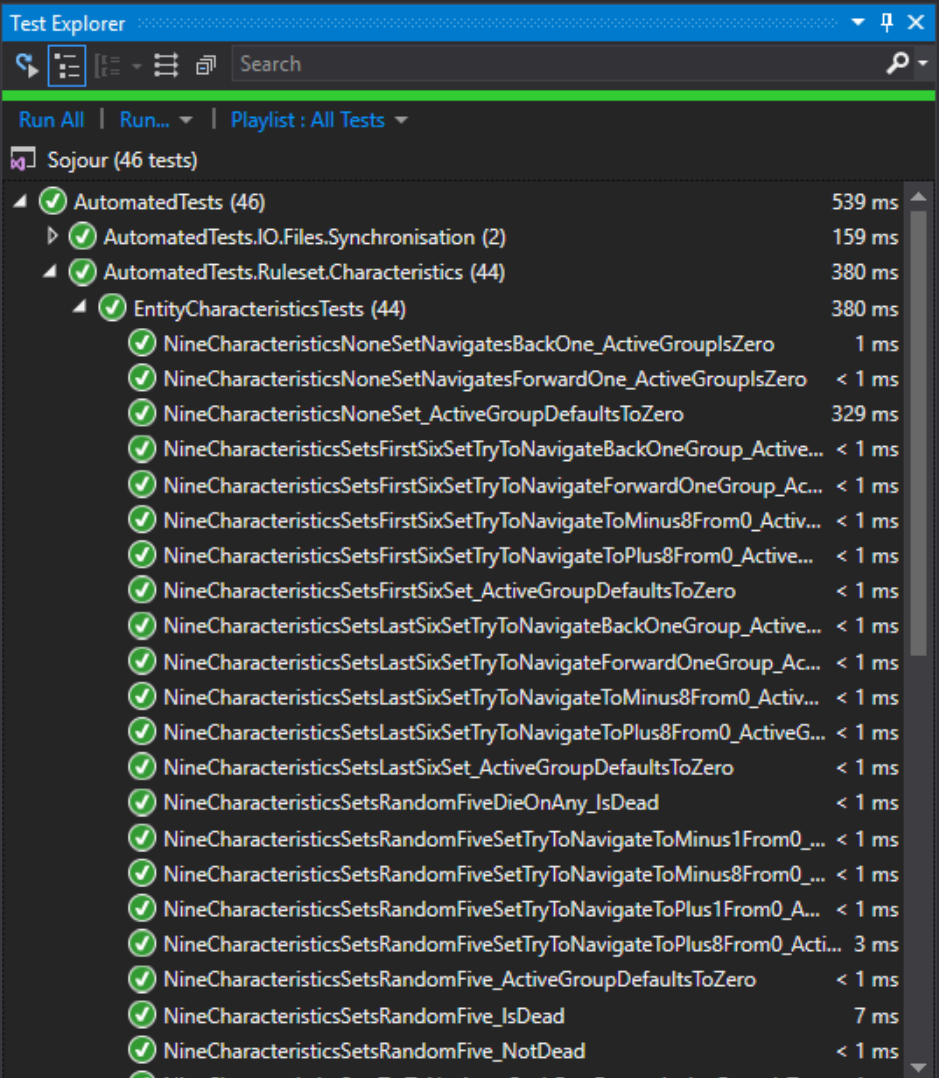
These tests should help prevent a re-occurrence of the emergency fixes that plagued the 1.5 releases.
The other big fix that got included in this release, was in and around how Sojour remembers its windows positions in a multi-monitor environment. There was a bug that prevented the windows being restored to the correct monitors. This should now be fixed – I say should, because the most monitors I could test this on was just two.
The video below provides a much more in depth explanation with regard to the new filing system. I’d encourage all customers to watch it!
That’s it for this release!
Have Fun!
RobP
Sorry for the continued hassles!
This is yet another hot fix to fix yet another health bar issue.
In this case, the fix was mostly focused around auto-dice rolled NPC characteristics – the ones that auto-roll when an NPC is dropped on the map.
Also fixed another bug in and around index calculations for characteristic bars too.
Why so many hotfixes?
v1.5.x.x includes additional code to do really aggressive caching of the health-bar graphics. The intent is to vastly reduce the number of times the health-bar graphics need to be recalculated.
Alas, the caching was way too aggressive and it wasn’t updating the health bars when it really should be!
There is most definitely a lesson to be learned here and characteristics are now going to get targeted for some new automated integration tests to try and reduce this risk in the future.
All customers on v1.5.x.x should upgrade!
Sorry for the constant updates!
Have Fun!
RobP
Howdy folks!
This tiny release fixes an issue where tokens dragged off of the token palette to the map were not showing their health-bars.
I recommend that all 1.5.X.X users switch to 1.5.3.0 – this issue does not affect 1.4.x.x versions.
You can download from the usual place in your Drive-Thru RPG library 🙂
Have fun!
RobP
I don’t normally like splash screens – but had to reluctantly add one to Sojour as its new disk filing system is now asynchronous.
Without a splash screen you can now see the UI elements populating in real-time as each loading process completes. I think this looks a wee bit unprofessional – hence the splash screen to hide the UI updates.
The older synchronous system – which you folks have – used to hide the UI updates simply because Sojour was blocking the main UI thread whilst performing the loading of the data.
Why the change to Sojour’s loading mechanism?
Cloud Drives.
It’s not just the loading mechanism either, everything file based has been overhauled in Sojour to allow it to play well with Cloud Drives such as One-Drive and Google-Drive.
This has been a huge undertaking, but I am now very pleased with the results.
For those that don’t know, Cloud Drives like to perform random management tasks on your files. Whilst they are doing this, they will lock your files at random. These file locks result in Windows throwing errors if Sojour ever tries to touch them – which can be quite often.
To get around this I have built a new filing system for Sojour which includes a file synchronisation manager to deal with the Cloud Drives various antics.
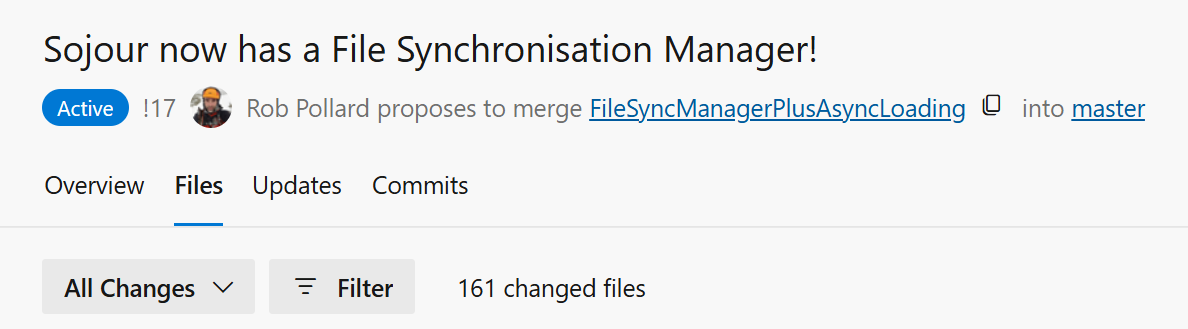
The code changes are huge:
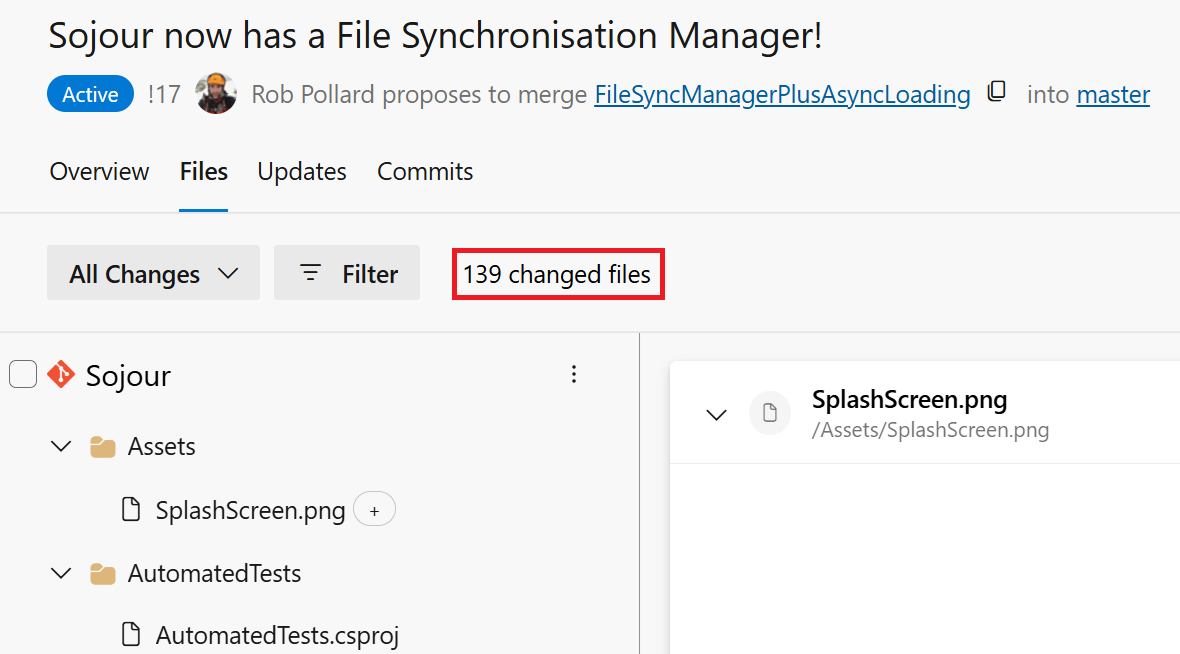
The new synchronisation system even resulted in me having to redesign Sojour’s graphics engine’s rendering loop – not a trivial task, but more on that when I produce a release video for this functionality.
So where are we with this?
The principal coding is done and the initial testing looks positive. However, these code changes touch and affect everything in Sojour – so there is a lot more testing to do before I can release it.
If we are very lucky we could be looking at a release in two weeks time, maybe earlier. It all depends if the testing discovers anything untoward.
Whilst we wait for this update, I highly recommend that users whose data directories are on a Cloud Drive move them to a local drive using Sojour’s file manager (double click the root node – the Sojour node in the assets browser):
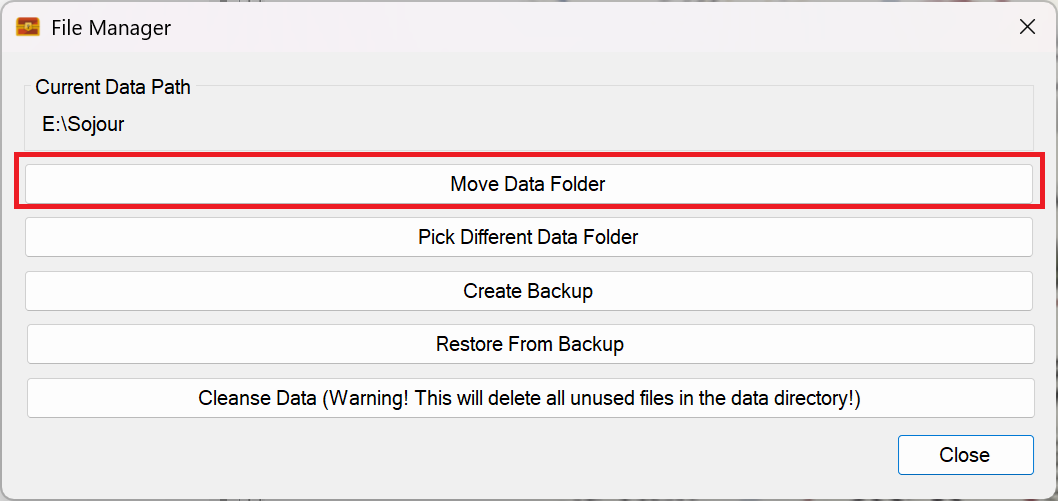
That’s it for this update! Hopefully you will hear from me in the next week or so!
Have Fun!
RobP
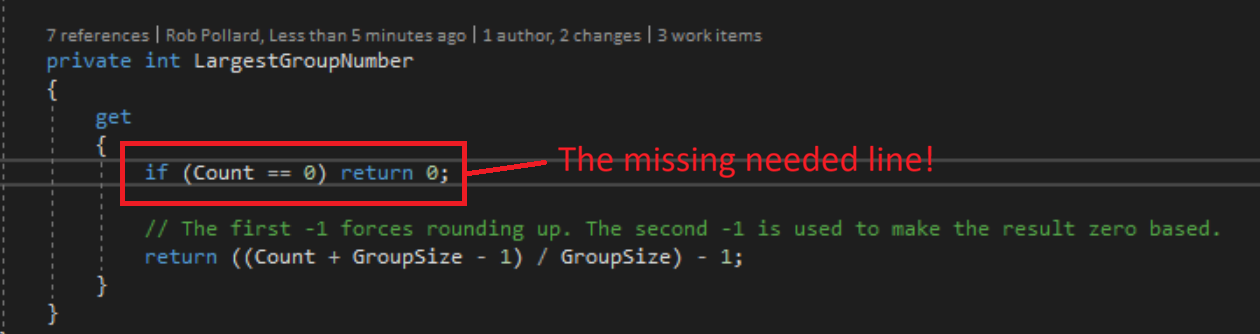
I didn’t expect to be posting so soon!
I have just released v1.5.2.0 which fixes an issue where pre-1.5.0.0 rulesets that have no characteristics or character sets defined would cause v1.5.0.0 to hang during loading.
It is recommended that all v.1.5.x.0 users upgrade to this version.
I only had one report for this issue. I suspect that the reason for the singular report is that by default Sojour provides one characteristic for a brand new ruleset – thus preventing the issue from popping up.
I’d like to thank the reporting customer for their patience and cooperation in helping to identify and fix this issue! 🙂
In other news, work is now quite advanced on Sojour’s new file sync manager which will make Sojour a lot more fault tolerant when its data folder is pointed at a cloud drive like Google Drive or One Drive.
Hopefully there will be a release either this week or the next.
Have fun!
RobP
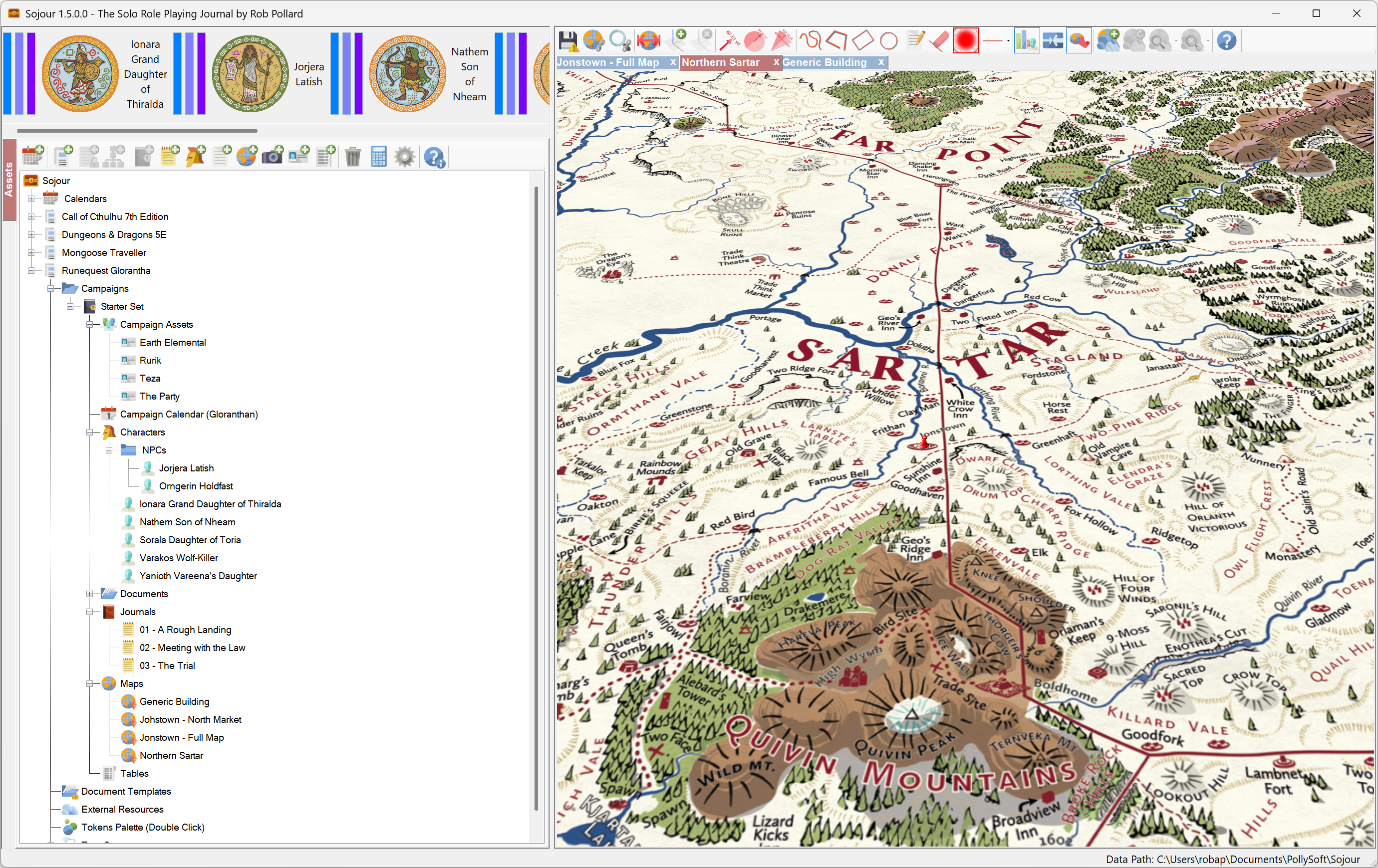
This is a minor release that addresses two issues:
As for the future, I have been getting a few reports about issues when Sojour’s data directory is set to a ‘Cloud’ drive such as One-Drive or Google-Drive.
The core problem is that cloud drives will occasionally take charge of various files, either to synchronise them or move them around. Once they have a file locked, there is nothing Sojour can do about it. This can lead to Sojour crashing out as it tries to write data to a file it thinks it has sole ownership of.
For the moment, I would recommend not pointing Sojour’s data directory at a cloud drive.
My intent is to work out a technical solution for this.
I already have one idea, and that is some kind of file synchronisation manager which will let Sojour simply retry file tasks at a future point in time if the files are locked.
I have been through the code and so far I know it will be possible, but non-trivial.
This piece of functionality has pipped its way to the top of my priorities list as I want my customers to be able to use their cloud drives for Sojour’s data
In the meantime
Have Fun!
RobP
 Sojour