

This is a minor enhancement request by a customer as promised in the last blog post 🙂
Up till now, if the date or time changed in the campaign calendar, Sojour would inject this kind of text into the active journal:
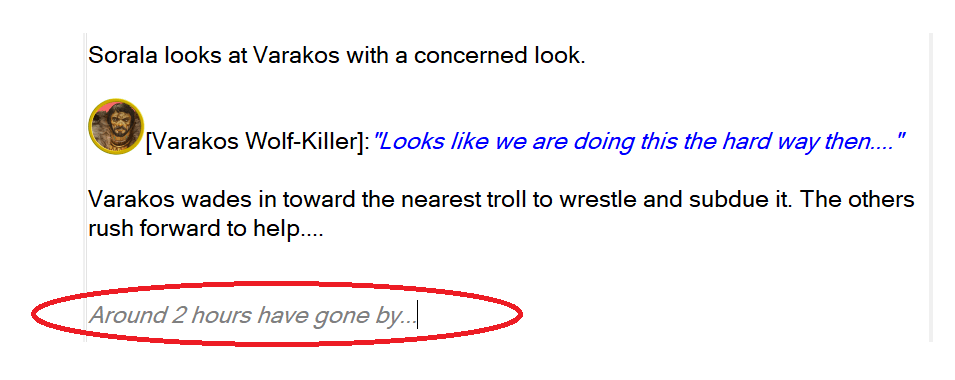
The above output is still an option.
However, you can now pop into Sojour’s Settings where you will be presented with a new setting:

The default option is ‘None’ and this results in the journal output shown above.
However, you can choose to have Sojour also add the current Short Date or Long Date as you have defined it in your campaign calendar!
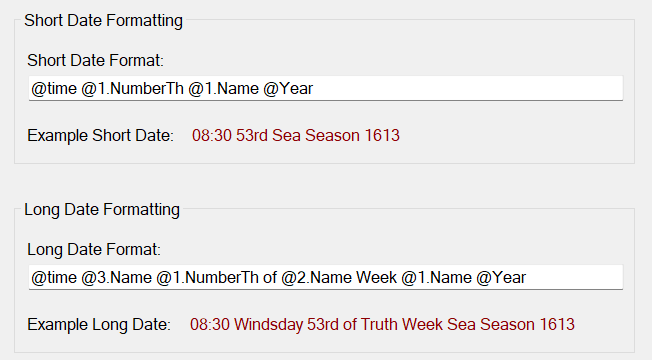
For our example we are using the Gloranthan Calendar and its Short and Long date are defined as follows:
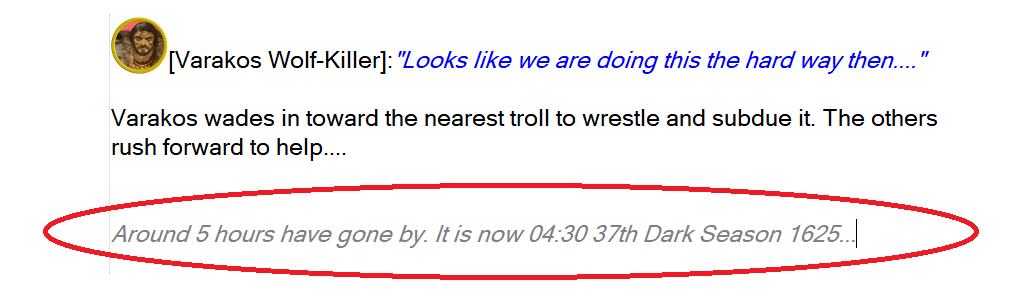
Here is the journal output when time is pushed forward by 5 hours with the ‘Short Date’ option enabled:
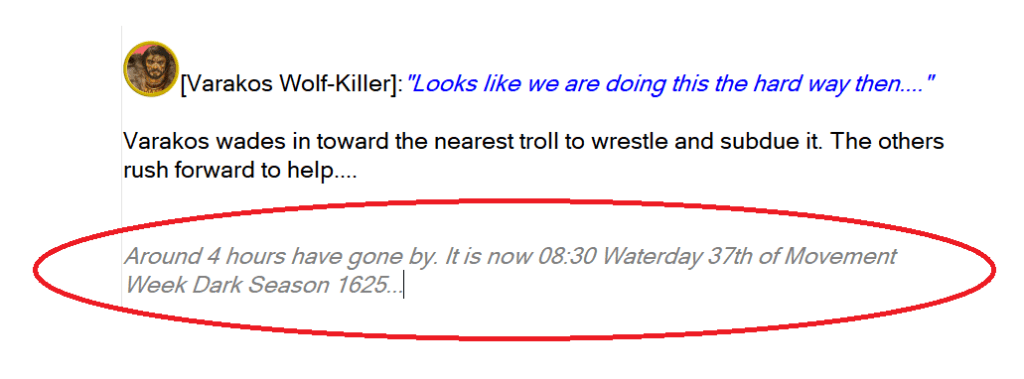
And here it is when time is pushed forward 4 hours with the ‘Long Date’ option enabled:
That’s it for this mini update! I hope you like it!
As I have said in my videos, Sojour is a collaborative project. The moment you buy it, you join the team and can request new features. If I think it’s a good idea it will go in! So don’t be shy!
Don’t worry the 3d map tilt technology is coming soon 🙂
Have Fun!
RobP
 Sojour