

This release fixes a number of issues and also adds token size locking to prevent accidental token resizing.
With this version you must unlock a token before you can resize it with the mouse wheel.
Tokens are unlocked by right clicking on them and toggling the ‘Token size locked :
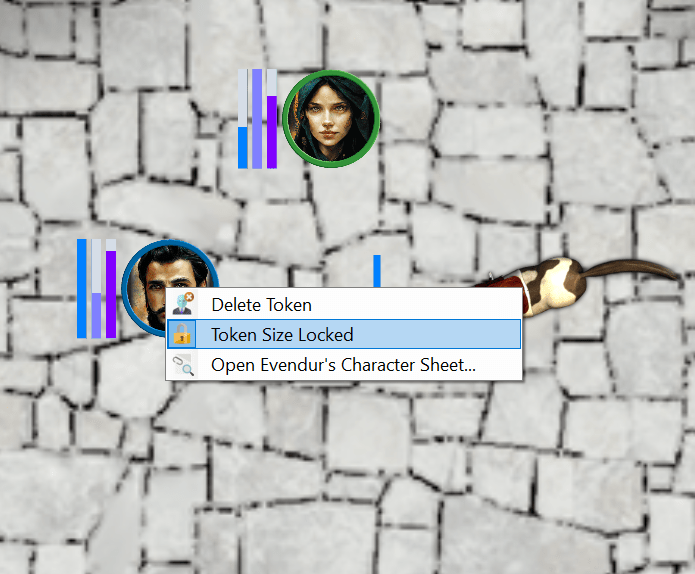
Sojour remembers this setting for each token on each map.
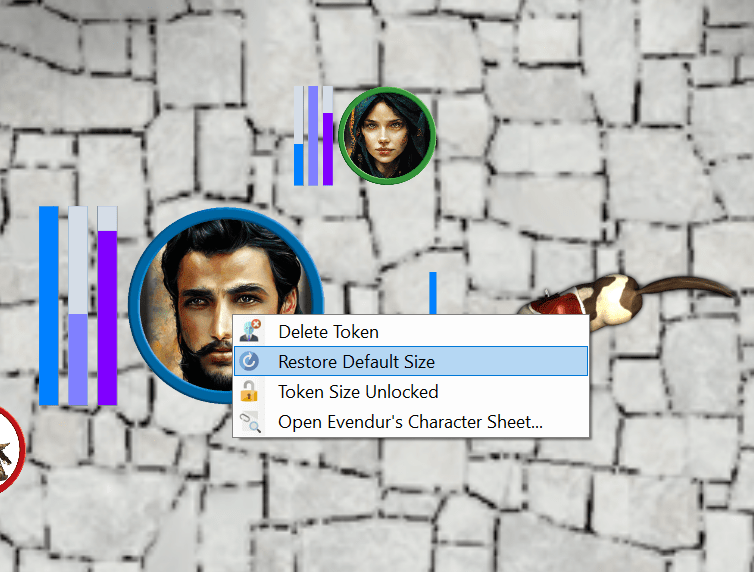
Tokens that have their default sizes changed by the user can now be reset back to the map’s default token size by right clicking on them and selecting ‘Restore Default Size’:
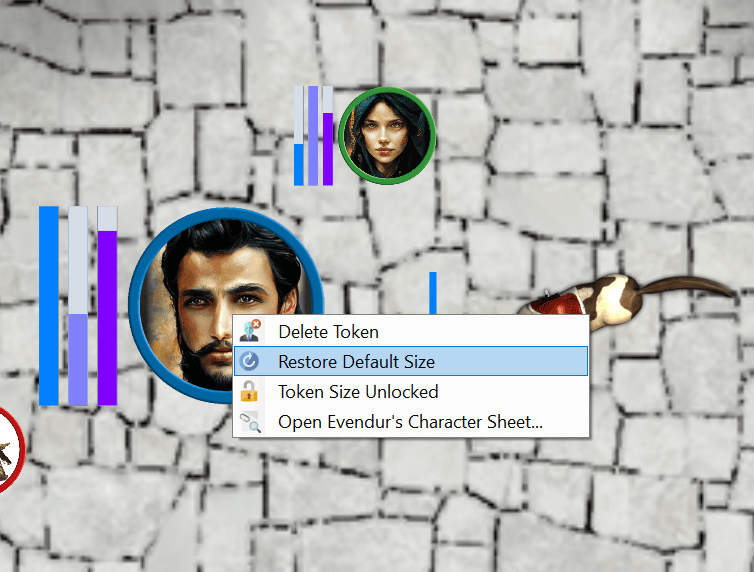
These two enhancements should make token size management a little less fiddly 🙂
Here is the full list of changes and fixes in this release:
- RPG-309 Fixed an issue with the dice parser not understanding capitalised dice expressions.
- RPG-310 Token sizes are now locked by default. To resize a token you must first unlock it on its context menu. This is to prevent accidental resizing. A new menu item has also been added to allow the user to resize a token back to its default size where it has had its size overridden by the user. In addition the map context menu has been tidied up!
- RPG-311 Experimental fix to remove user key collisions with a journal’s automatic background processing.
- RPG-312 The Microsoft WebView component used for the PDF viewer has been updated to the latest version
- RPG-313 Tokens no longer move when left clicking the map immediately after right clicking on a token.
- RPG-314 The map no longer flashes white when the ctrl or shift keys are used in the journal.
As usual all updates are free for paying customers! Just pop to your DriveThruRPG accounts and download the latest version!
That’s it for this post!
Have Fun!
RobP
 Sojour