

I’m still working on Dorian the new graphics engine for Sojour.
The proof of concept shown a post or two ago has now been retired and the actual coding of the engine itself has commenced. It is pretty powerful, a lot more powerful than the proof of concept, so I’m expecting great things of it.
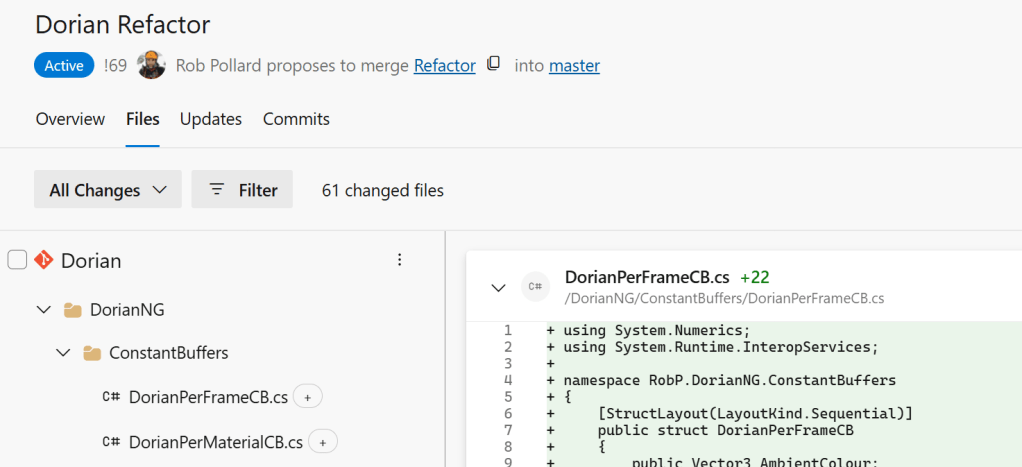
The downside is that code wise it is a lot larger and more complex than the Ionian graphics engine that Sojour currently uses:
What’s changed this release?
The screenshot sub-system. 😊
I had a number of customer reports that the old system used to crash on multi-monitor setups.
As a result I bought myself a third monitor. This finally let me reproduce some of the issues my customers were seeing.
After investigating the core issues, I decided to rewrite the entire screenshot system from scratch.
It now works properly in multi-monitor, multi-DPI setups and is much less prone to out of memory issues. In fact I didn’t see single one at all during the extensive testing and this was on a low powered laptop driving three screens!
I’m pretty happy with the newer system. However, there are some behavioural changes when compared to the previous system.
Firstly, to take the screenshot, you now click and hold the left mouse button and then drag the mouse cursor to size the rectangle. When happy, let go of the mouse and you have your screenshot. This seems to be the industry standard, hence the change.
The new system also allows you to use the <ESC> key to exit screen shot mode if you wish to exit without taking a screenshot.
The final change is that it now darkens the whole screen except the area being screenshotted:
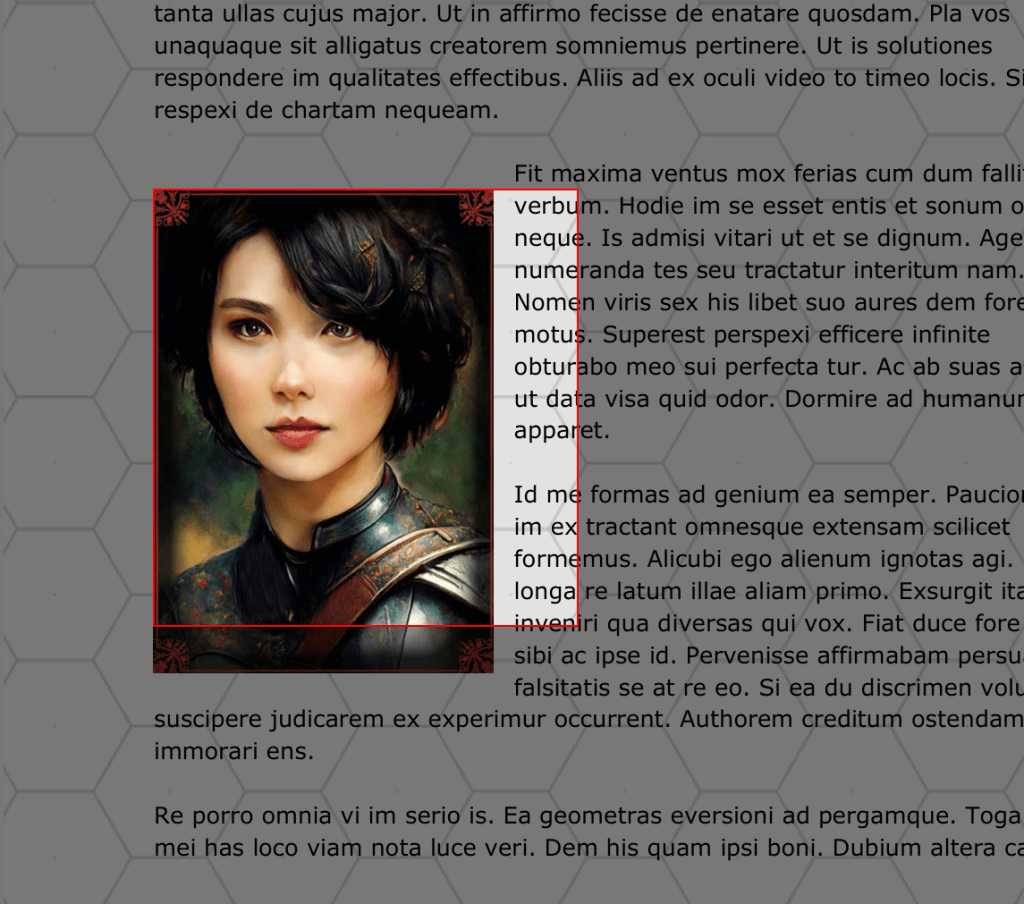
This dimming of the screen makes it much more obvious that you are in screenshot mode and it makes the selected area stand out a lot more.
That’s it for this release.
Have Fun!
RobP
 Sojour