

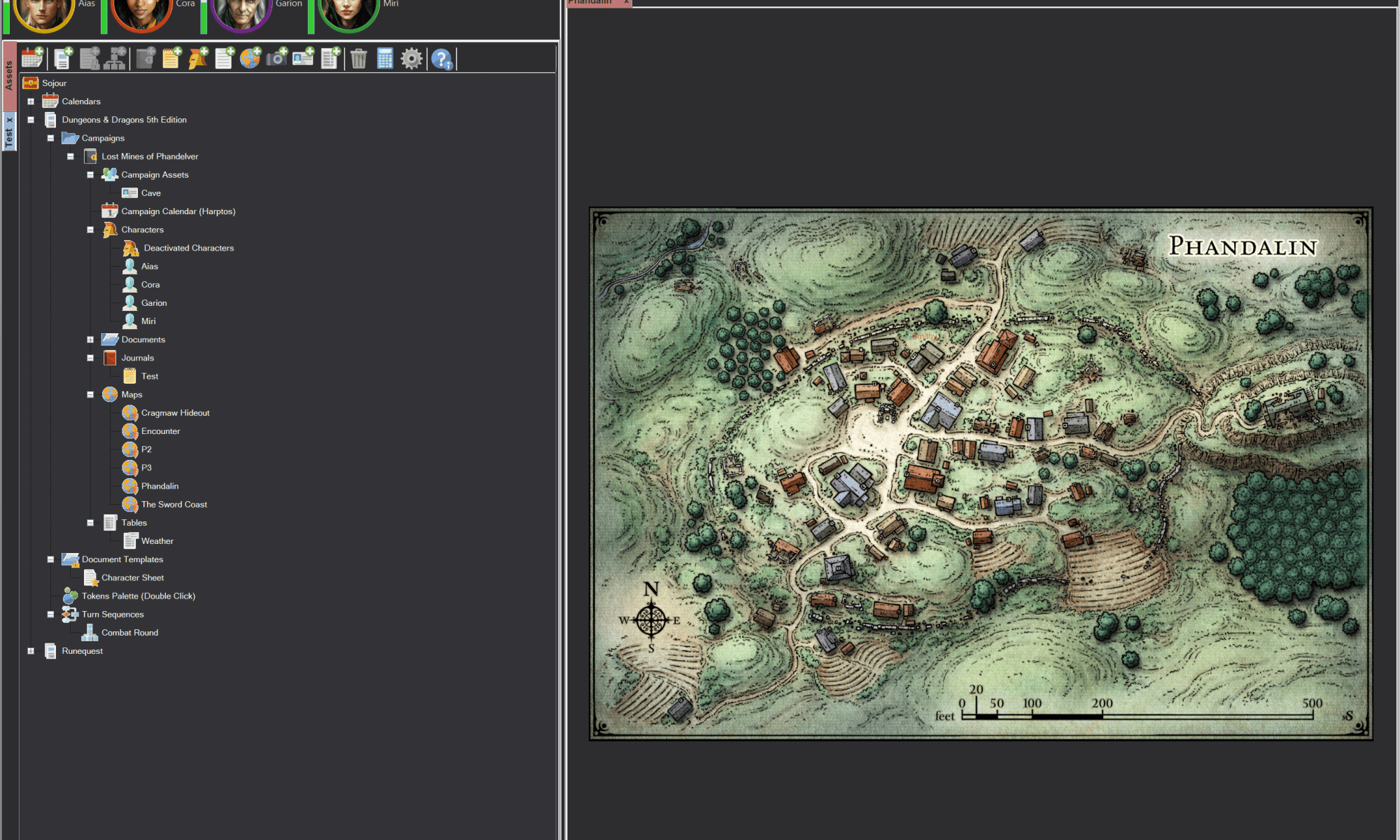
It’s been a little while since the last post. Although I haven’t had too much free time, I have managed to sink in around 16 hours and 30 mins into implementing a dark mode for Sojour. Dark mode will be part of the v1.2 release which includes 9 other planned enhancements!
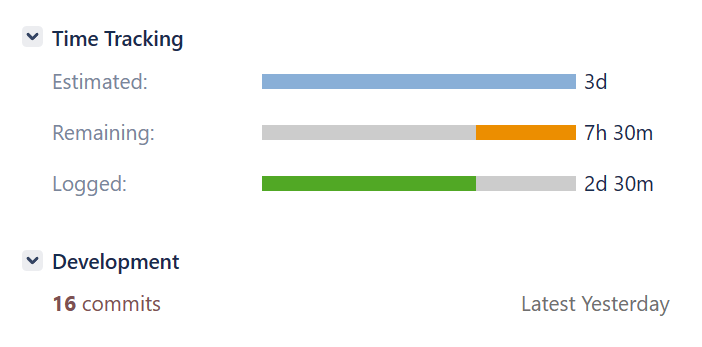
Although I’m making progress, it is taking a huge amount of time and effort because the underlying technology I’m using doesn’t really support it. The results are also not up to my usual high standards, but alas, this is the best that can be done with WinForms – the tech Sojour currently uses.
There is still a long way to go, but I’ll post some in-progress images to show where we are.
The first two images are Sojour in ‘Light’ mode:

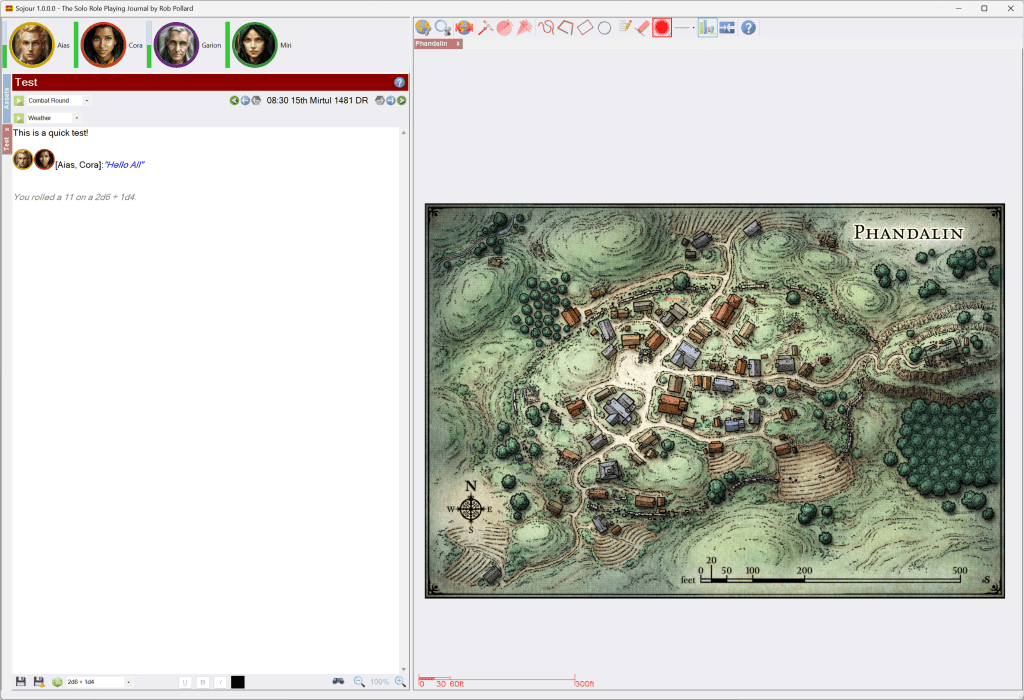
Nothing too surprising there – other than some minor controls changes .
Sojour’s settings now have a dark mode option:
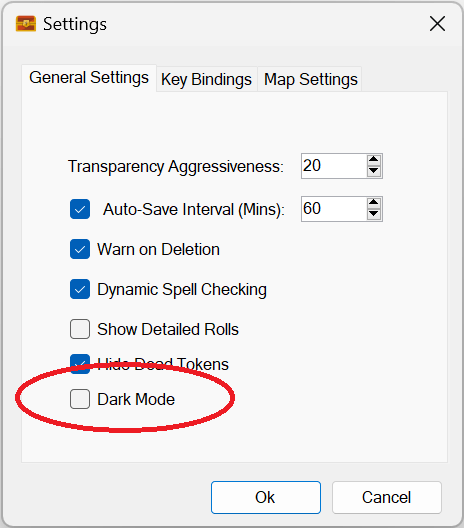
Clicking this tick box and hitting the Ok button results in Sojour looking like this:
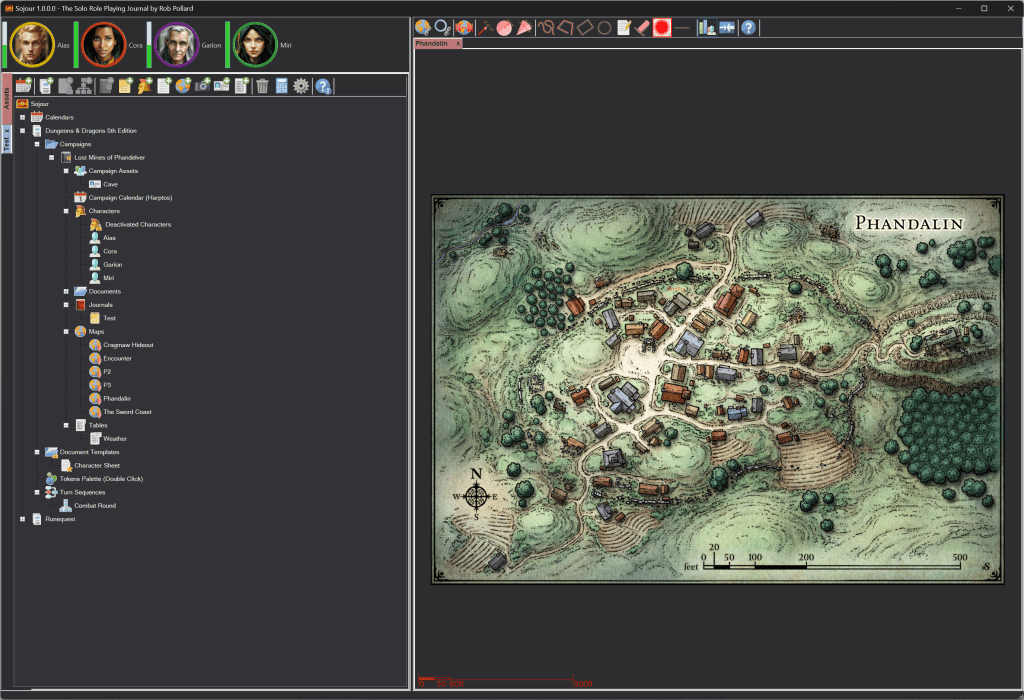
This first screenshot doesn’t look too bad, but one of the things that needs doing is updating the assets browser iconography to better match the darker mode.
Just to get to this point took a lot of effort and low level coding as many of the windows controls – like the tabbed controls, ignore colour settings!
This is what the journal panel looks like:
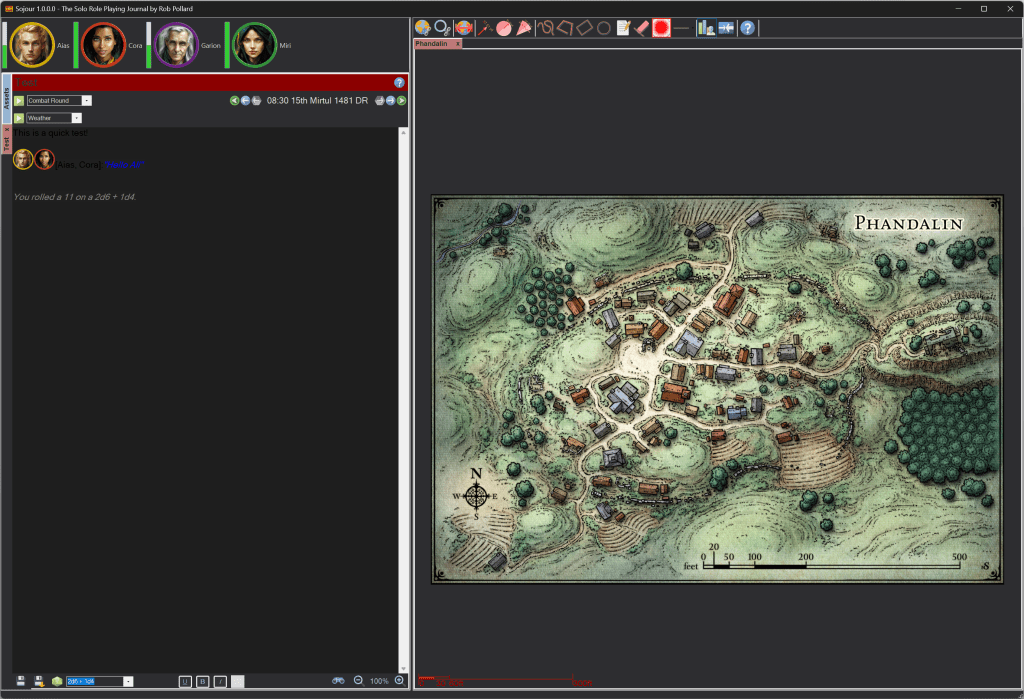
The big issue here are that the journal’s text colour will need to be auto updated to make it easier to read in dark mode. It then needs to be able to revert back to its original colouration when back in light mode. This is the job I’m currently working on.
In addition, the scroll bar on the right of the journal is not respecting darkmode at all! This is another issue with the WinForms framework I’m using – one cannot set the scroll bar colours. I am looking at a solution for this, but like the tabs, its going to involve some really tricky low level coding.
Once that’s done, I will need to update all of Sojour’s windows to support dark mode. Right now they have all had their code updated to support mode switching. However, I will need to go through each window and manually add various settings to make the colours change as required.
In conjunction with the above coding, I have also been learning two sets of new cutting edge technologies. One of these is Winui3. The intent is that once Sojour v1.2 has been released, Sojour will go for a full rewrite using Winui3 and a new graphics engine.
The reason for the change is that I want windows theme modes to be properly supported, plus I want to update the look and feel of Sojour to be more modern.
A rewrite will also provide numerous other benefits too.
Firstly the Winui3 framework has a route to producing cross platform versions of Sojour for both OSX on the Mac and Linux too. I have had many potential customers ask if Sojour could be made available on these platforms!
Secondly, the update will allow me to produce a 64 bit version of Sojour which will have many benefits with regard to maximum map sizes and performance – not that the current Sojour is a slouch – just view the videos!
Winui3 also has the advantage that it is DPI aware. This will allow Sojour to look great over a much wider range of desktop resolutions and DPI settings.
The final advantage is one of risk reduction. Sojour uses some pretty old technology because the project came about accidently from Ancient Armies, another project I’m working on.
Using old technology always runs the risk of it being made incompatible by latest operating system changes. Whilst unlikely, as the technology Sojour uses is still widely used, I’d still feel happier seeing Sojour using the latest and greatest technology that’s available!
As with all Sojour updates, the v1.2 release and the rewrite will be free for all existing customers!
Thank you all for buying Sojour! 🙂
Happy Gaming!
RobP
 Sojour