

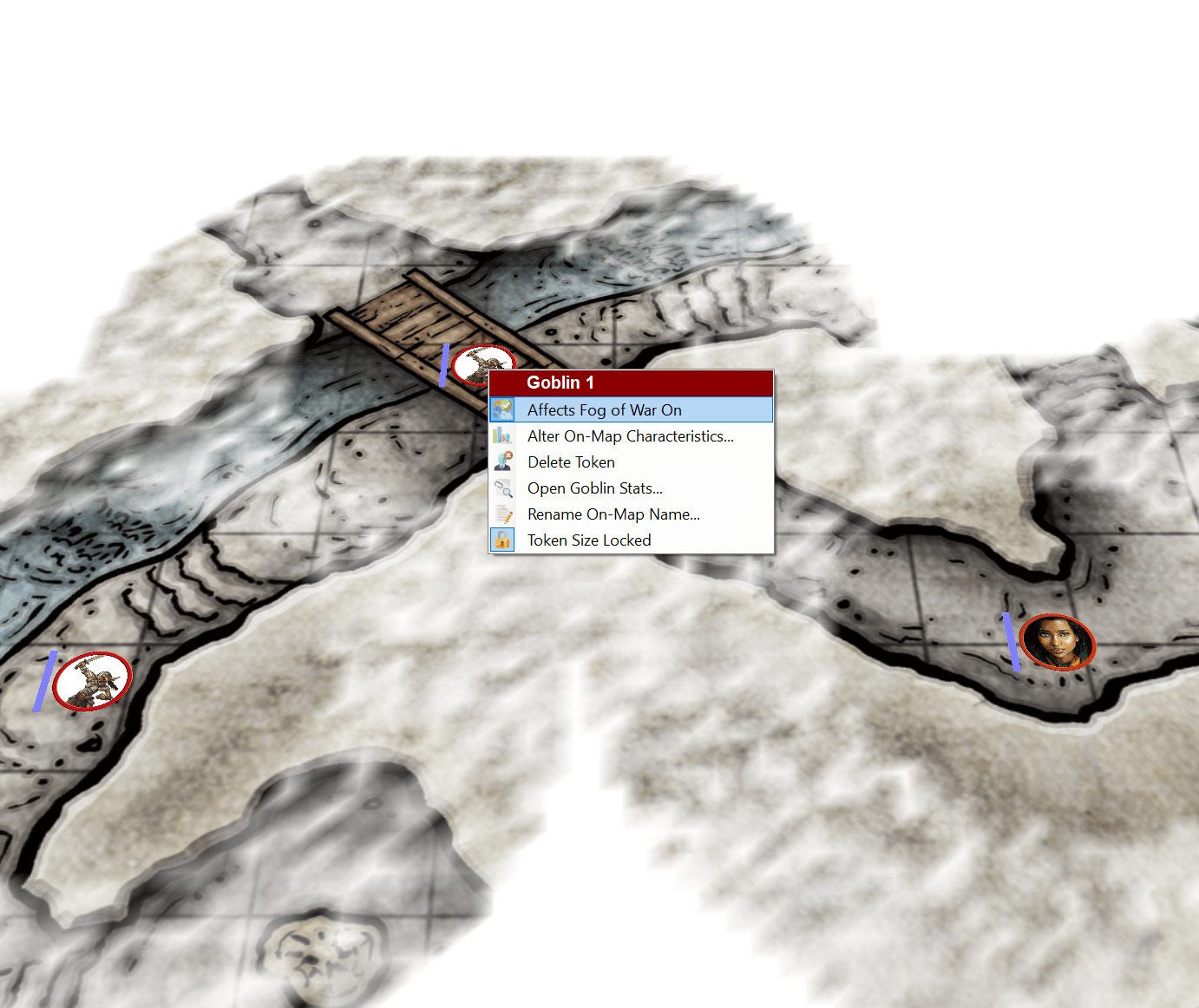
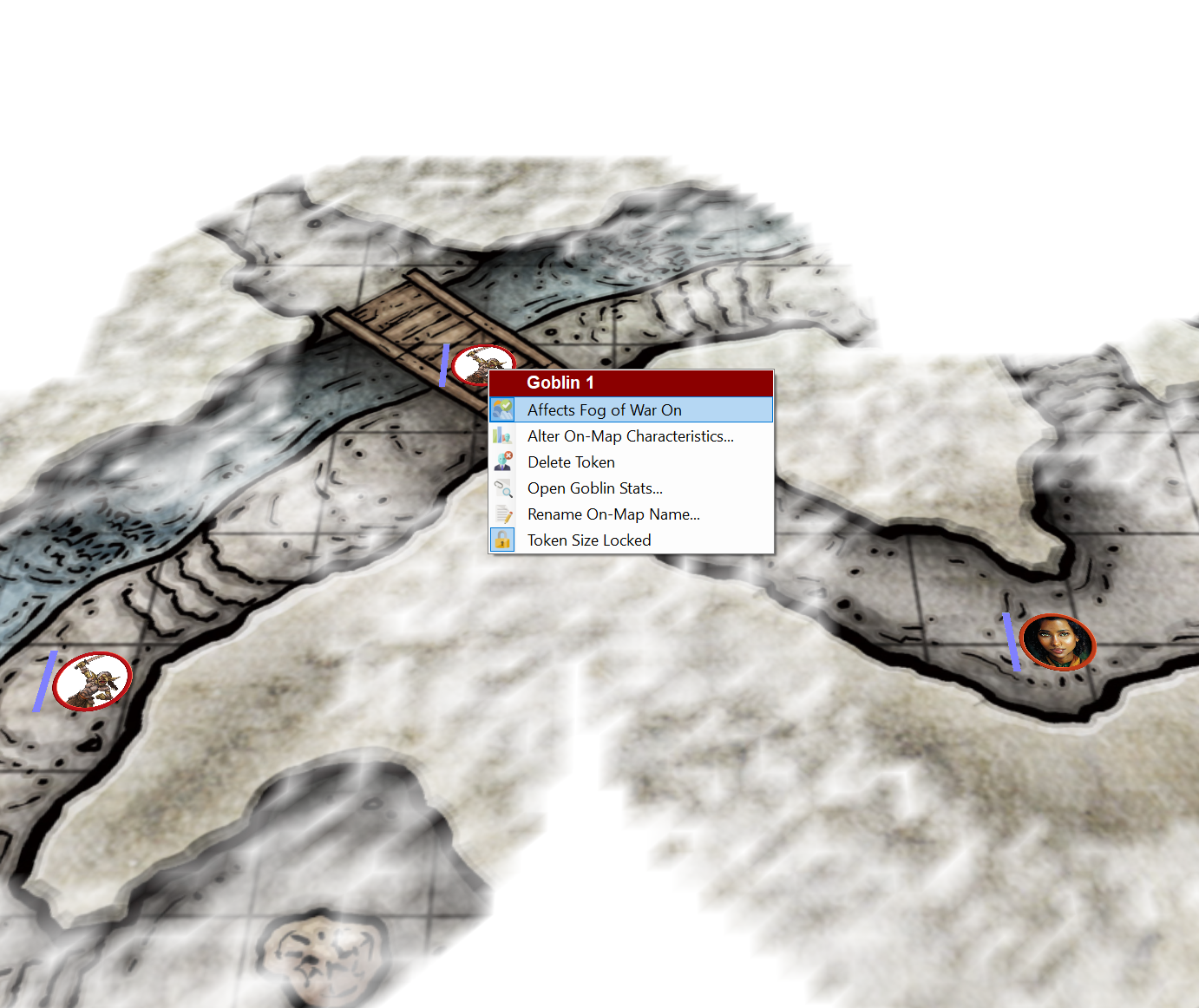
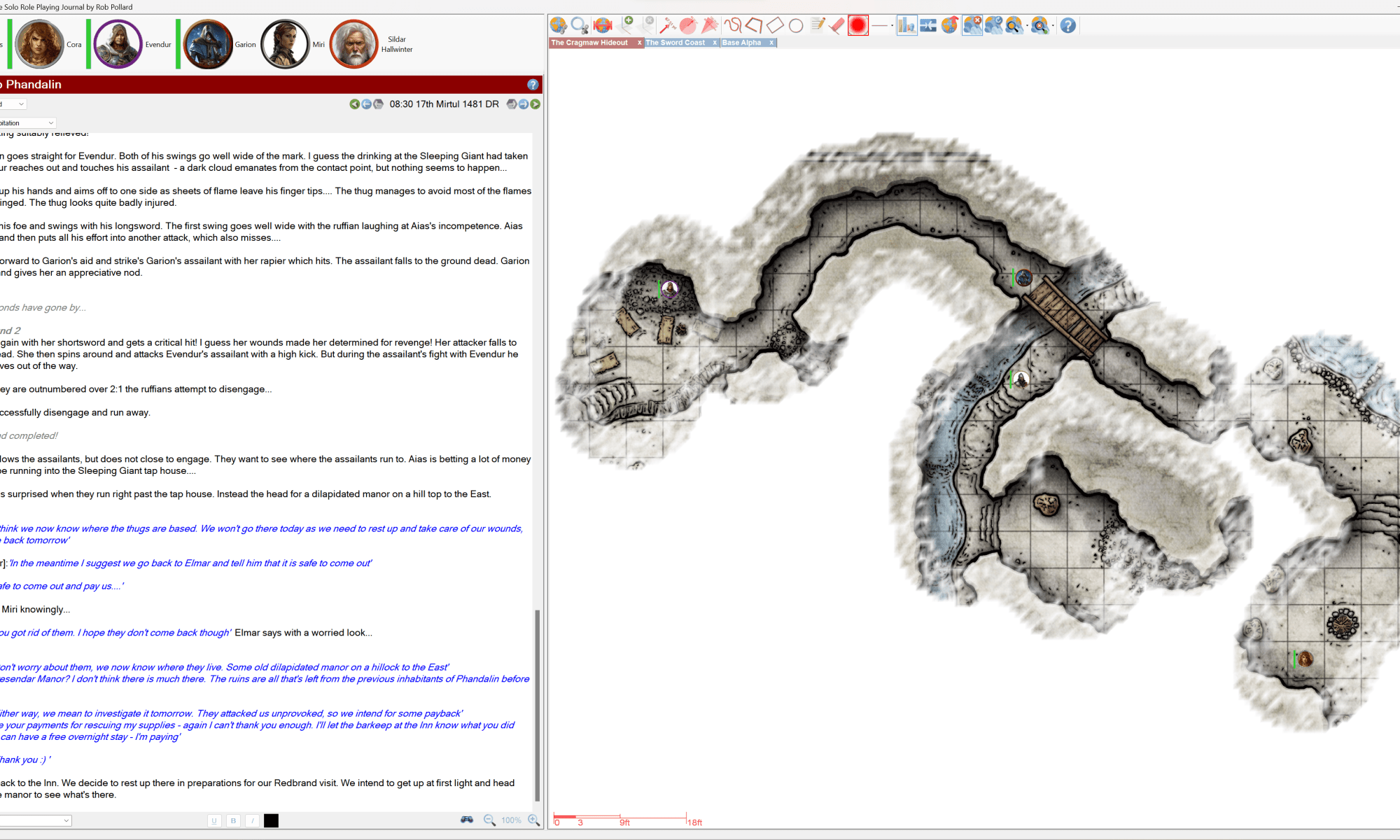
This version includes fog of war enhancements added as a result of customer feedback.
Once again, thank you for this feedback, it is invaluable.
If you want to know more about the Fog of War enhancements pop over to this You-Tube video:
Here are the full list of changes for this release:
- RPG-335 Fixed an issue that could occasionally crash the journal when changing between font types.
- RPG-336 Tokens can now have their ability to affect the fog in fog of war toggled by using a right click context menu item. See the manual and the video for each token’s type defaults.
- RPG-341 Sojour’s file handling code has been tightened up. However, note, that windows file paths default to having a maximum length of 260 characters. If you go above that, you will need to enable it with this registry tweak.
- RPG-347 The map preview is now left on for the duration of map scaling and the map scaling token now always appears above the fog. This makes custom token scaling easier on maps with fog.
- RPG-348 This is a corner case fix. If you drag a character to a map that the character is already on, then drag your cursor off the map, Sojour could crash in certain circumstances. This has been fixed!
- RPG-350 The map free draw function has had code added to it to smooth out drawings (they used to come out quite jagged!)
That’s it for this week!
Have Fun!
RobP
 Sojour