Where we are and where we are going!

Where we are

Sojour has been out for around a month and so far very few bugs have been reported. That’s a good thing and it shows that the testing effort was pretty effective.

The current version of Sojour is 1.0.8.0. All customers should have received emails from DriveThruRPG informing them of any upgrades. If not, check your junk mail. Either way, you can always log into your DriveThruRPG Library and download the latest version from there.

(For those that still don’t have Sojour but are interested in buying, it can be purchased here for a one off payment of $10 USD.)

Outstanding known bugs in version 1.0.8.0:

  1. Suspect range scale – this does not affect the measurement tools. I think this issue is now mostly fixed – see the release notes.
  2. Installer fails when .net 3.5 is not already installed – I have had only one report on this one. It will be addressed when I get a chance to wipe my laptop as this will be the only real way to test the installer (yes I should invest in some VMs….)
  3. A chap reported seeing a crash when right clicking in the assets tree-view. I have been unable to replicate this and the chap hasn’t got back to me. If you are that chap, please check your junk mail and get back to me 🙂

These are the bugs that I’m aware of. If you know of any others, then please get in touch using the email address at the beginning of the manual or in the release notes.

Where we are going

The first port of call are custom folders. This is the catch-all name for a functional feature that I’m adding that will allow customers to create their own folder structures in the assets tree-view.

This feature will also include custom coloured tabs that are keyed to a campaign, plus a means to link assets in the assets tree-view together. eg Adding a map link directly into a journal will be possible, as well as linking many other asset types.

To deliver this functionality, the first technical hurdle to overcome was the coupling between the assets tree-view and the customer data:

Right now, what one sees in the assets tree-view on the right is always a direct representation of the data within Sojour. With this architecture the assets tree-view can only represent the data in one way – the way it is structured internally.

My first job was to sever this link to allow for the possibility of customisation. This was done last Saturday (21st Jan 2023).

As a result we now have:

This new architecture decouples the data from what you actually see in the assets tree-view.

It allows customers to alter their view of their data without actually altering the data itself! The view is also entirely independent of Sojour’s internal data structures, further enhancing customisation.

It’s a very powerful system and one that will ultimately allow customers to create their own custom tree-views called views that will be selectable from a drop down list.

However, the custom view functionality described above will be delivered in the second iteration of custom folders feature and not the first. This is to allow me to mitigate risk and to get timely feedback that things are working properly.

Speaking of working properly, the intent is to initially release this functionality as a beta installer. That way customers can choose whether or not they wish to be at the bleeding edge of the engineering effort.

I digress however….

The first iteration of this system will have much of its internal functionality disabled. It will only support one view – the default Sojour view and will only allow customers to add custom folders under the existing Sojour structures. In addition, I will be limiting the content of each custom folder to the asset type of its parent, or another folder. eg If you add a folder under the maps node, only maps and other folders can be stored there.

The restrictions above are a temporary measure to aid the testing effort. If I enable everything at once, you folks will have to wait a lot longer for the Sojour release as it will need a lot more up front testing.

As a lone developer I need and value iterative feedback in order to be effective and to ensure that what I’m doing is what the customers want (quite a few have asked for this feature).

Once the initial testing is complete, I will enable the full views functionality that will allow customers to create any folder structure that they wish, mix asset types within a folder and to also filter folders to create any number of custom views.

Please bear in mind that this isn’t my day job – I’m a web developer – and that I’m the sole person on Sojour. I can only put time towards this project as and when it becomes available. As a result things may well be a little slower when compared to the big software houses. Patience is the key 🙂

Once again, a big thank you to all the customers that took a plunge and bought Sojour from an unknown developer. I hope that I can fully repay the faith that you have placed in the product.

RobP

Sojour just got updated to version 1.0.5.0!

For those that have bought Sojour, you should be getting an email from DriveThru RPG alerting you to the update plus the relevant release notes! If not, please check your junk mail folders.

For those interested in buying Sojour it costs a one off payment of $10 usd and can be bought at Drive Thru RPG. If you need more information, pop over to Sojour’s You-Tube Channel.

Firstly, I’d like to thank John Herald over on Reddit for his great ideas and also for spotting the range scale bug. His feedback has been most valuable. Many of the enhancements shown in this post are his idea 🙂

So what’s changed?

Campaign assets can now be made static on the maps and you can even disable their map tooltips.

These new settings will allow the user to add Campaign Assets that represent new permanent features on the map discovered by the party. Once added, their graphic becomes a part of and indistinguishable from the map!

Of course one can still add an associated document to enable users to get more information by right clicking the Campaign Asset on the map.

If the user decides that they wish to move the Campaign Asset again, they can simply change the settings and the changes will ripple through Sojour to all instances that are out on the maps!

What else got changed?

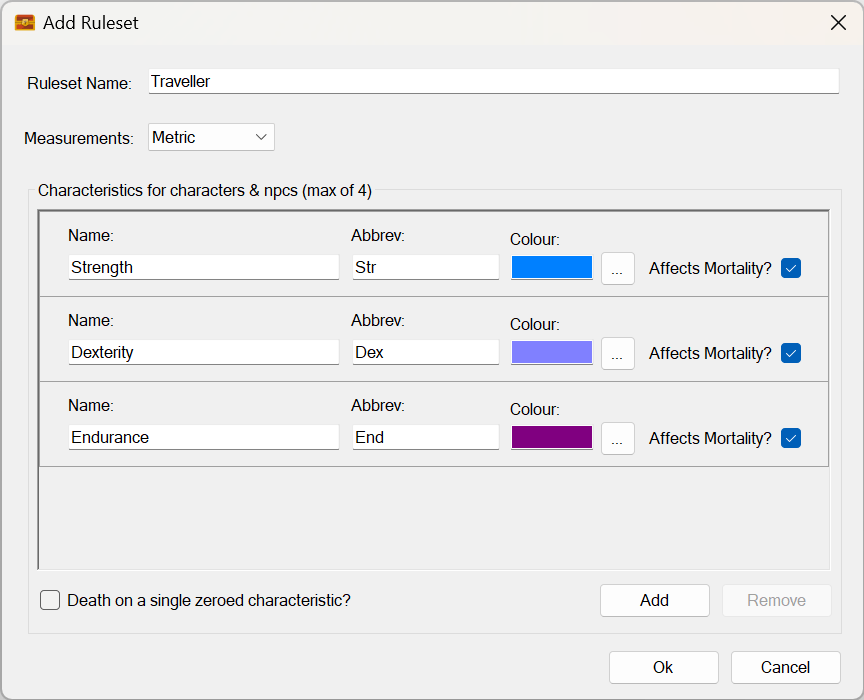
The settings dialog window. It now uses a tabbed control:

This was necessary because the number of settings have now become too large for a single page.

The eagle eyed amongst you will have noticed a brand new setting called ‘Hide Dead Tokens’. This allows the user to toggle whether dead tokens are removed from the maps and initiative trackers.

Sojour documents have also had a few bugs fixed and their user interface updated to make them a little easier to use.

Under the hood I have also added the ability for Sojour to be able to automatically convert old save files to new versions compatible with the latest changes! The system is quite advanced in that all I need do is drop in a new update class file and the system automatically detects it and applies the changes if required:

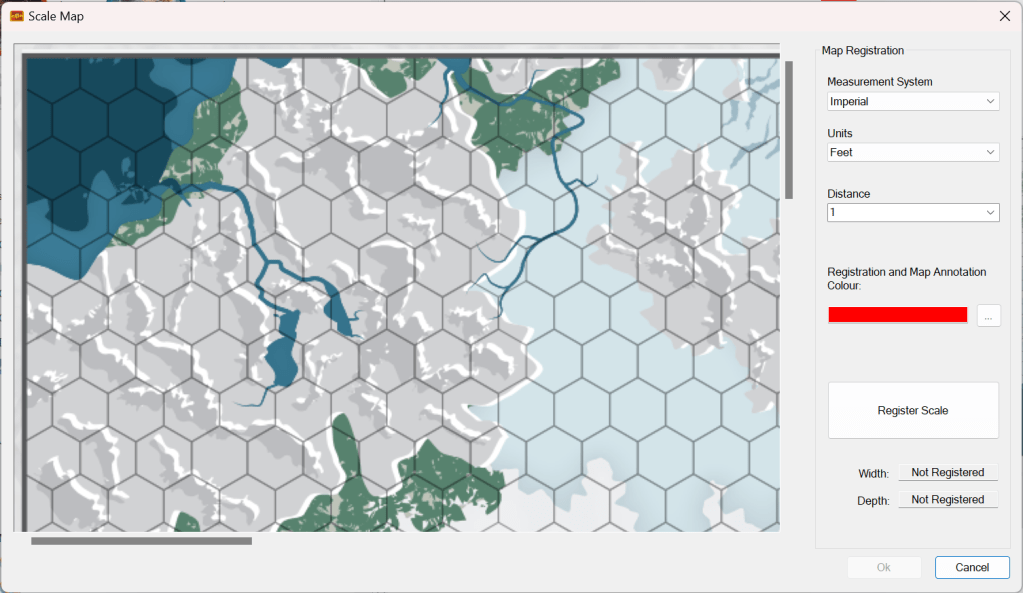
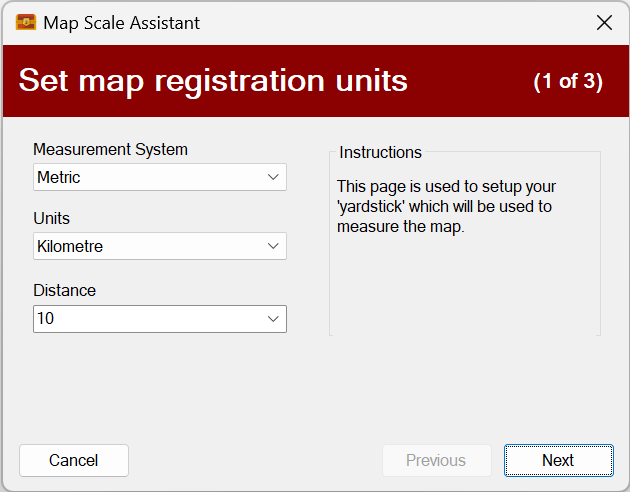
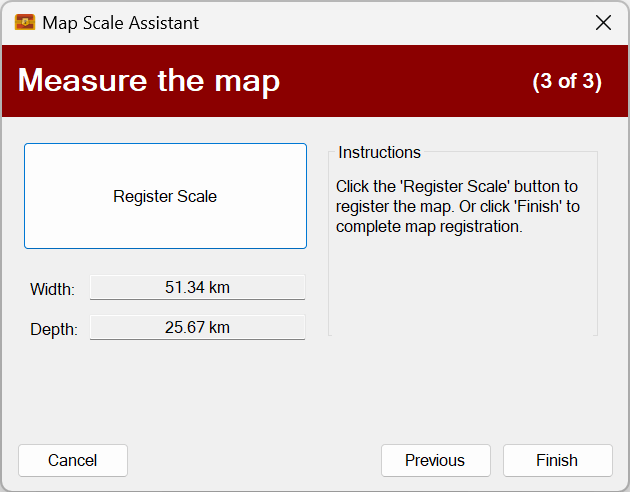
The final tweak was to the window that’s used for registering map scales. It’s internal native measurements now match the user’s selected settings:

In the above screenshot the user chose miles, which results in the map size registration calculation also being displayed in miles (on the right). In the past it would always display as metres as that’s what Sojour was using under the hood.

This change should make the map range scales more accurate and if I’m lucky, it will fix an outstanding issue with said range scales. Alas, I will only know once I get feedback from my customers.

Laters

RobP

I wish you all a Merry Christmas and Happy New Year! (and what’s next)

Firstly, I’d like to thank each and every one of you that took the punt and bought Sojour, despite it being from an unknown indie developer. I’m hoping to garner a community where we are all in it together. I don’t want the usual corporate attitude of us and them. Sojour is our software and together we can make it better!

My intent is to take a break from coding until early Jan – I have been working pedal-to-the-metal since June this year on both Sojour and my day job. The rest period will make me a more productive coder in Jan.

The first enhancement I will be working on is adding the ability for you folks to add custom folders to Sojour. This way you can organise your data as you see fit. Following on from that, I will be looking into providing a dark mode for the UI.

Of course, I will be fixing any bugs that you good folk report. If you find any, or there are features you want to see, or perhaps features you don’t like, then please get in touch with me using the email address at the beginning of the manual.

I can’t promise that I can do everything, as there is only one of me, and I have to balance technical viability and effort verses the benefits. Bugs, of course, will be fixed as a priority!

I hope you all have a Merry Christmas and a Happy New Year and I’ll see you all in 2023!

RobP

Sojour is now for Sale on DriveThruRPG!!!!

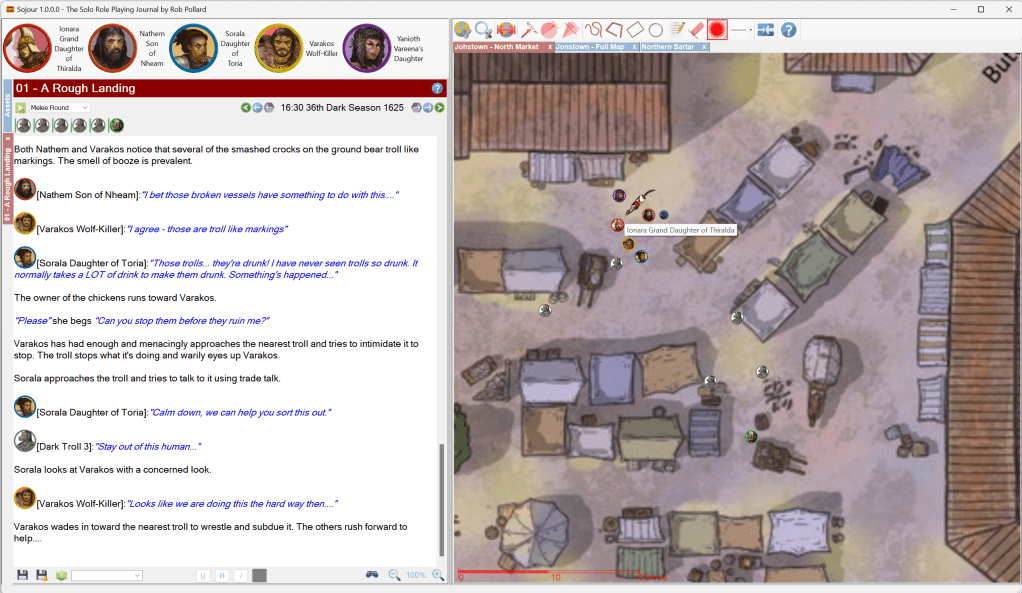
Sojour is a Windows based solo focused VTT that provides journals, maps, tokens and time management. A detailed run through is shown on this timestamped video.

It costs $10 USD. Once bought, Sojour is yours to keep. There are no subscription fees, online servers or DRM. All your data remains your data, stored on your computer. You will get free updates as they are produced.

If you have ever struggled trying to use a multiplayer VTT for solo gameplay, then you should give Sojour a look 🙂