Dark Mode Progress!

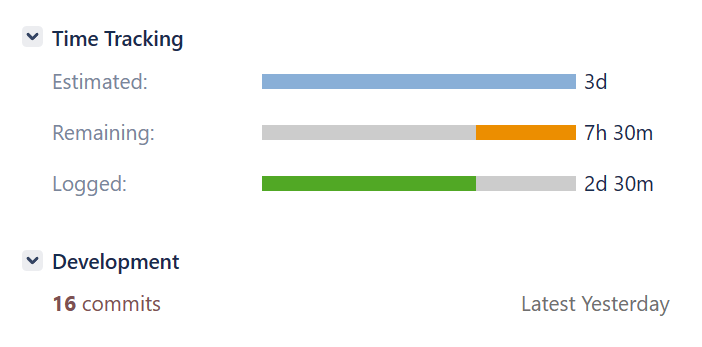
It’s been a little while since the last post. Although I haven’t had too much free time, I have managed to sink in around 16 hours and 30 mins into implementing a dark mode for Sojour. Dark mode will be part of the v1.2 release which includes 9 other planned enhancements!
It’s taking time….

Although I’m making progress, it is taking a huge amount of time and effort because the underlying technology I’m using doesn’t really support it. The results are also not up to my usual high standards, but alas, this is the best that can be done with WinForms – the tech Sojour currently uses.

There is still a long way to go, but I’ll post some in-progress images to show where we are.

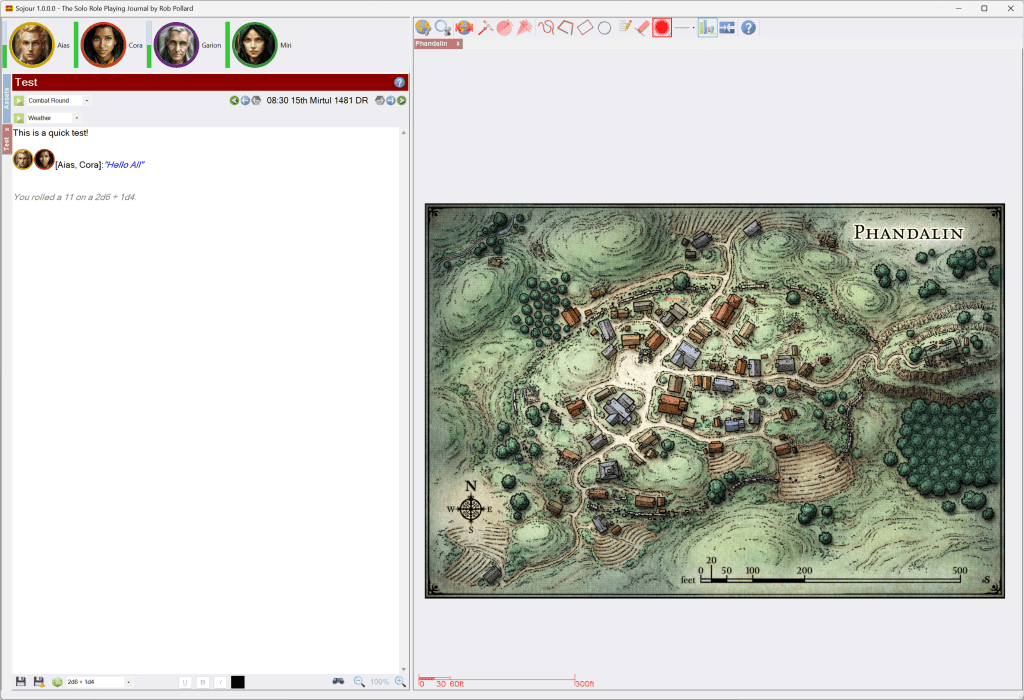
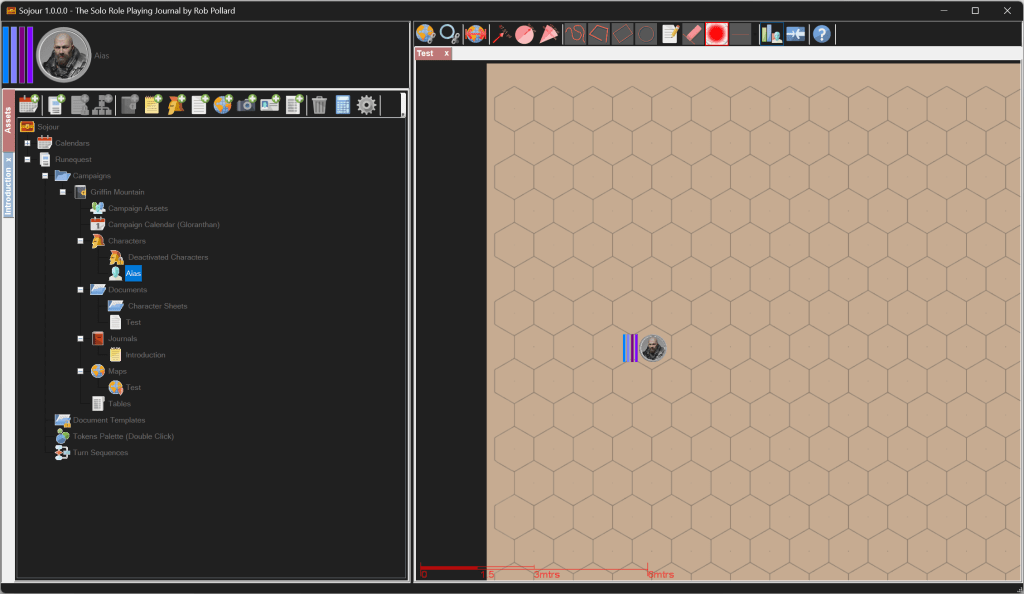
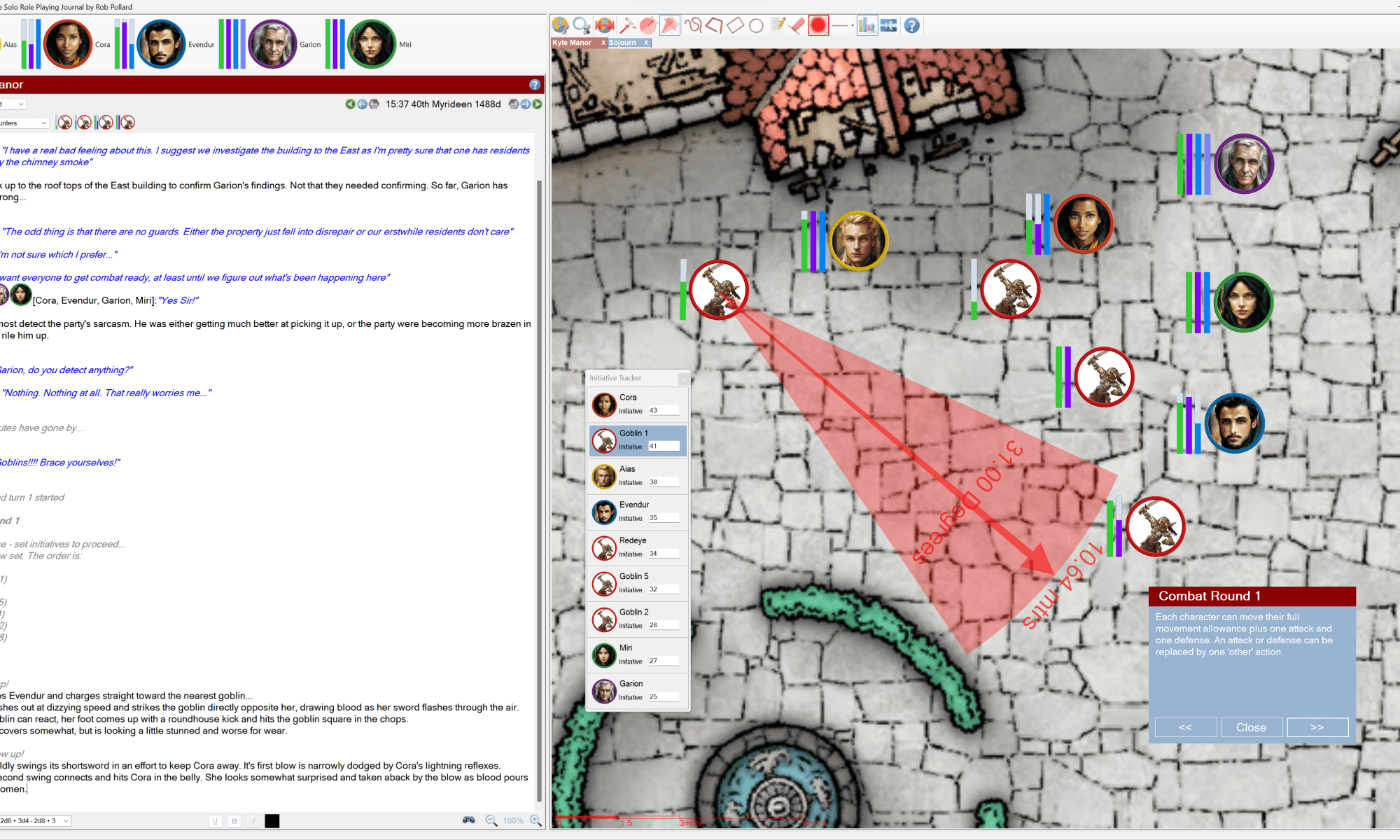
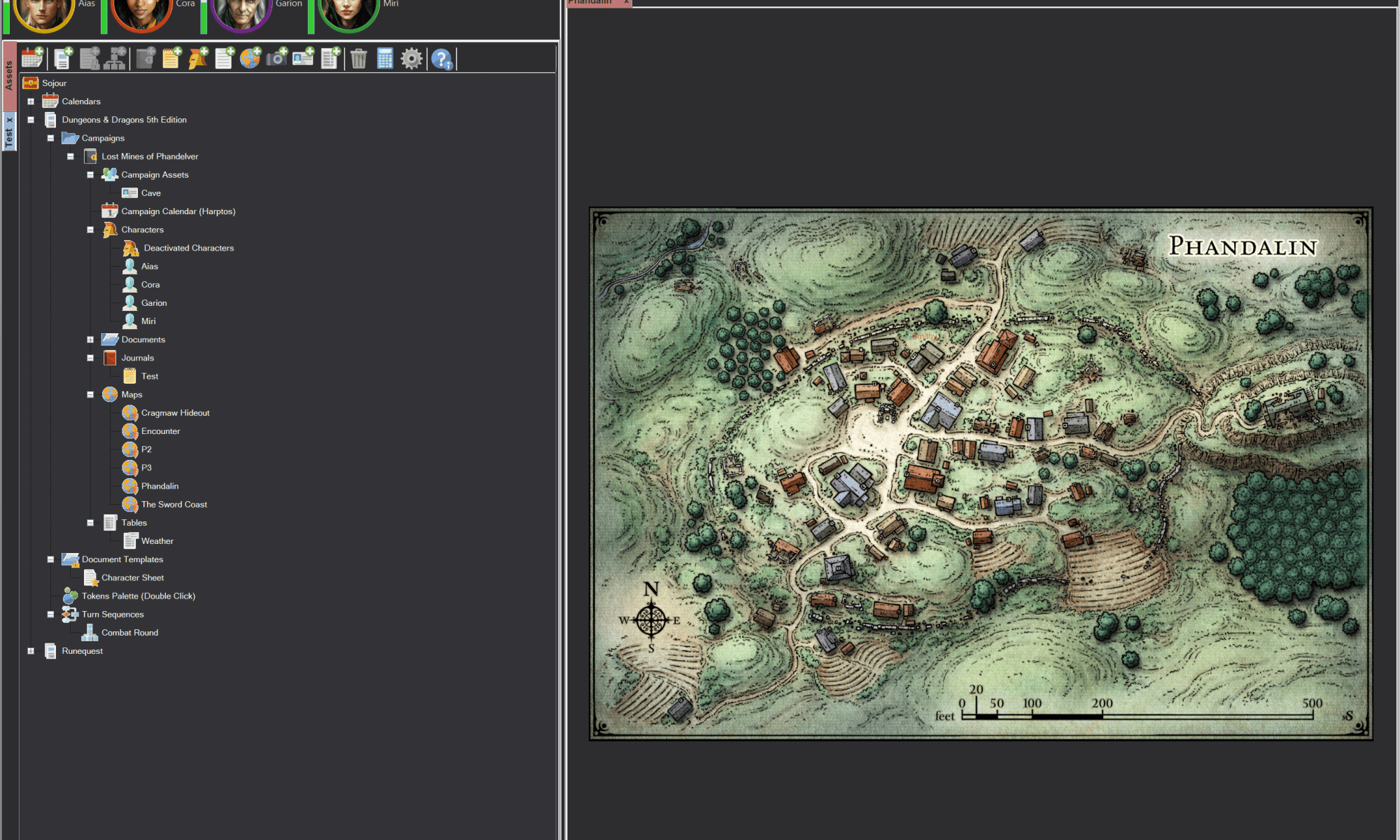
The first two images are Sojour in ‘Light’ mode:

Nothing too surprising there – other than some minor controls changes .

Sojour’s settings now have a dark mode option:
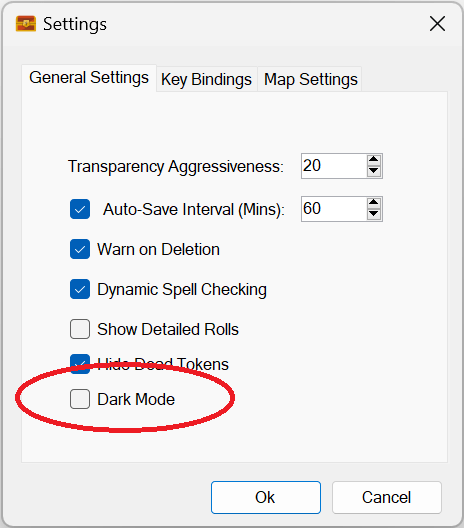
Clicking this tick box and hitting the Ok button results in Sojour looking like this:
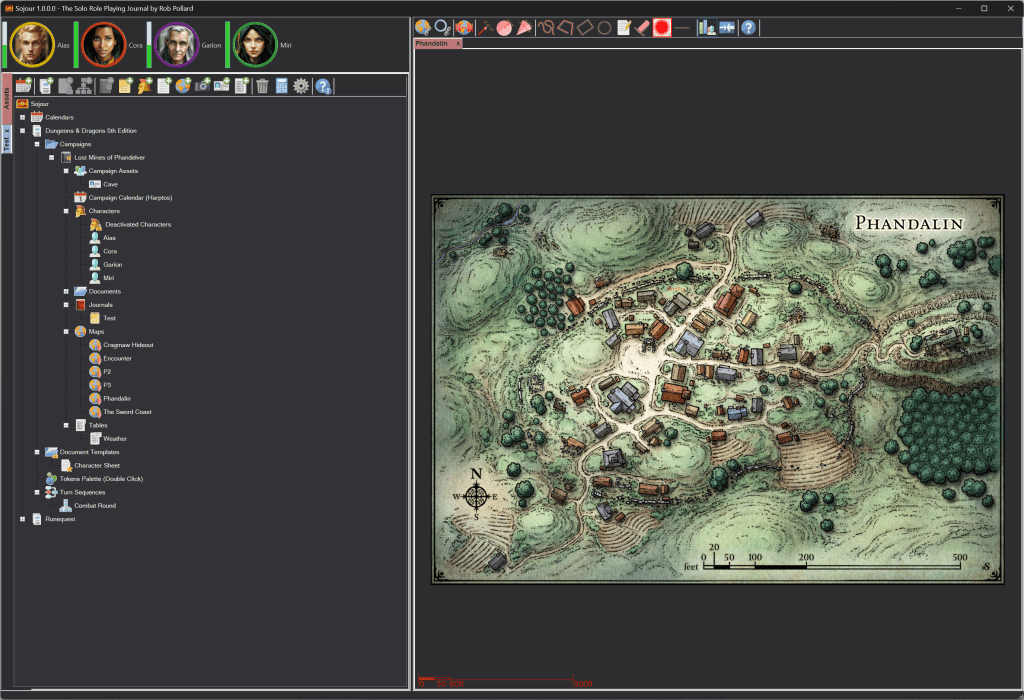
This first screenshot doesn’t look too bad, but one of the things that needs doing is updating the assets browser iconography to better match the darker mode.

Just to get to this point took a lot of effort and low level coding as many of the windows controls – like the tabbed controls, ignore colour settings!

This is what the journal panel looks like:
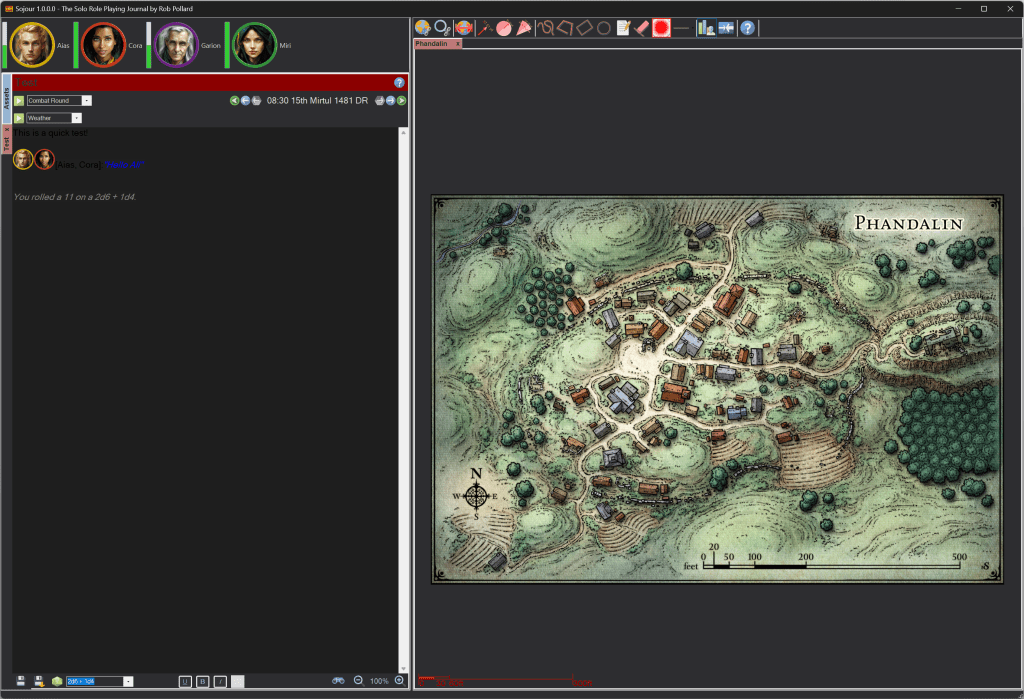
The big issue here are that the journal’s text colour will need to be auto updated to make it easier to read in dark mode. It then needs to be able to revert back to its original colouration when back in light mode. This is the job I’m currently working on.

In addition, the scroll bar on the right of the journal is not respecting darkmode at all! This is another issue with the WinForms framework I’m using – one cannot set the scroll bar colours. I am looking at a solution for this, but like the tabs, its going to involve some really tricky low level coding.

Once that’s done, I will need to update all of Sojour’s windows to support dark mode. Right now they have all had their code updated to support mode switching. However, I will need to go through each window and manually add various settings to make the colours change as required.

In conjunction with the above coding, I have also been learning two sets of new cutting edge technologies. One of these is Winui3. The intent is that once Sojour v1.2 has been released, Sojour will go for a full rewrite using Winui3 and a new graphics engine.

The reason for the change is that I want windows theme modes to be properly supported, plus I want to update the look and feel of Sojour to be more modern.

A rewrite will also provide numerous other benefits too.

Firstly the Winui3 framework has a route to producing cross platform versions of Sojour for both OSX on the Mac and Linux too. I have had many potential customers ask if Sojour could be made available on these platforms!

Secondly, the update will allow me to produce a 64 bit version of Sojour which will have many benefits with regard to maximum map sizes and performance – not that the current Sojour is a slouch – just view the videos!

Winui3 also has the advantage that it is DPI aware. This will allow Sojour to look great over a much wider range of desktop resolutions and DPI settings.

The final advantage is one of risk reduction. Sojour uses some pretty old technology because the project came about accidently from Ancient Armies, another project I’m working on.

Using old technology always runs the risk of it being made incompatible by latest operating system changes. Whilst unlikely, as the technology Sojour uses is still widely used, I’d still feel happier seeing Sojour using the latest and greatest technology that’s available!

As with all Sojour updates, the v1.2 release and the rewrite will be free for all existing customers!

Thank you all for buying Sojour! 🙂

Happy Gaming!

RobP
Sojour v1.1.15.0 has been released! (Installer fix)

This release contains no changes or fixes for Sojour itself. The only alterations are to the installer. It addresses issue RPG-276.

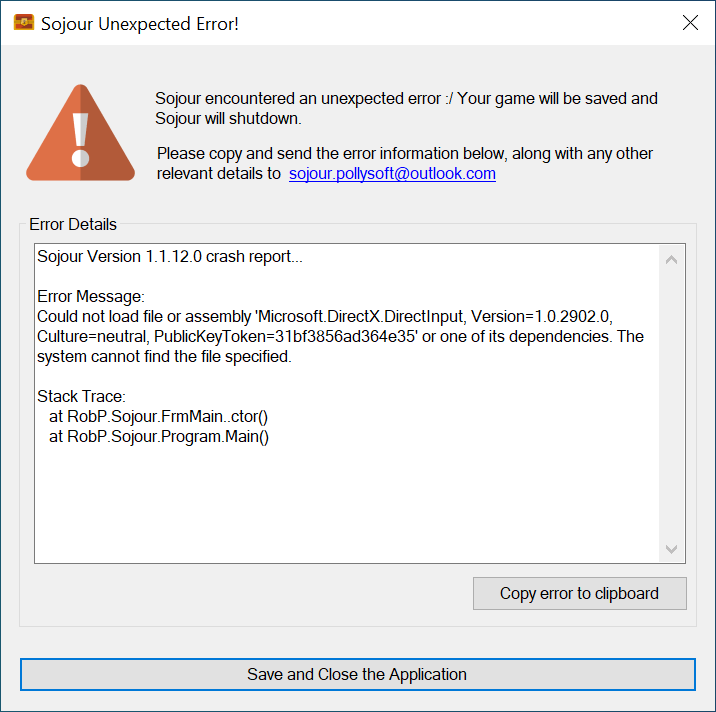
Prior to this version, a very small number of customers (4!) were experiencing this error after installing Sojour:

It’s caused by Direct-X failing to install properly and failing silently whilst the Sojour installer is running.

Thanks to great customer feedback, the problem has been traced to the customer’s computers not having .net 3.5 installed.

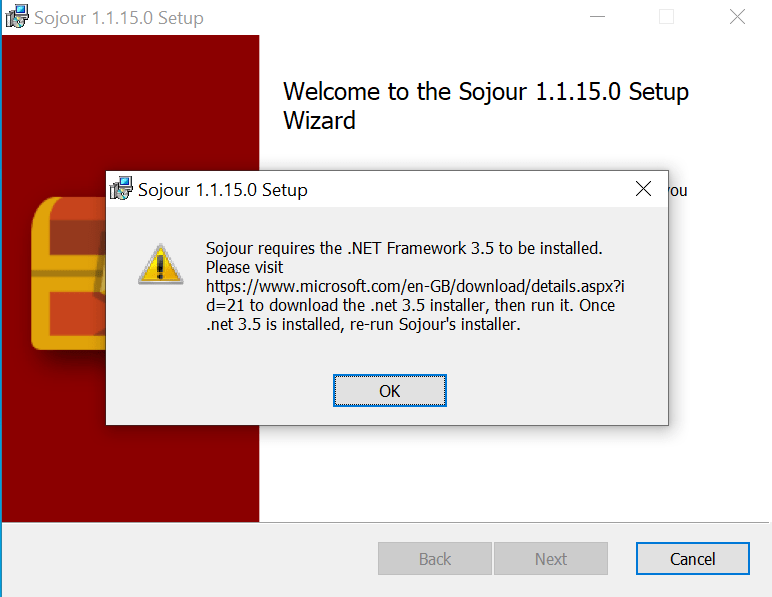
The installer now checks to see if this .net framework is installed. If it isn’t, this message will be displayed:

It’s then up to the customer to go to the indicated link and download .net 3.5 before installing Sojour (this has been added as a pre-req on the store page).

Sojour’s installer will then abandon the installation until .net 3.5 is installed.

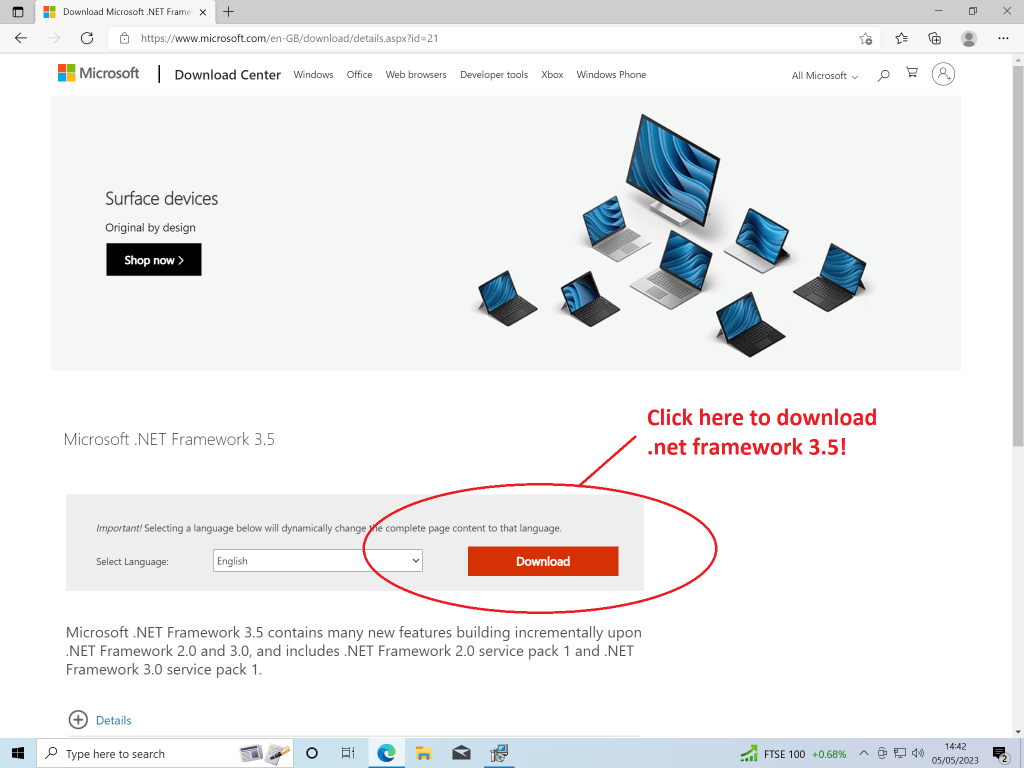
The link for .net 3.5 installer for those that need it is: https://www.microsoft.com/en-GB/download/details.aspx?id=21 .

Clicking it will take you to this page:

Just click the indicated button to download the .net 3.5 framework installer.

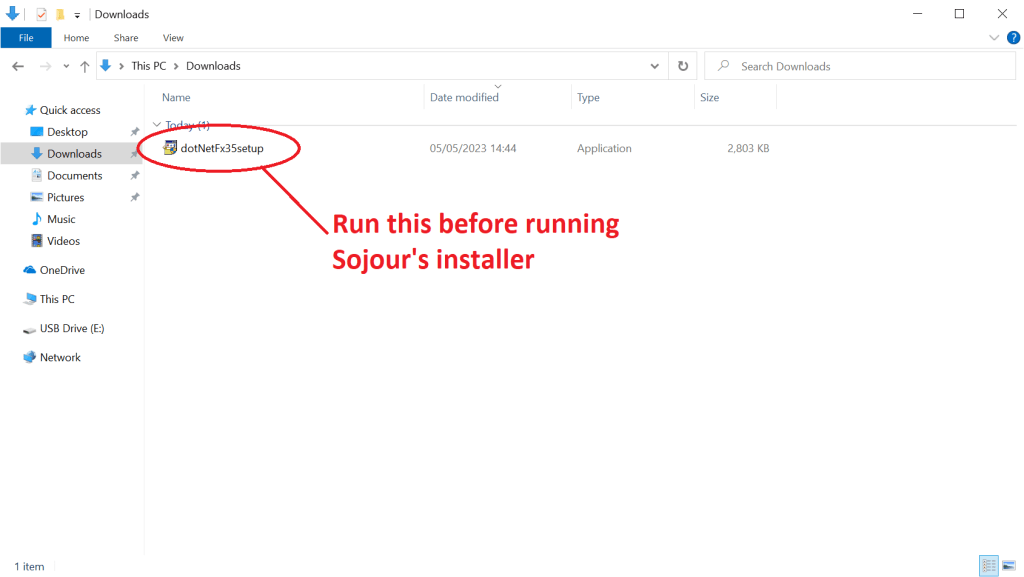
Once downloaded you should see this file in your downloads folder:

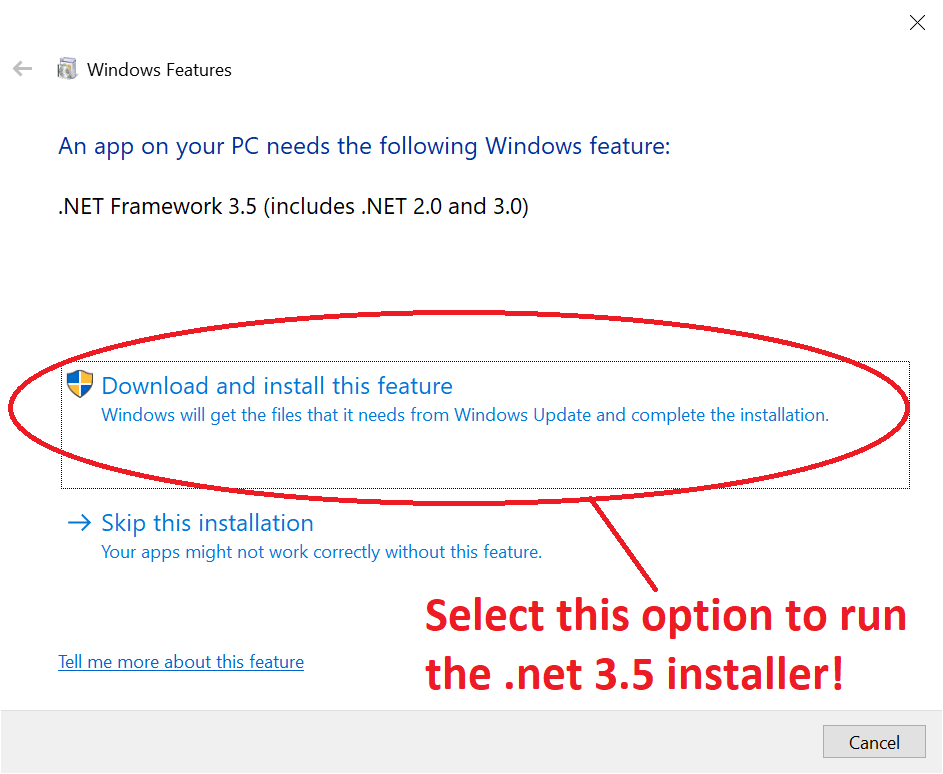
Just double click it to run Microsoft’s installer. Once it is running select this option:

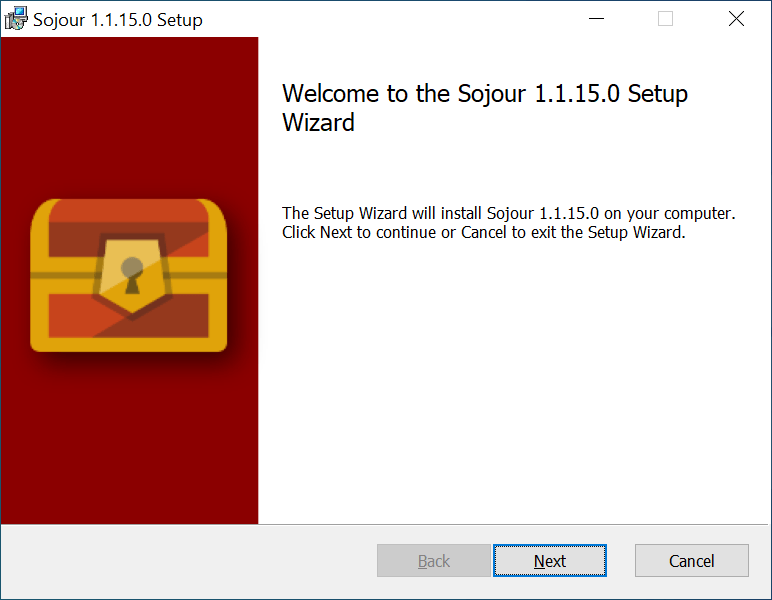
Once installation has completed, you will then be able to run Sojour’s installer without any error messages:

I have tested this fix in a Virtual Machine hosting Windows 10 Home edition and it does all seem to work.

Obviously, I’ll continue to answer any other technical queries should you run into them during installation. But with version 1.1.15.0, I’m not expecting to see any 🙂

Have fun!

RobP

The multi-screen screenshot issue has been fixed!**

The monitor lead I ordered yesterday arrived and I could finally get a multi-monitor setup going to replicate the issue.

As far as I can tell, it has now been fixed. 😎 Please download Sojour v1.1.12.0 from your DriveThru library!

** Just awaiting confirmation from the original reporter!

Reported bug ref screenshot tool and multiple screens!

Howdy Folks,

I have just had a bug report come in with regard to there being issues with Sojour’s screen shot functionality when it is used in a multi-monitor environment.

My intent is to get this one fixed as soon as possible, but I’m awaiting a display port cable as that’s the only way I can setup multi-monitor at home.

I’ll let you folks know when a fix has been issued.

In the meantime I recommend limiting yourselves to one monitor when using the screenshot tool.

Happy gaming

RobP

Sojour sold it’s 100th Copy!

I’d personally like to thank each and every customer that took the risk and bought Sojour from an unknown developer!

It’s somewhat humbling and places a burden of responsibility for me to keep improving Sojour to give you folks the best possible experience.

For those that are new customers, it is still early days for Sojour and things will just keep on improving. It has already received many enhancements since release, nearly all of which were suggested by customers!

Before I go I will leave you with a very early preview of the new incoming DarkMode. It still has a long way to go before it even remotely looks professional, but the journey is well underway, even though there are some challenges – looking at you ‘tabbed controls!’.

In addition to the previous post’s list of new features for v1.2, I am also adding some further custom calendar enhancements which will allow the calendar view to take better advantage of the underlying modelling to give you folks much more flexibility in the calendar department!

In the meantime, happy gaming and thanks for taking the punt and purchasing Sojour!

RobP

Sojour – What’s next?

I have been listening to feedback and have set the priorities for the next public release v1.2.

Sojour v1.2 will have the following main enhancements:

  1. A Dark Mode! – Finally! – never coded one of these before, so this will be interesting!
  2. Two new event table types:
    • Multi-Table sentence generators – You assign one or more tables to the creation of a sentence or two. The idea is that each table will roll and construct one part of a sentence or sequence of sentences. When all the tables have rolled, the output is a complete sentence (or sequence of sentences).
    • Intersection-Table lookups – These tables will have a dice rolled for a row and column and will then output the result of the cell at that row and column intersection.

I will also continue to work on the custom views system enhancement in parallel in its own branch. That one fundamentally changes much of the architecture of Sojour, so will require a lot of testing. I will only release this feature when it is ready!

You will also be seeing a number of tutorial videos sprouting up on Sojour’s You-Tube channel too!

All of the above enhancement ideas have been provided by my customers. So if you have an idea for something you’d like to see, just email me using the email address at the front of the manual.

Till then, have fun and happy gaming!

RobP

Sojour Solo VTT v1.1 has now been released!

I’m pleased to announce that Sojour v1.1 has now been released! As with all updates, this one is completely free for all existing customers!

The main new feature is trackable characteristics. These are very flexible and impact most parts of the system. I highly recommend watching the video below to get a good overview as to how they work.

It should be noted that I have much more in store for characteristics and many more things Sojour related! Sojour is an evolving product and will only get better with time.

If you aren’t a customer and are interested in purchasing it, Sojour costs a one off payment of $10 USD. There are no servers or DRM – so it’s yours to keep forever and you will get free updates – just like this one – as I release them.

You can purchase Sojour from DriveThru RPG using this button:

In the meantime I’d like to thank my existing customers for purchasing Sojour and also providing me with many great ideas!

Happy gaming folks 🙂

RobP