

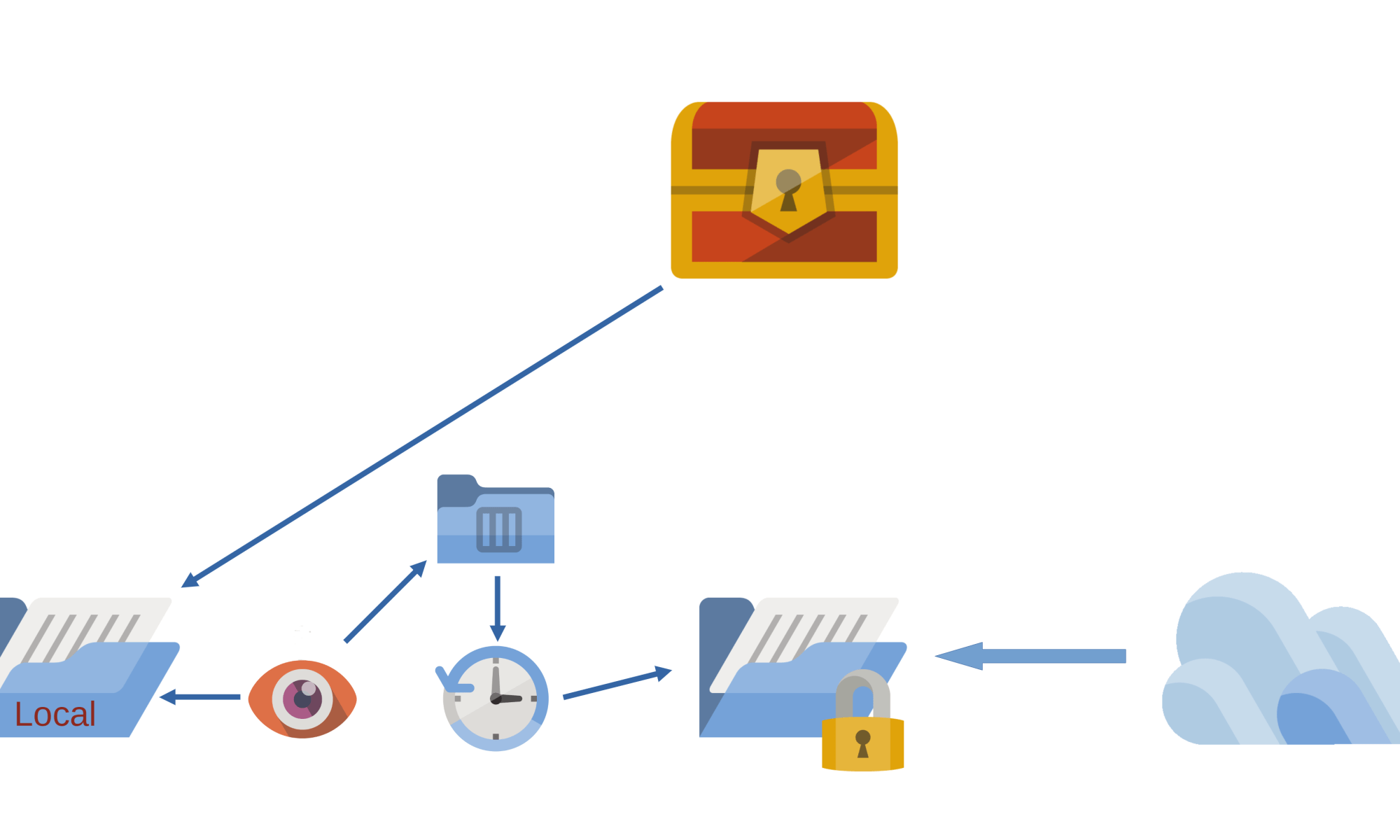
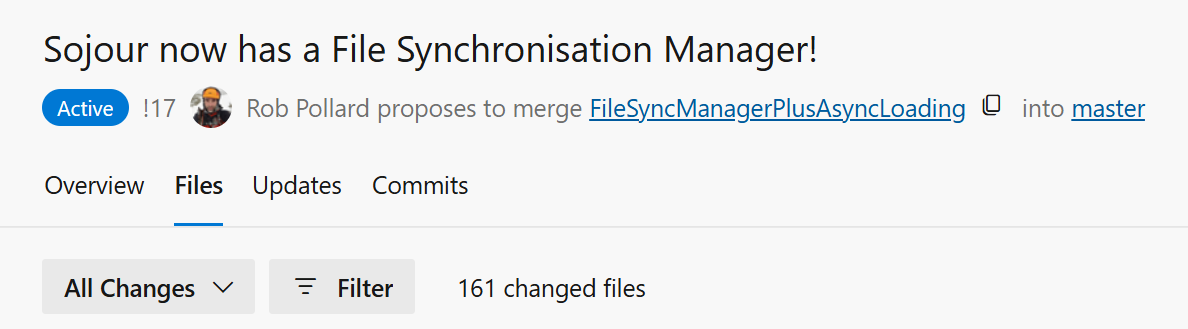
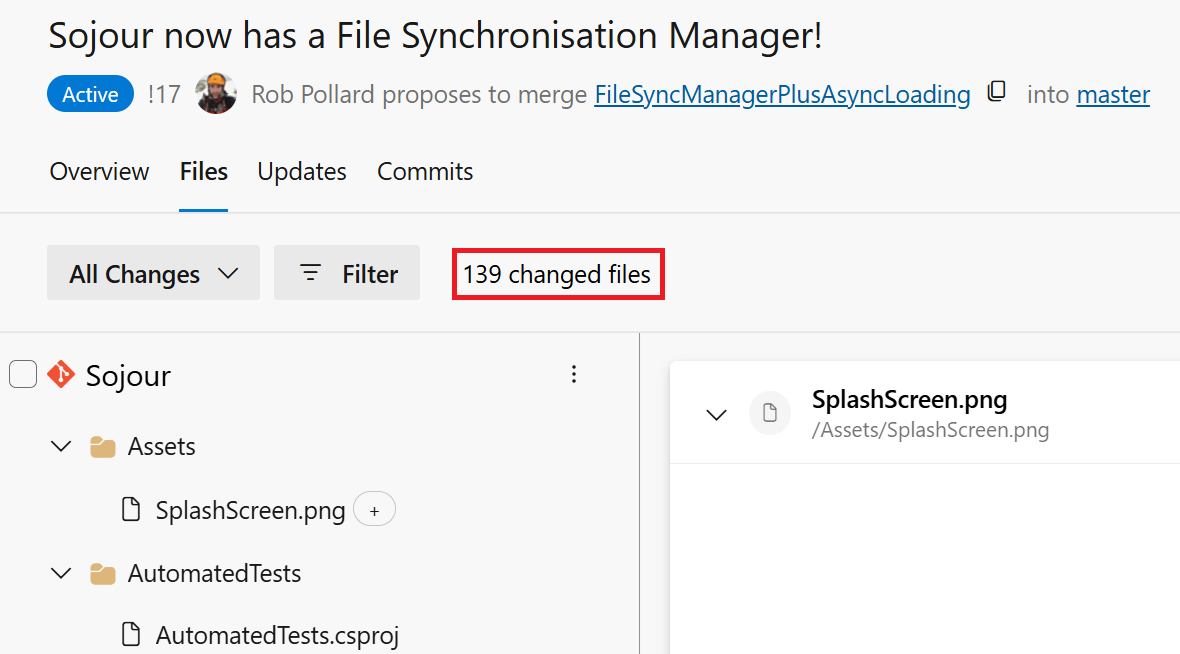
This release is primarily about making Sojour play nicely with Cloud Drives.
It’s one of those releases where a huge amount of work has gone into it, but if I have done my job correctly, you won’t notice much of a difference between this version and the previous one.
I won’t go into too much detail as to how the new filing system works – that’s the video’s job which you can view at the end of this post.
What I will say is that this is the first iteration of this new and complex filing system. It has had around 2 weeks of testing, but alas, the hardware and cloud systems that I have access to is somewhat limited, which might impact the efficacy of the testing.
Before installing this update, I highly recommend that all customers backup their data first.
I’m hoping there won’t be any issues, but given the nature of what has been done, it wouldn’t surprise me.
If you do find issues, please contact me using the email at the front of the manual and we will work together to get it resolved!
Other changes included the incorporation of a new enterprise level logging system:
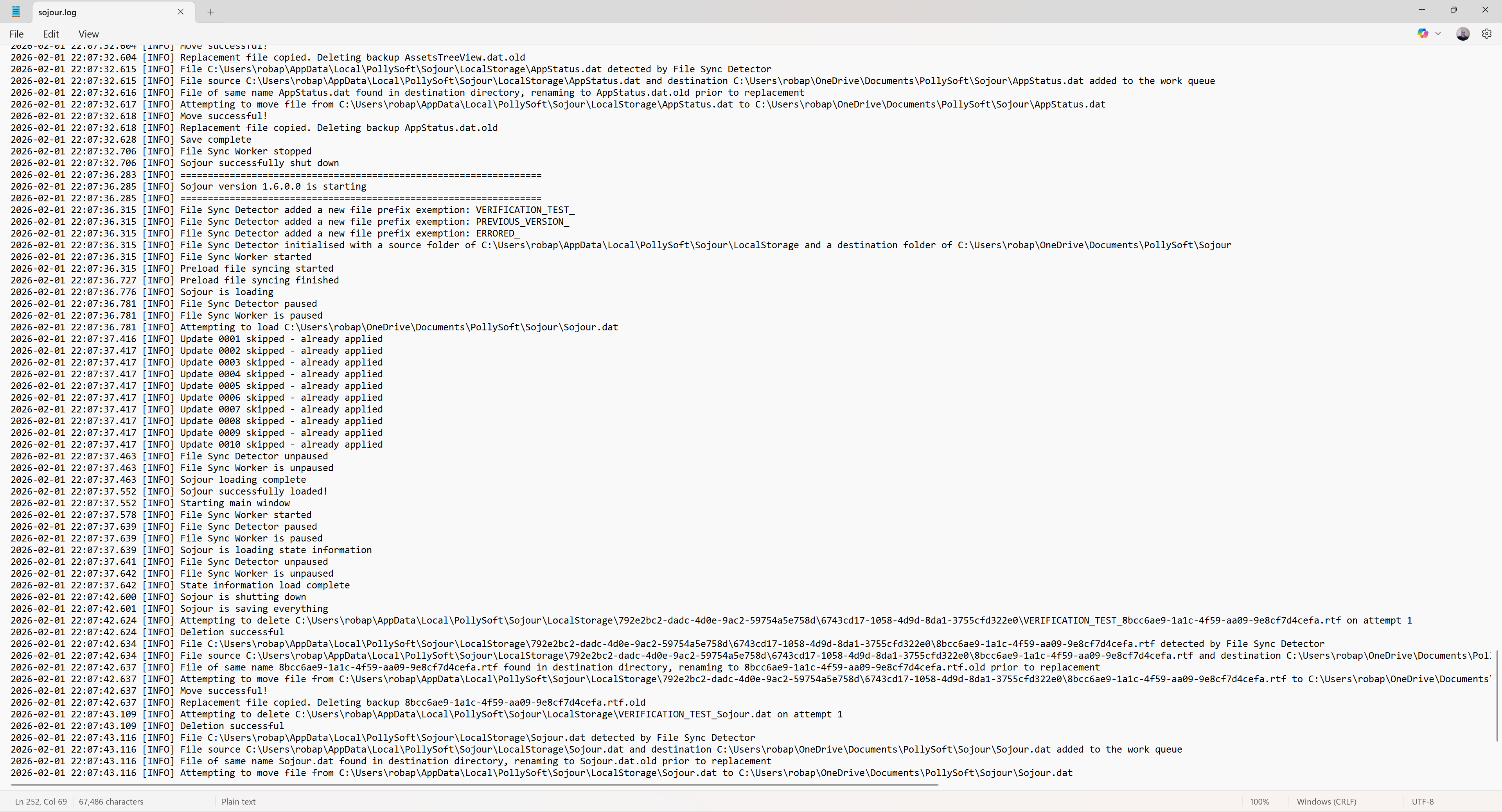
Logging got added to facilitate the testing of the new filing system. It’s needed because so much now happens behind the scenes that this is the only reliable way to see what’s going on.
These log files are rolling log files, so they will never grow out of control. Once they reach their maximum size, the oldest entries are removed to create enough space for the new ones.
The above log is the standard log, but the system also outputs a much more detailed developers log for when Sojour is run from Visual Studio.
These logs are now included in Sojour’s exception windows if, heaven forbid, Sojour crashes:
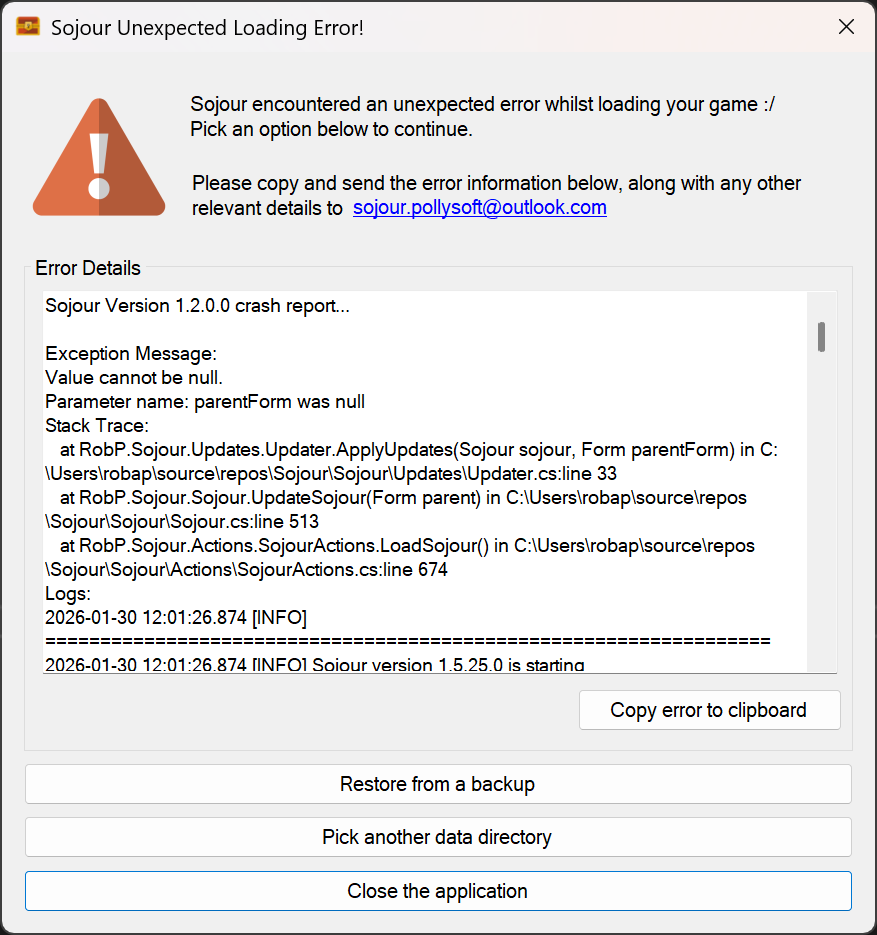
This should enable me to more easily fault find customer issues.
With the inclusion of the robust filing system and logging, I’m starting to feel that Sojour has crossed that boundary from a bedroom project to a full-on enterprise application!
What else got changed?
There is now a new splash screen:
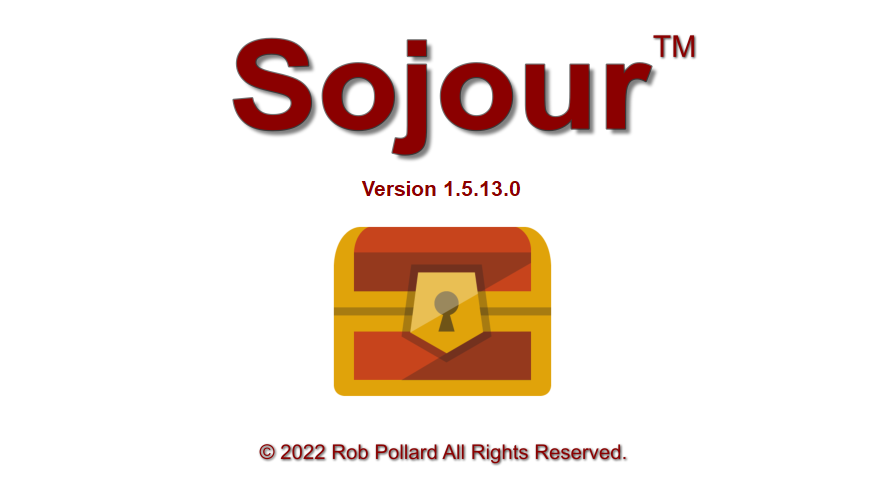
This was added because the new filing system is now asynchronous. This results in the user interface loading up its various elements in real-time, which is somewhat disconcerting. The splash screen was added to hide this behaviour.
The rendering loop of Ionian – Sojour’s graphics engine also got re-written to take into account the fact that asynchronous file operations can make Sojour look less busy than it actually is. This can result in the graphics engine unintentionally hogging all the resources as it thinks Sojour is idling.
Various additional bugs were also fixed with the character health bars. These were all extreme corner cases. I only found these issues thanks to the new automated integration tests I wrote for this sub-system:
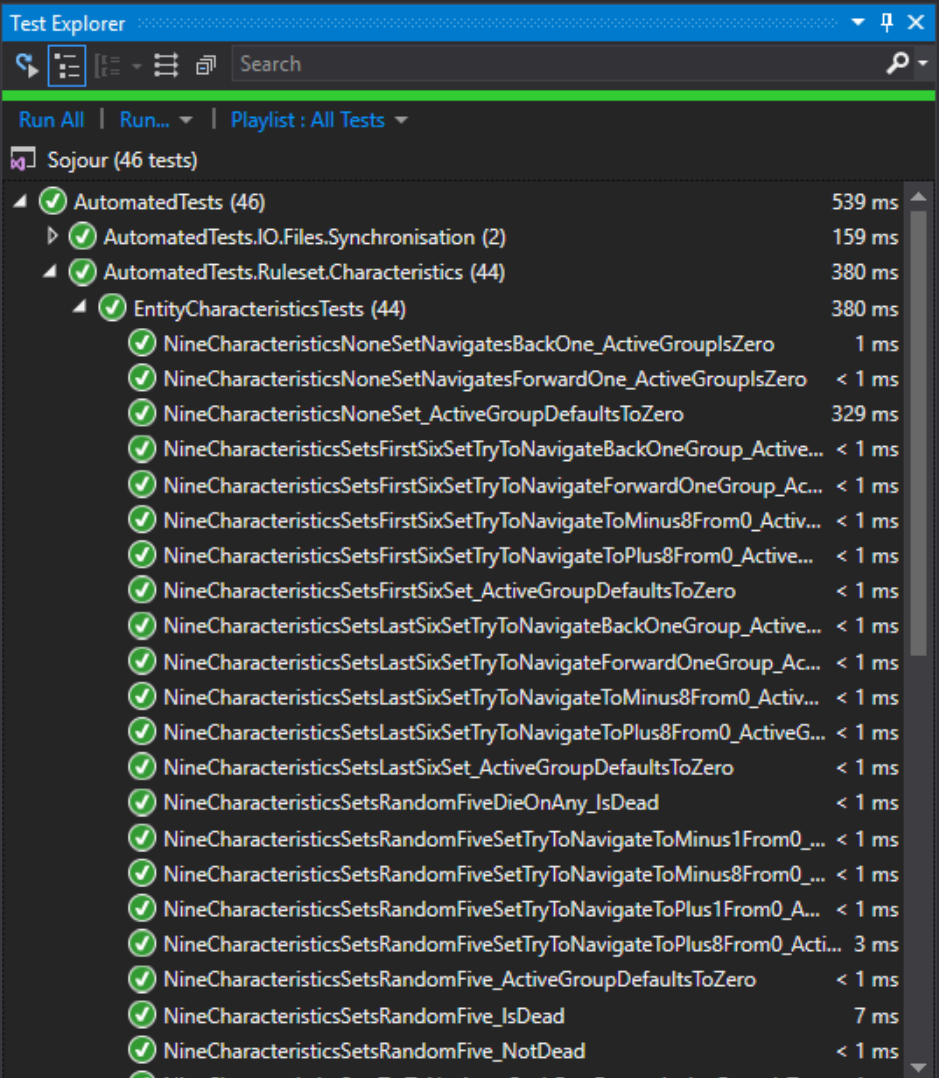
These tests should help prevent a re-occurrence of the emergency fixes that plagued the 1.5 releases.
The other big fix that got included in this release, was in and around how Sojour remembers its windows positions in a multi-monitor environment. There was a bug that prevented the windows being restored to the correct monitors. This should now be fixed – I say should, because the most monitors I could test this on was just two.
The video below provides a much more in depth explanation with regard to the new filing system. I’d encourage all customers to watch it!
That’s it for this release!
Have Fun!
RobP
 Sojour