The bad news first…
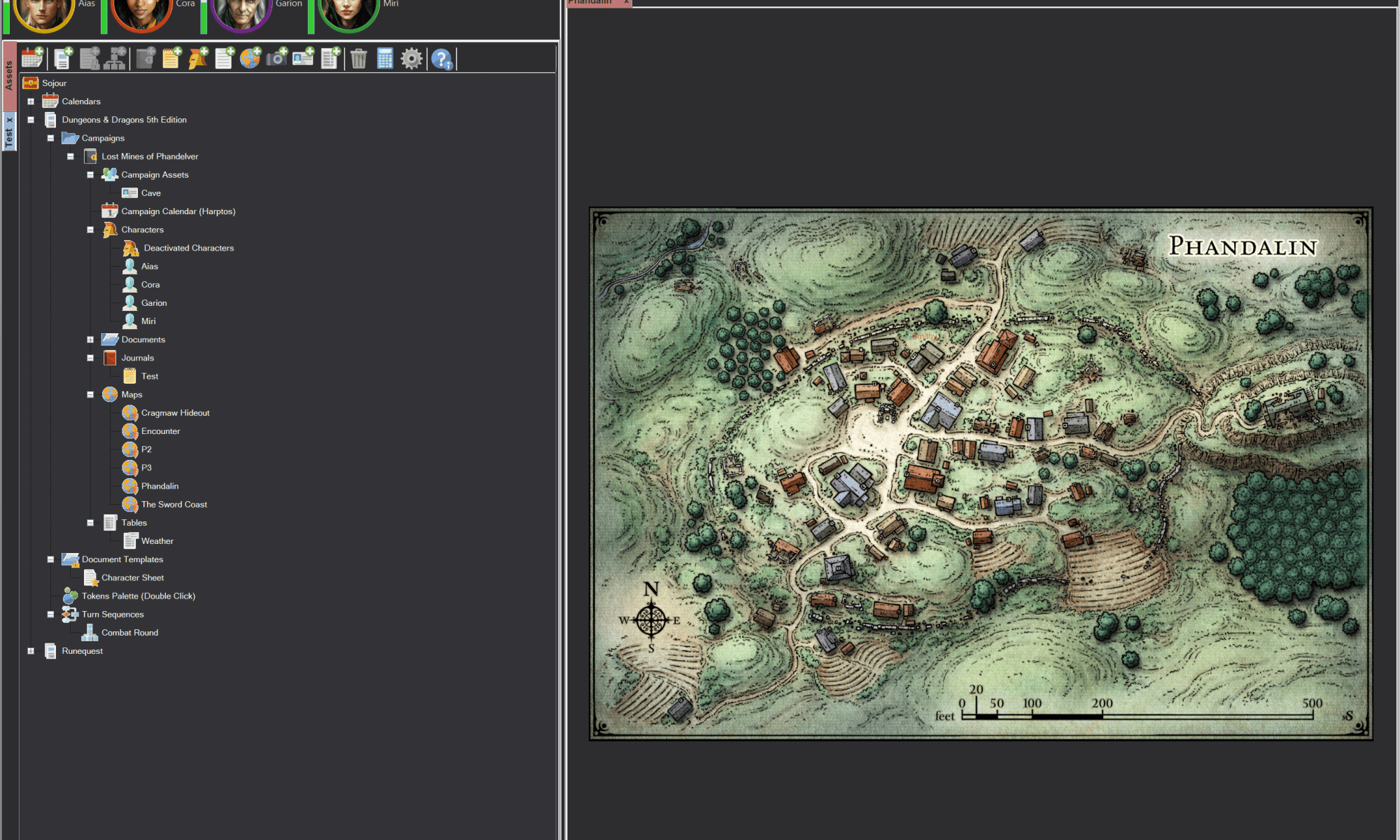
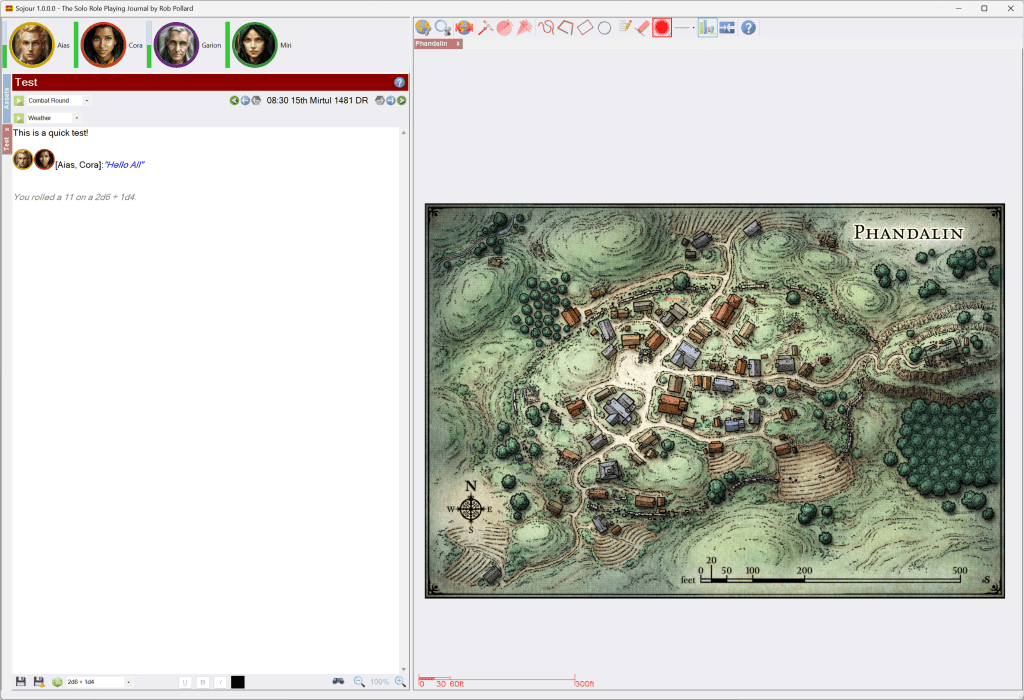
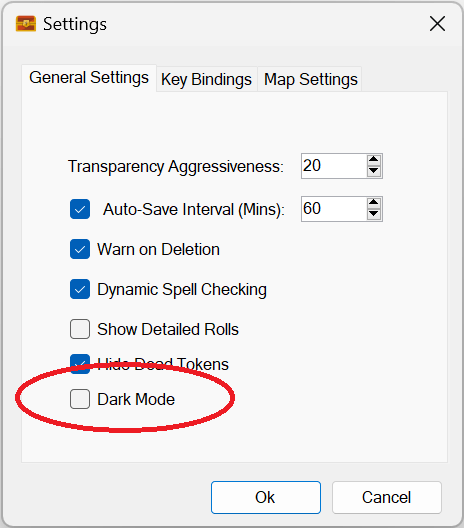
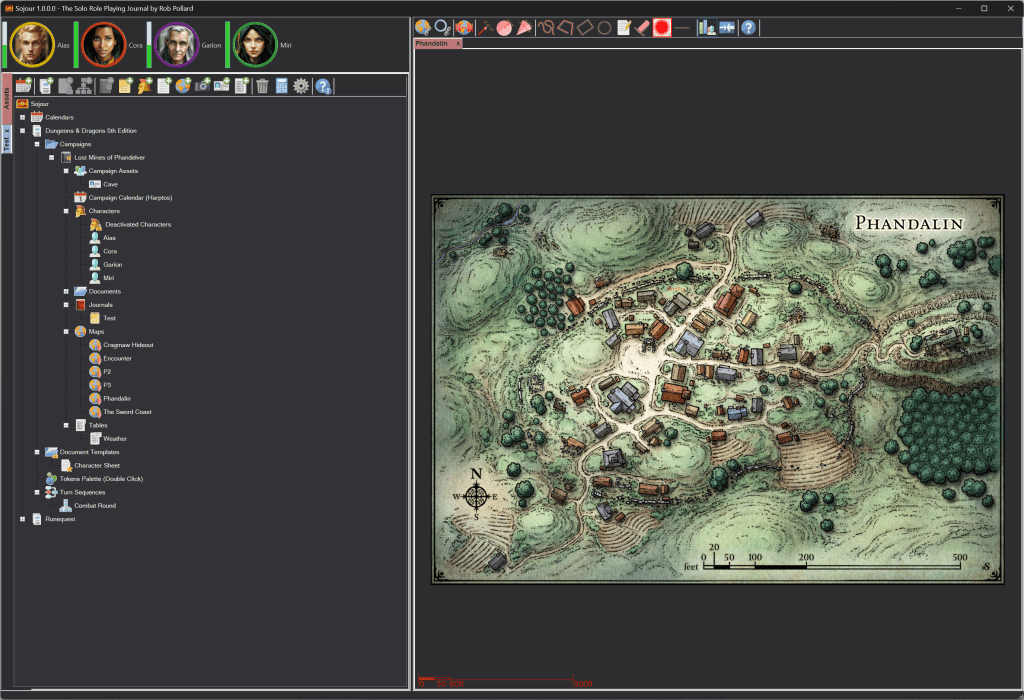
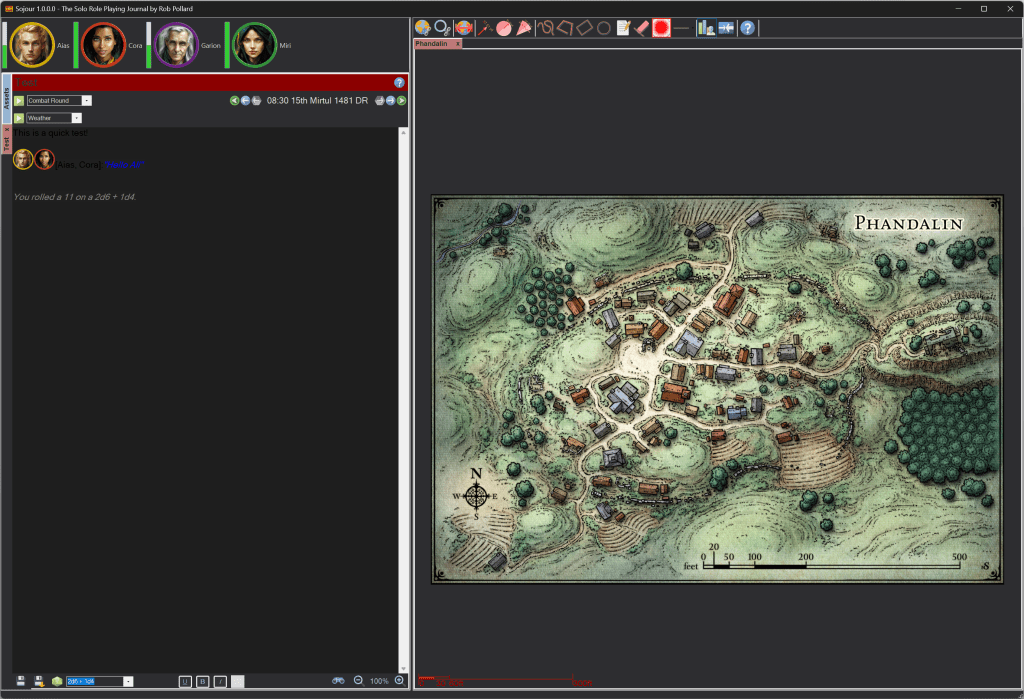
This week I decided to stop work on dark mode for Sojour. It was a really big decision to make, but I feel it is the right one.
So why have I abandoned dark mode?
There are numerous reasons. But the core issue is that the Microsoft technologies I’m using do not support adding a dark mode, or changing windows colours to anything other than grey.
It’s been a frustrating experience because the controls I’m using have property’s like BackgroundColor, but in true Microsoft fashion, they don’t work.
The result has been a project that has been eating up a disproportionate amount of my time, which has resulted in few updates getting to you folks other than bug fix releases.
Just getting simple things like the tabbed controls to change colour cost a week and even then they still had issues.
Even worse, I was having to put in some real hacks to get around some of the issues. These technical hacks were destroying Sojour’s fine internal architecture.
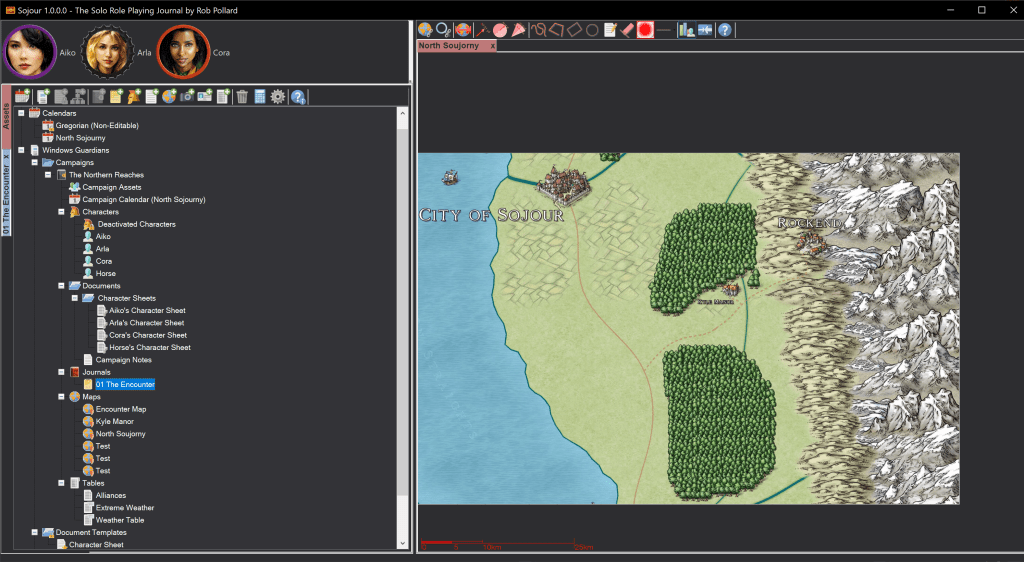
But even with the hacks in place, I still ran into issues, some of which can’t be fixed. For example take scroll bars:
If you like your scrollbars in grey – great, but changing them to any other colour is pretty much impossible without re-writing most of Microsoft’s controls from scratch (many of them have their own built in scroll bars).
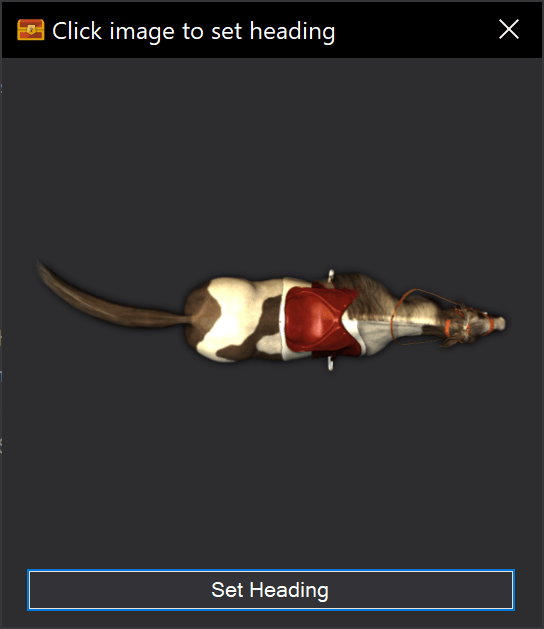
Then I discovered that disabled text has a fixed colour too:
Here the ‘Set Heading’ text is really hard to read because of its colouration. This is due to the button being disabled. The colour you are seeing is not the colour I set it to. If I re-enable the button, the text appears in the colours that I actually programmed:
Alas, I have no control over the disabled control colours.
At this point I realised that if I were to proceed, I would literally have to replace every single Microsoft control with one of my own. This would take years. Plus the results would be sub-optimal and fill Sojour’s architecture with more hacks than I would feel comfortable with.
Abandoning dark mode was not an easy decision to make as I had already invested a significant amount of time and effort into it and I know that many of my customers were looking forward to having it implemented.
Does this mean dark mode is off table and will never get implemented?
No, is the short answer.
I have been spending time learning the very latest Microsoft UI technology called WinUI3. WinUI3 supports dark mode natively. Yes, this is a re-write, but it will be a re-write that will take less time than trying to cajole WinForms into dark mode and the results will be far superior.
As a result, my intent is to upgrade Sojour to WinUI3 at some point in the future. When that happens, it will get Dark Mode more or less for free. This update will be free for all existing customers.
Onto the good news…
I spent today experimenting with a new feature for the maps. As I mentioned in a previous post, Sojour’s maps use my own custom graphics engine called Ionian, and that graphics engine is in fact a 3d engine…
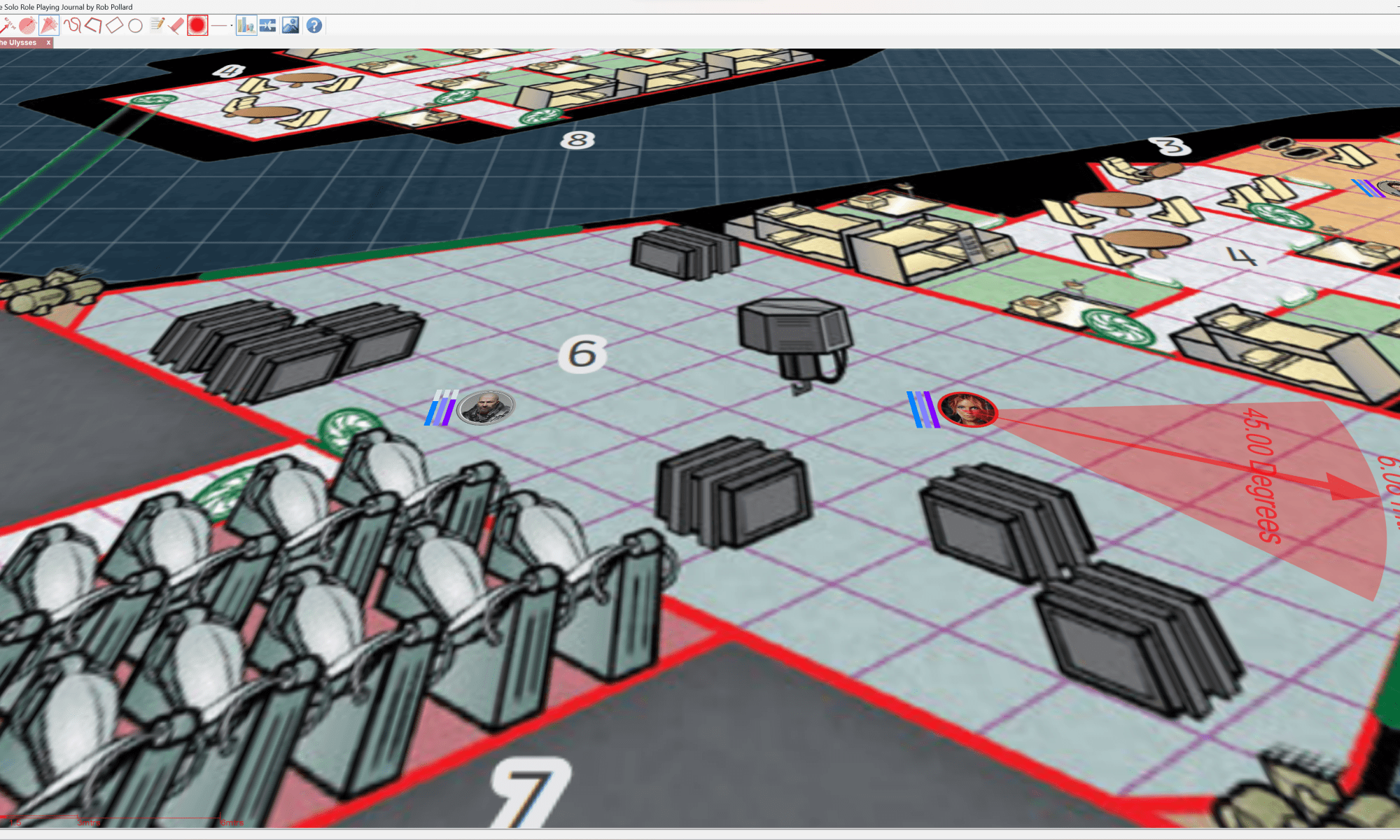
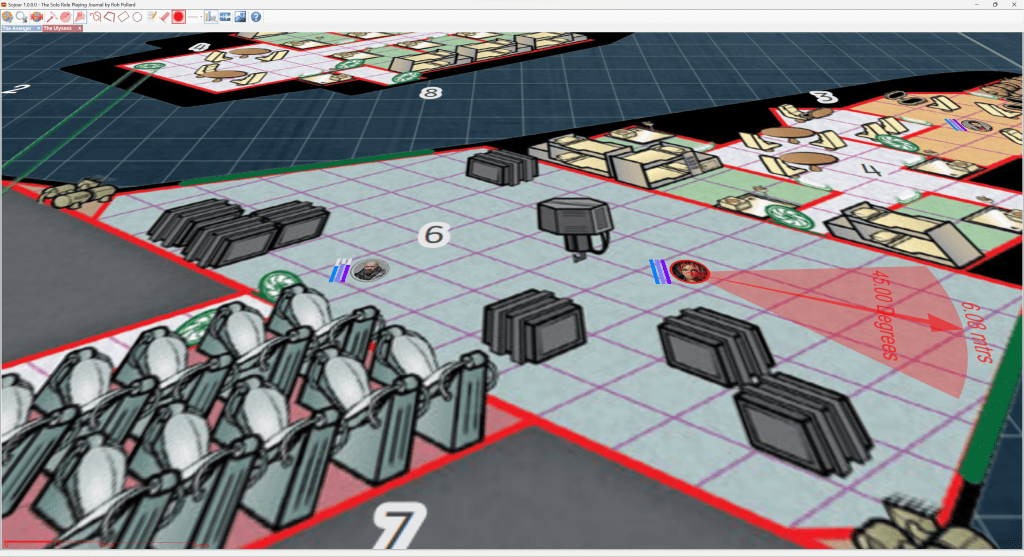
As a result I have been experimenting with a feature where one can align Sojour’s maps into the same plane that they were drawn in. This feature helps 2d isometric maps come alive!
Here are some early screenshots:
What these static images don’t convey is the odd effect the map tilt has on the 2d drawn isometric map when panned and zoomed. It makes the drawn 2d features pop and seem much more 3d!
All I did was press a new button to register this 2d starship plan’s drawn plane so that Sojour could then tilt the map to exactly match that plane (one of the advantages of using a 3d engine!). The effect is a much more 3d look and feel for these kind of maps!
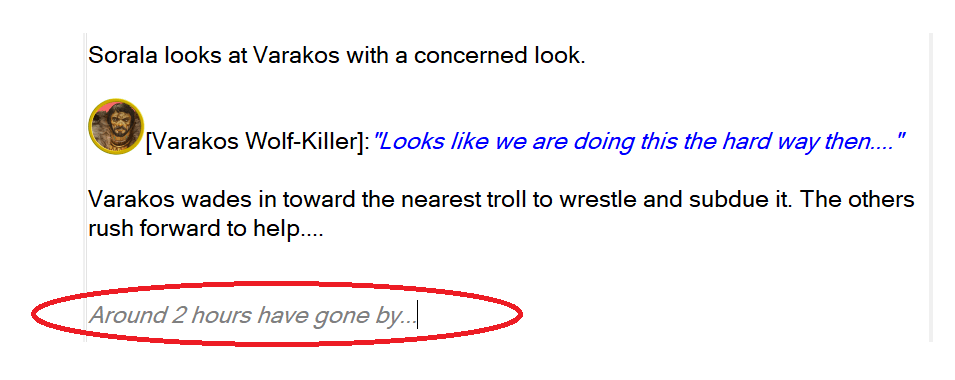
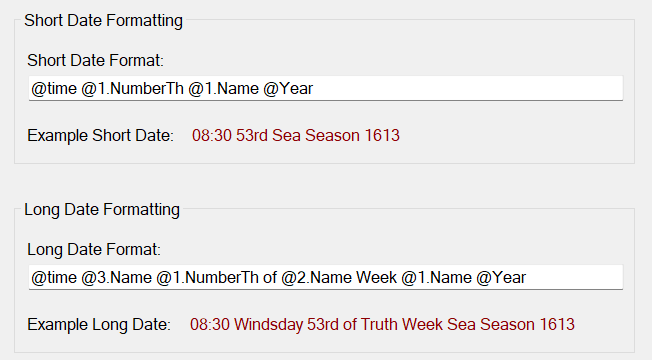
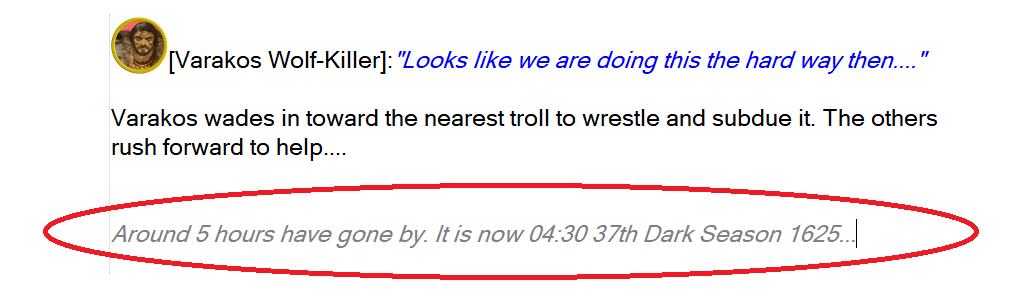
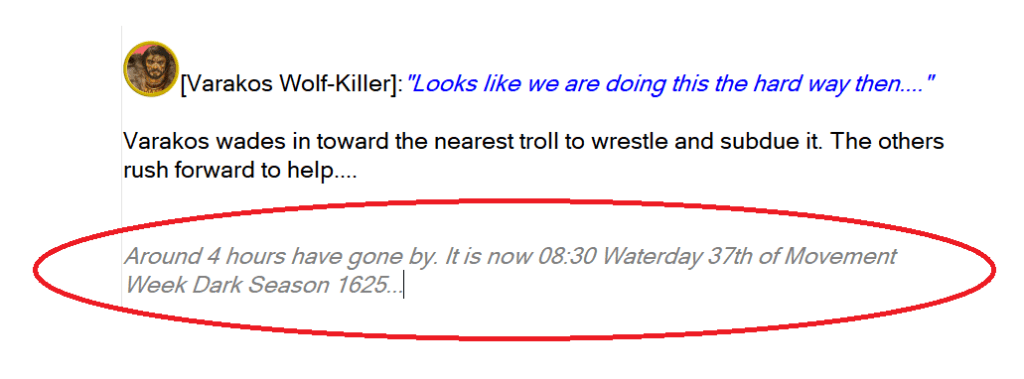
I have also spent some significant time on the Calendars system. One of my tasks was to work out how to enable them to model rolling calendars. That was a real tricky problem to figure out, but I think I now have a technical solution that should address this issue.
Also, expect table updates too. There are two new table types I will be adding….
Rather than release everything in one big bang, I will be sending the changes up as and when they are done so that I can get immediate feedback.
I will also be releasing a myriad of other minor improvements that customers have requested. In fact I’m expecting a new release drop some time next week.
Apologies for dropping dark mode, I really did not want to do it. But I don’t think you folks would have been happy with the lack of updates and you would certainly not have been happy with the suboptimal end results. Plus, in my case, I would have been saddled with a system that would no longer be easy to work on due to the number of hacks that would be present.
I hope you folks can understand the reason for the decision.
In the meantime happy gaming!
RobP






 Sojour