

Import maps from screenshots
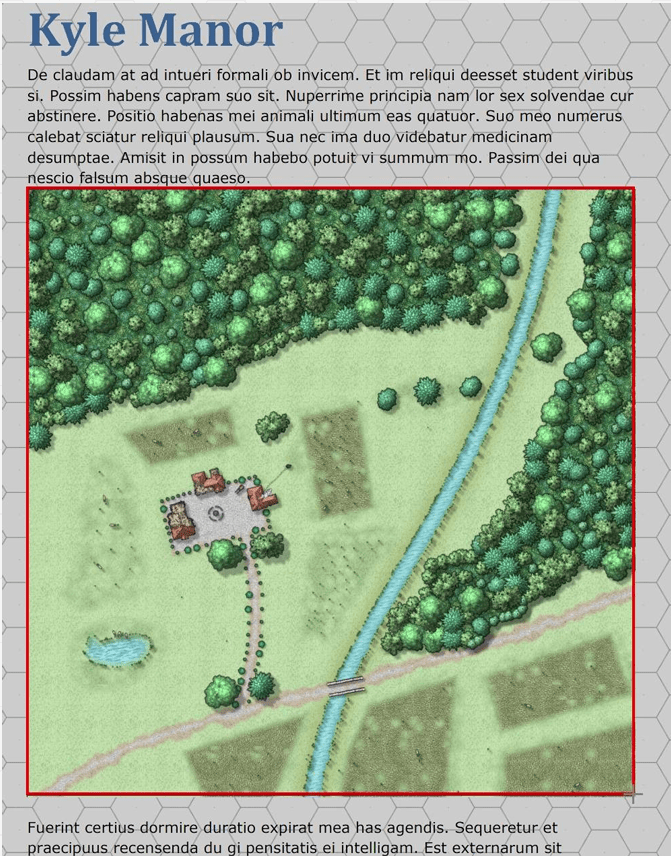
Maps can be imported using Sojour’s built in screenshot tool. This allows you to import maps directly from your scenario PDFs. Mapping also supports the loading of the following image formats:
- bmp
- jpg
- png
- webp
- avif
- tiff
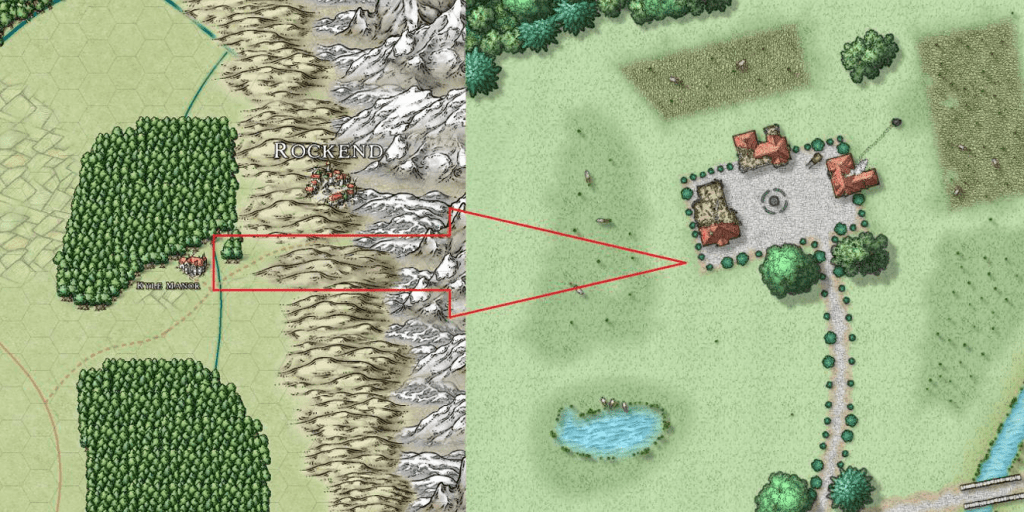
Maps can also be linked to other maps:
Map fog of war
All of Sojour’s maps can have fog of war enabled. This is an extremely flexible system that can be enabled at the touch of a button.
Maps support Imperial or Metric scaling
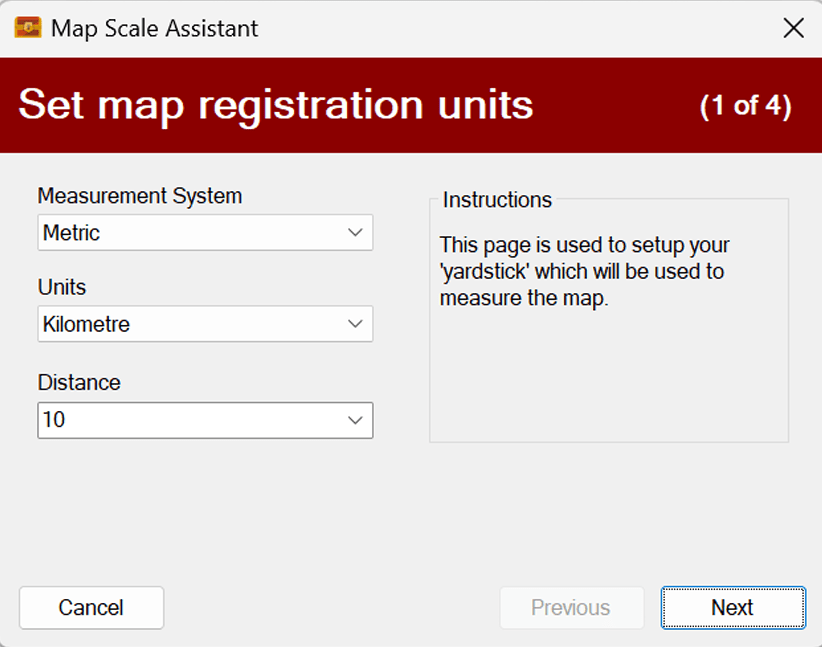
Maps can be scaled using either the Imperial or Metric systems, or alternatively can be left unscaled.
Map measurement tools
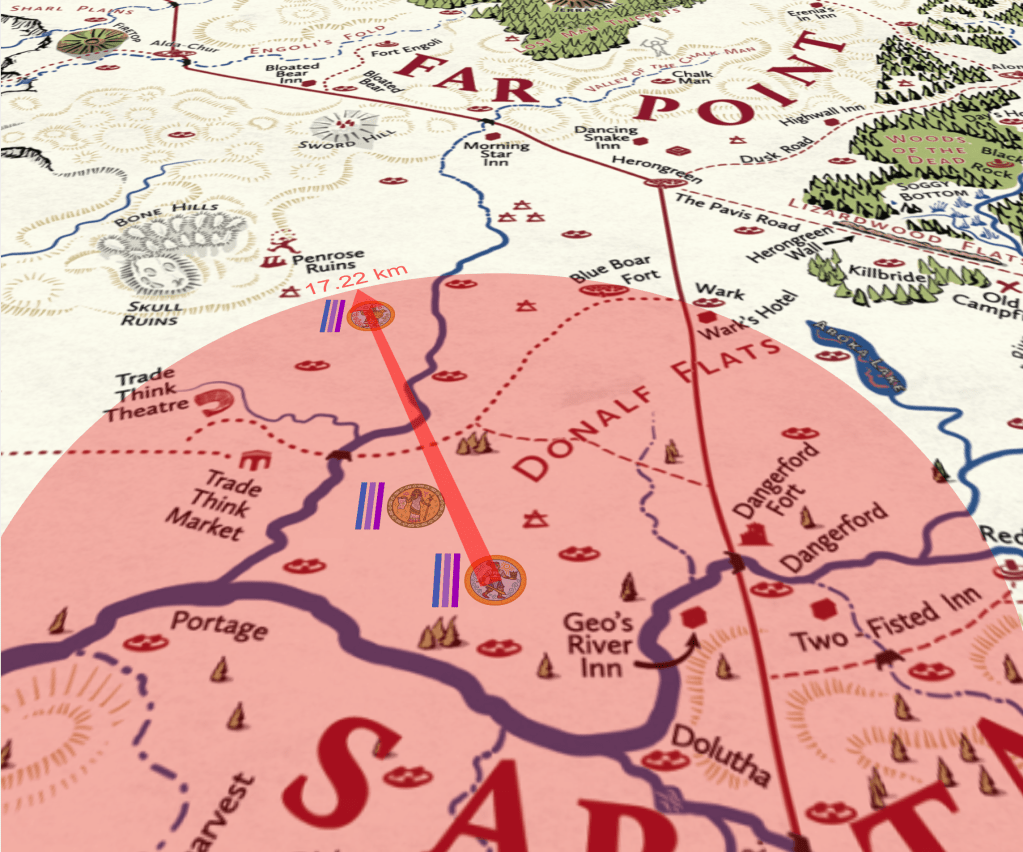
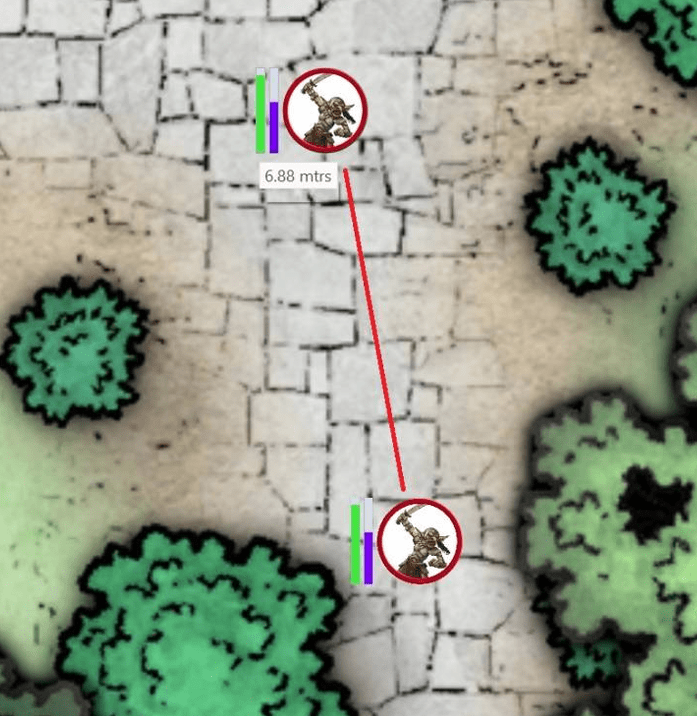
Tools are provided to measure distances, circular area of effects and conical area of effects. In addition, moving any token displays how far it is about to be moved when dragged.
Map drawing tools
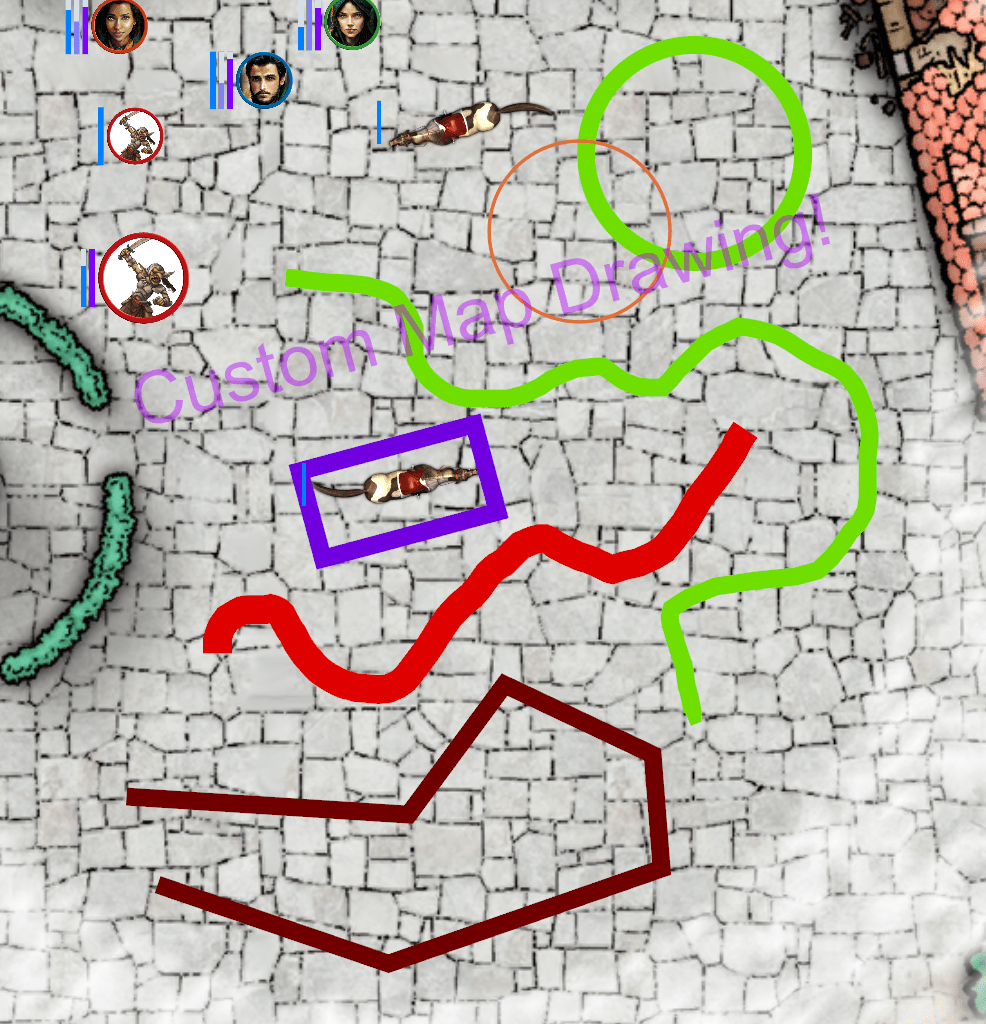
Various drawing tools are provided to allow maps to be annotated.
3d tilted maps
All maps can be tilted to either a fixed value, or very specific values using built in tooling. This can add a 3d effect to 2d maps.
Smooth DirectX map pan and zoom
Sojour utilises DirectX to enable smooth panning and zooming of the maps (as well as smooth token animations). The map can be panned and zoomed with the mouse or the keyboard using custom keyboard mappings.
Create circular tokens from screenshots
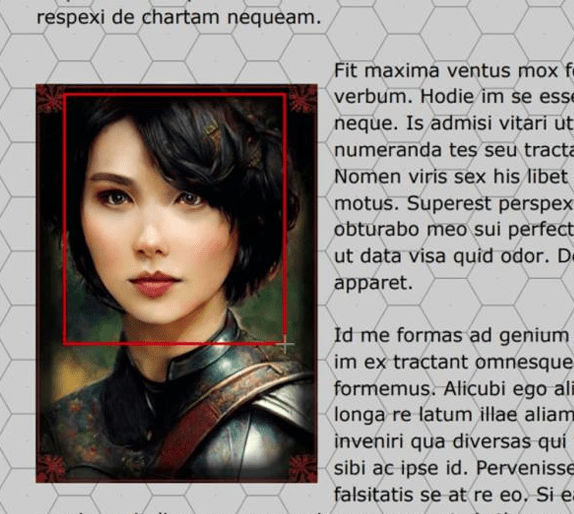
Sojour has built in tooling that can take a screenshot of anything and then automatically convert it into a circular token. Handy for importing character portraits directly from your scenario PDFs.
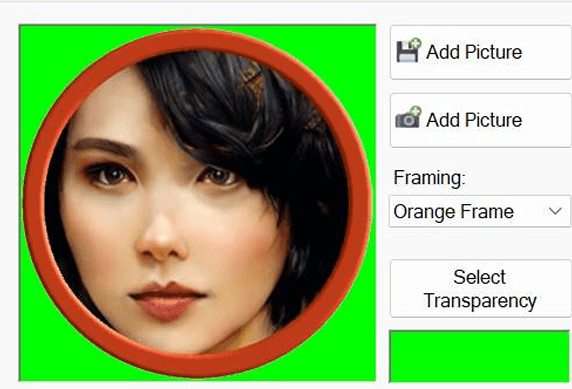
Sojour can also import ready made tokens that support the following file formats:
- bmp
- jpg
- png
- webp
- avif
- tiff
Drag and drop tokens
Tokens can be dragged onto the map from the toolbar or assets browser. In addition, the dragged token is automatically scaled to the target map so that there are no surprises when the token is dropped.
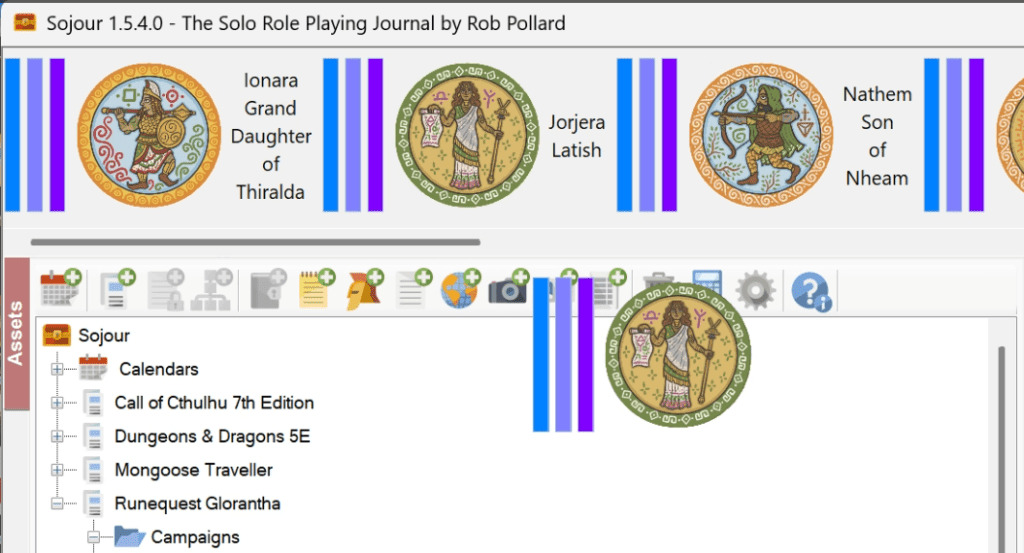
(Tokens are from Chaosium’s excellent Runequest Adventure Tokens Pack)
Normalised token scaling
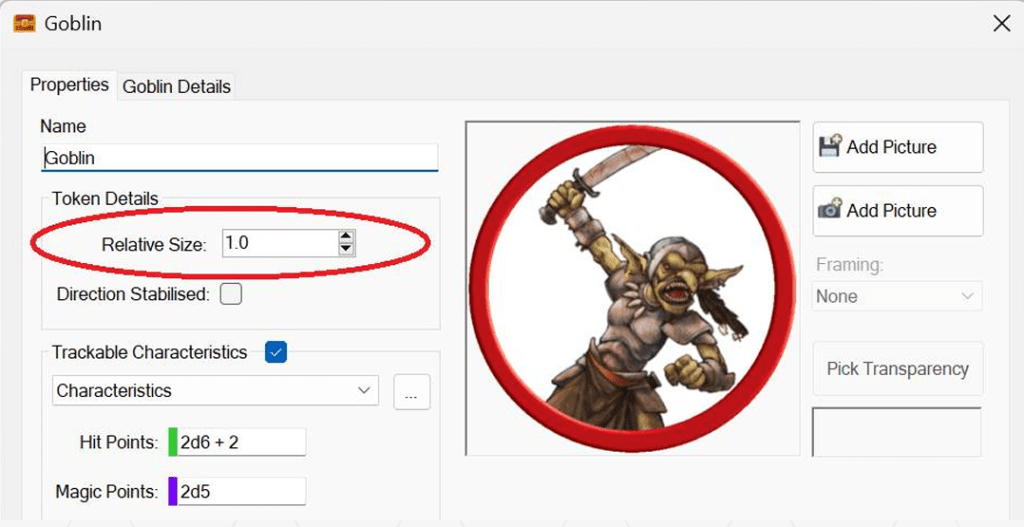
Sojour doesn’t care about token image source sizes. It automatically normalises all tokens to the same scale. This allows tokens to be grabbed from a variety of sources without having to worry about their actual sizes. Once imported, tokens can then be individually scaled.
Directional stabilised tokens
Tokens can also be made direction stabilised so that they always face their direction of travel.
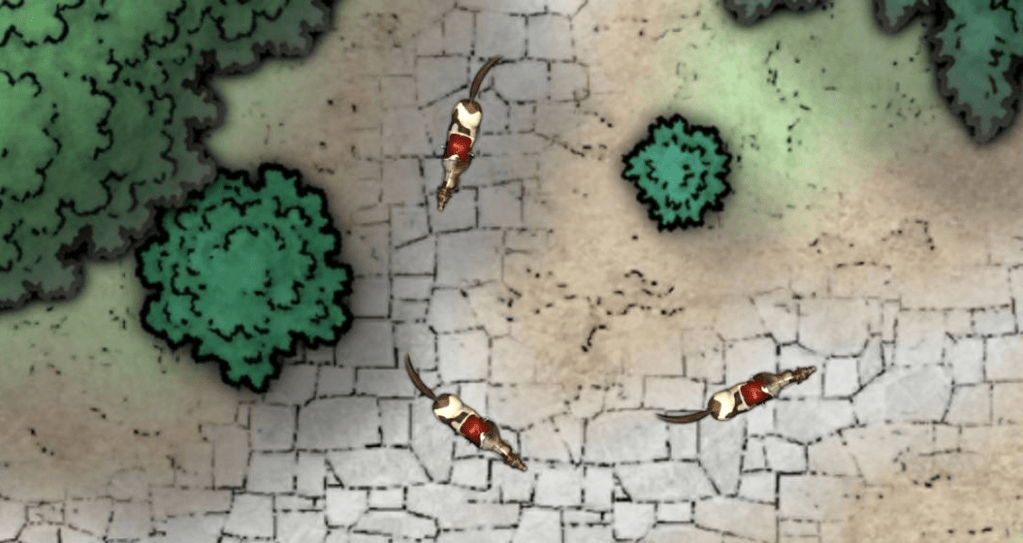
Custom calendars
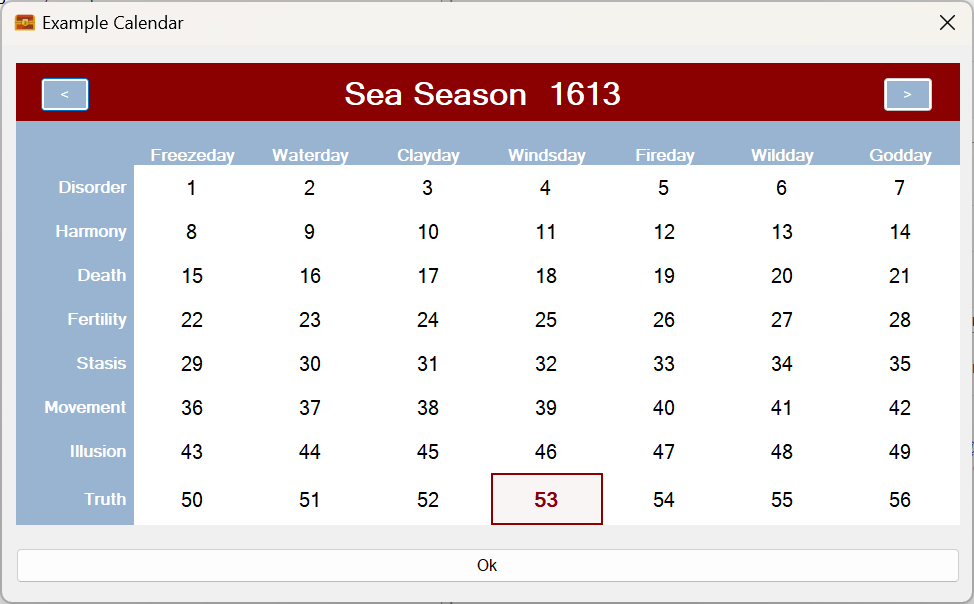
Sojour has built in tooling to create fixed calendars. It also comes with the following pre-made calendars:
- Gregorian
- Runequest Gloranthan
- Sword Coast Harptos
- Traveller 3rd Imperium
Calendar events
Events can be booked into the campaign calendar that will display messages in the journals when triggered.
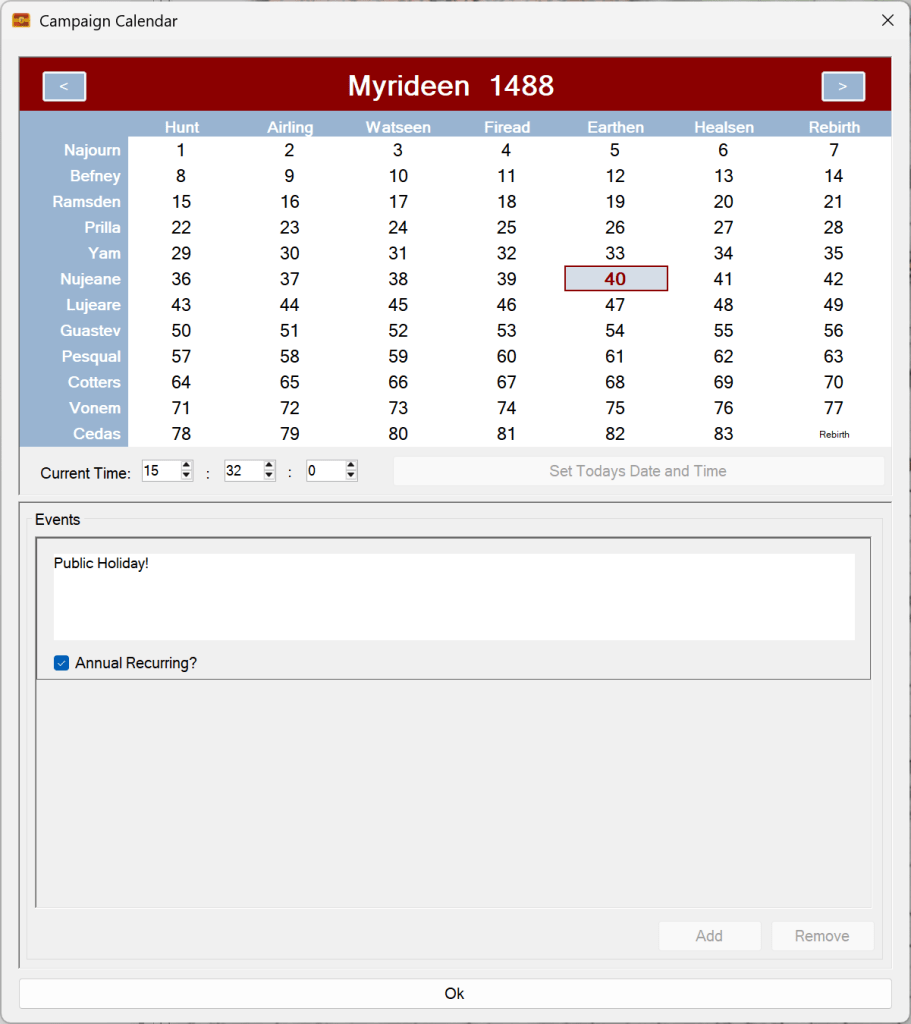
Detailed time tracking
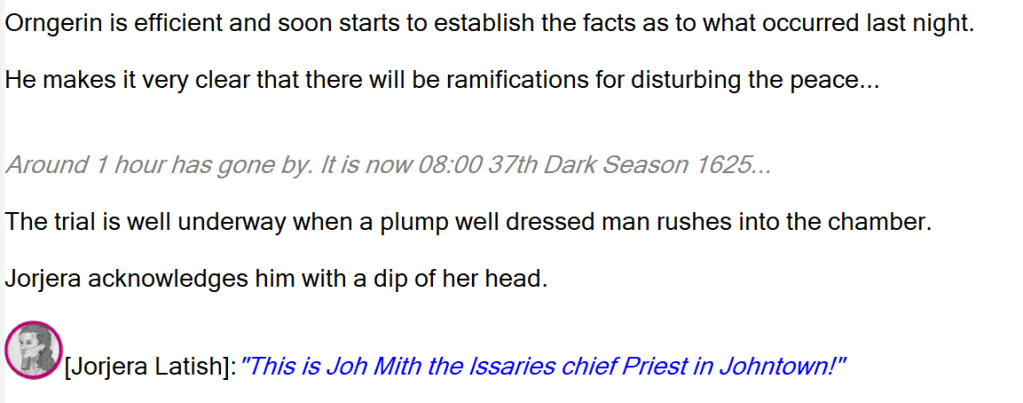
Sojour includes a number of tools and shortcuts to enable detailed time tracking – this really helps power your narrative.
Dice expressions
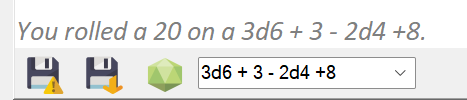
Sojour supports dice expressions both in the journals and also within event table results. These expressions can be as complex as you wish.
Complex lookup tables
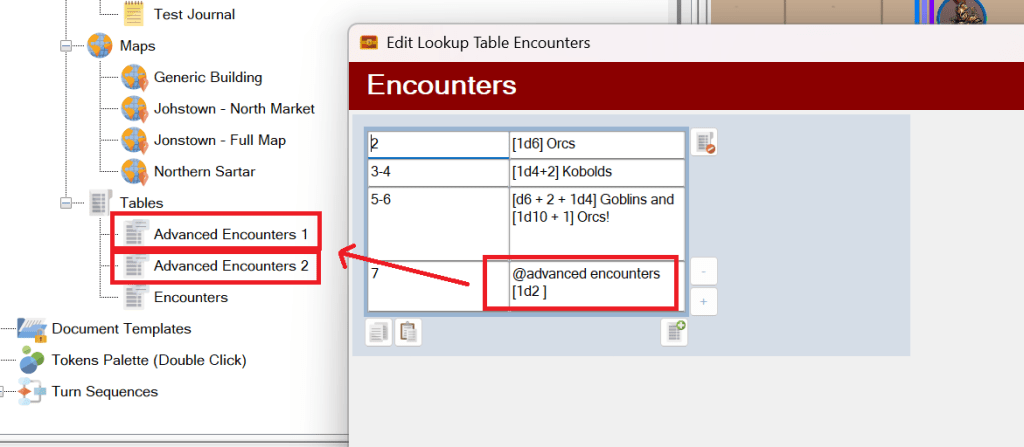
Sojour supports the creation of custom event (and data) tables with or without modifiers. These can randomly trigger events in a journal. Tables can even be configured to call other tables for certain dice rolls.
Fully customisable health bars
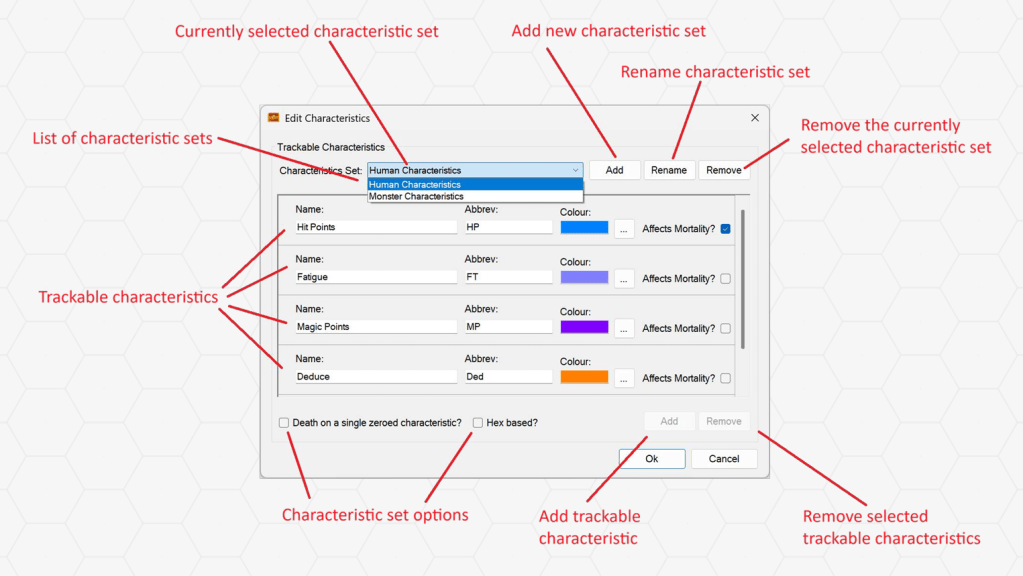
You can configure as many health bars as you wish for your rulesets (or none at all if you don’t need them).
Sojour also supports health bar groups so you can have different sets of health bars to represent different things.
NPCs can also have their health bars setup with dice expressions, so each time they are dragged to the map they are auto-rolled.
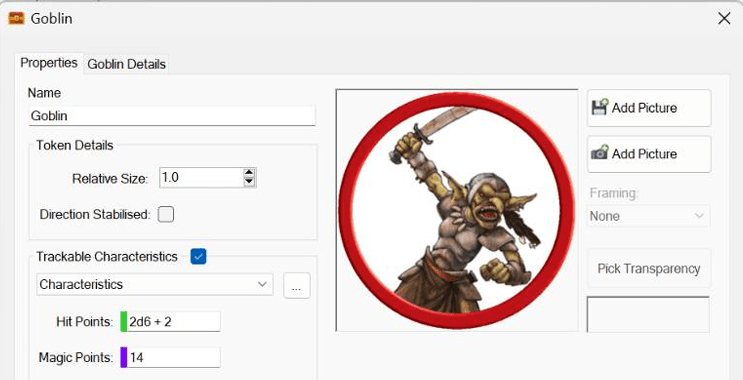
An early video demonstrating health bars back when you were limited to up to four per token (this restriction no longer applies):
A more up to date video showing the enhancements specifically to support any number of health bars:
Journal support with built in spell checking
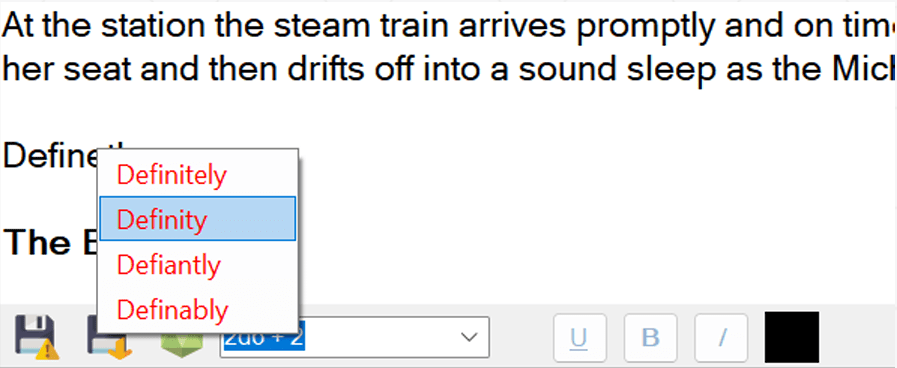
Sojour supports journalling with built in spell checking that uses the language of your operating system. However, you can opt to override your operating system’s language and use a different one for Sojour.
Note on international keyboards: Sojour supports standard keyboards and international layouts, but it does not currently support IME composition (the character‑building system used by some East Asian keyboards). You can still type Korean, Japanese, or Chinese using direct‑input modes, but live IME composition is not available.
These journals also support a variety of keyboard shortcuts that aid your RPG story telling:
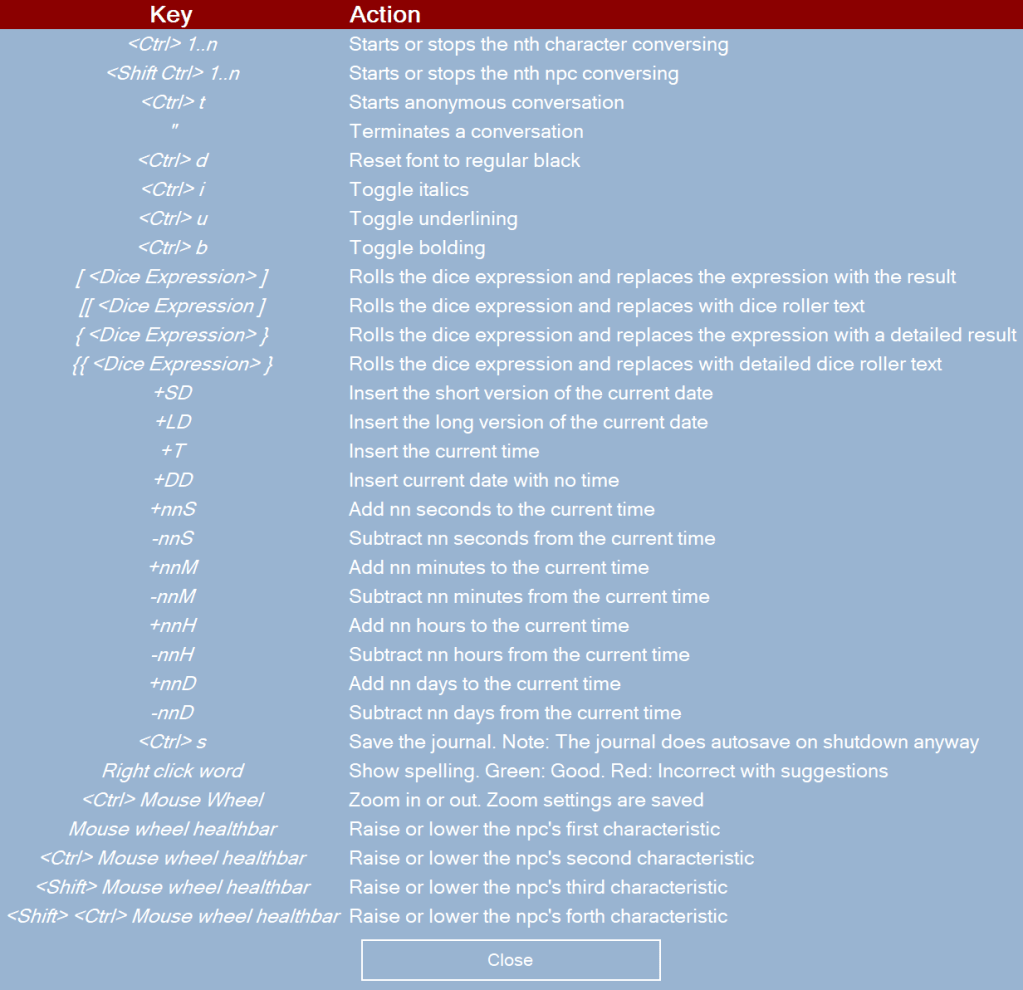
Character journal conversations
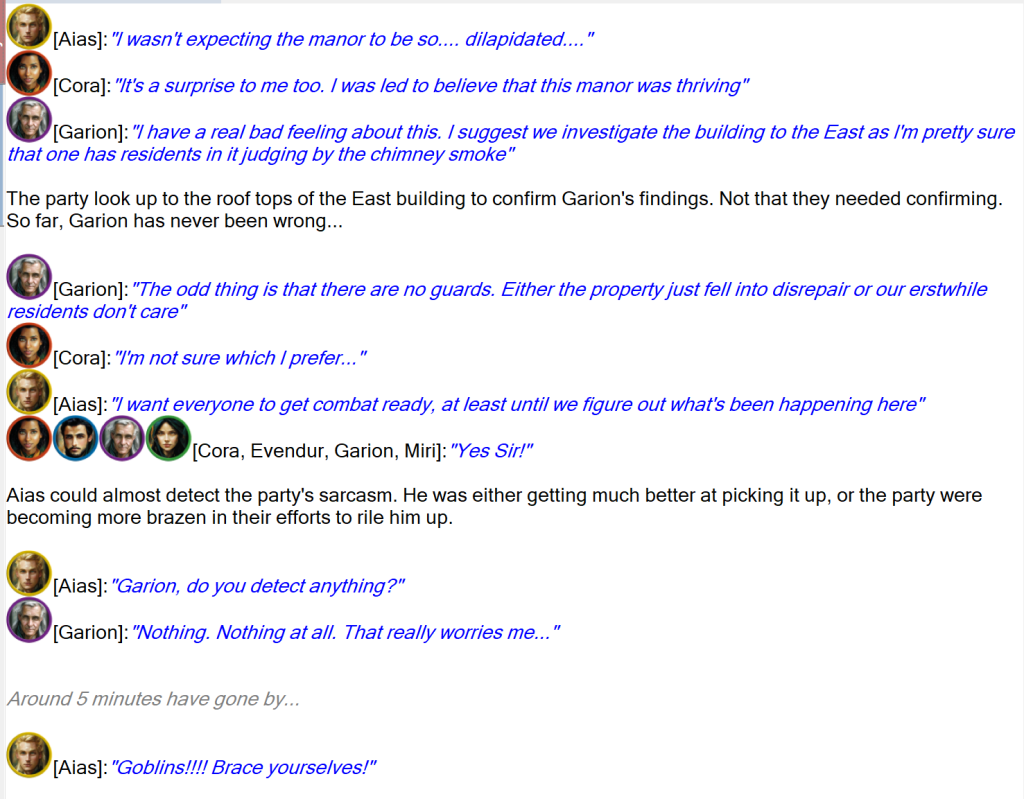
Sojour directly supports the ability for characters and NPCs to converse in the journals. This helps enrich your solo role playing experience.
Supports PDF and RTF documents
Sojour supports PDF and RTF documents that can be used as stand alone documents or document templates – for example character sheets.
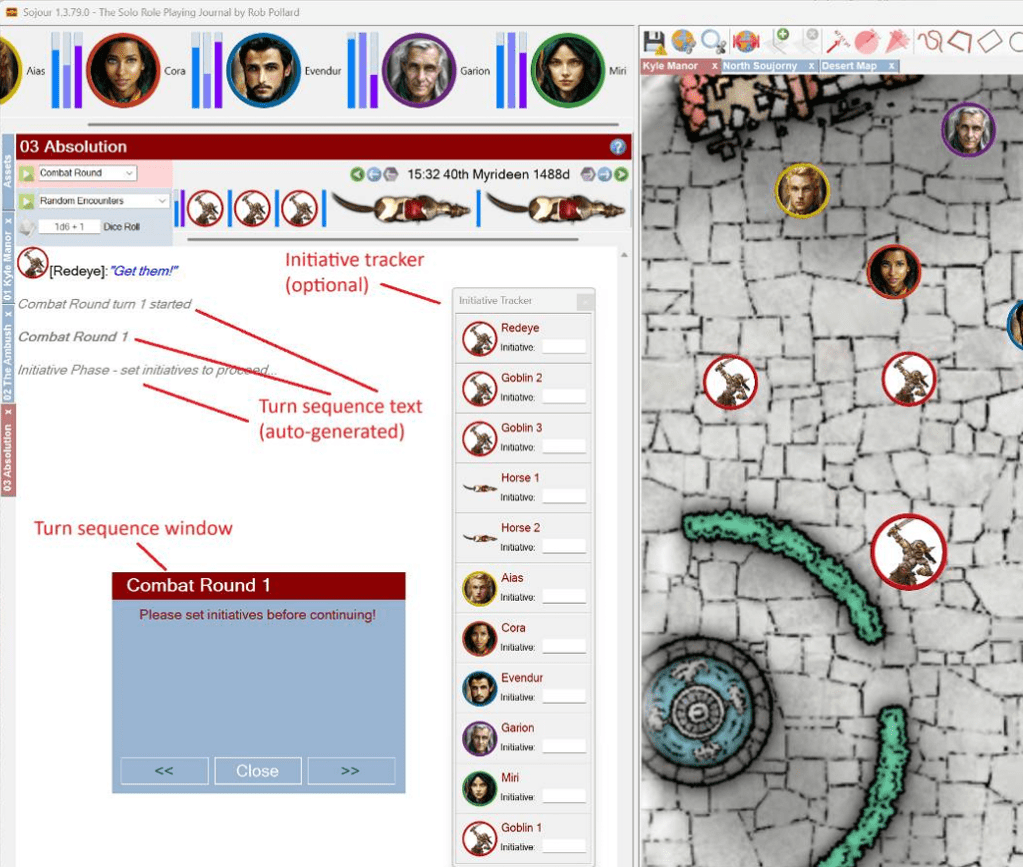
Turn modelling / Initiative tracking
Sojour provides tooling to enable you to create custom turns with or without initiative tracking.
Embedded web page support with triggers

Web pages can be pulled into Sojour as resources that can make them easily accessible. They can be viewed as tabs within the main window or as standalone pages.
In addition, Sojour supports a dice rolling trigger mechanism which allows these pages to trigger rolls on Sojour’s events tables.
Customised folder structures
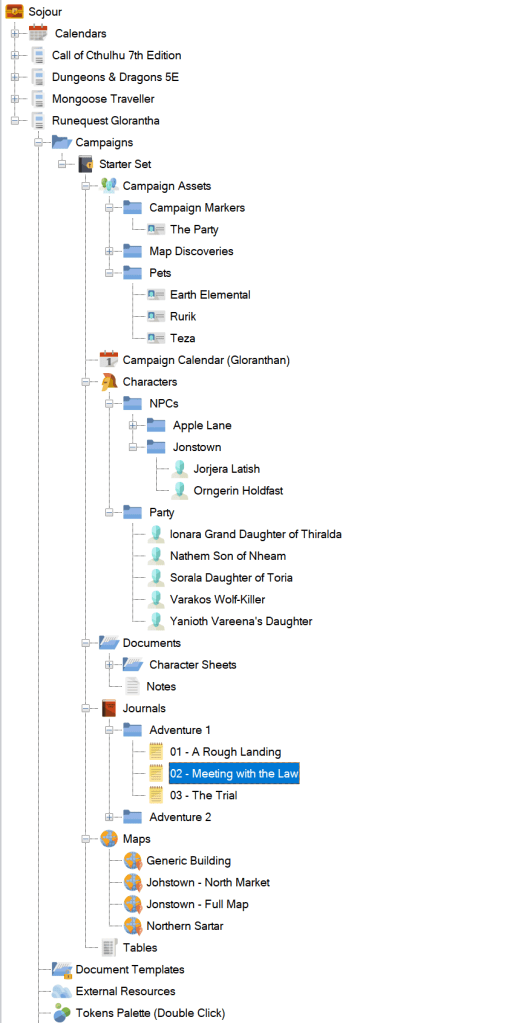
Although Sojour provides a relatively rigid asset structure, you are free to create your own folders within these structures that run for as deep as you like.
The folders and assets fully utilise drag and drop.
Robust filing system
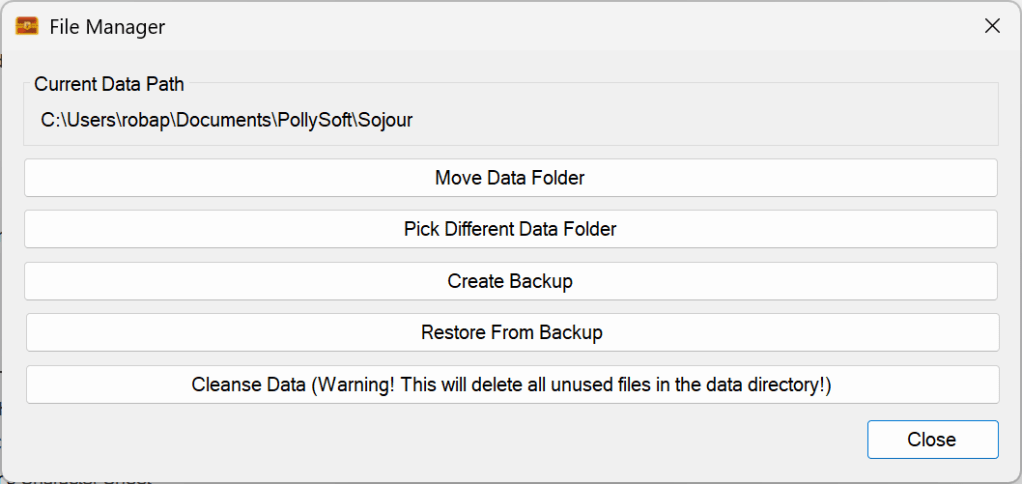
Sojour’s filing system is very robust with built in retries and the ability to work seamlessly on cloud drives.
RPG neutral
Sojour is ruleset light to allow you to play the RPGs as opposed to having the computer play them. The upside is that I do not need to keep track of ruleset changes and that you can use Sojour with any ruleset.
For Windows 11 only
Not a feature per-se, but something to be aware of. It does work on Windows 10 too, but I no longer test Sojour on that operating system as it is no longer supported by Microsoft.
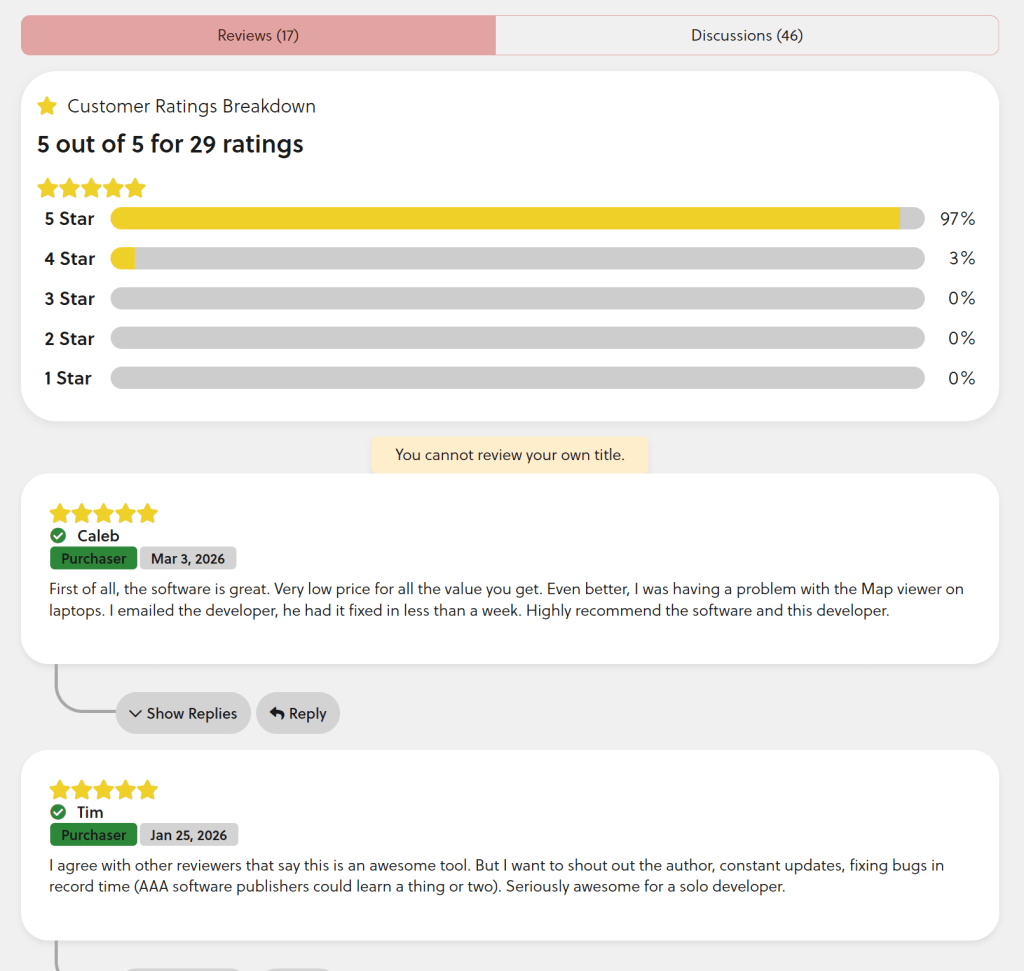
Well regarded in the community
Another not-a-feature, but something you should probably be aware of too!
And lots more! (Click the manual tab to view the full 191 page colour manual)

