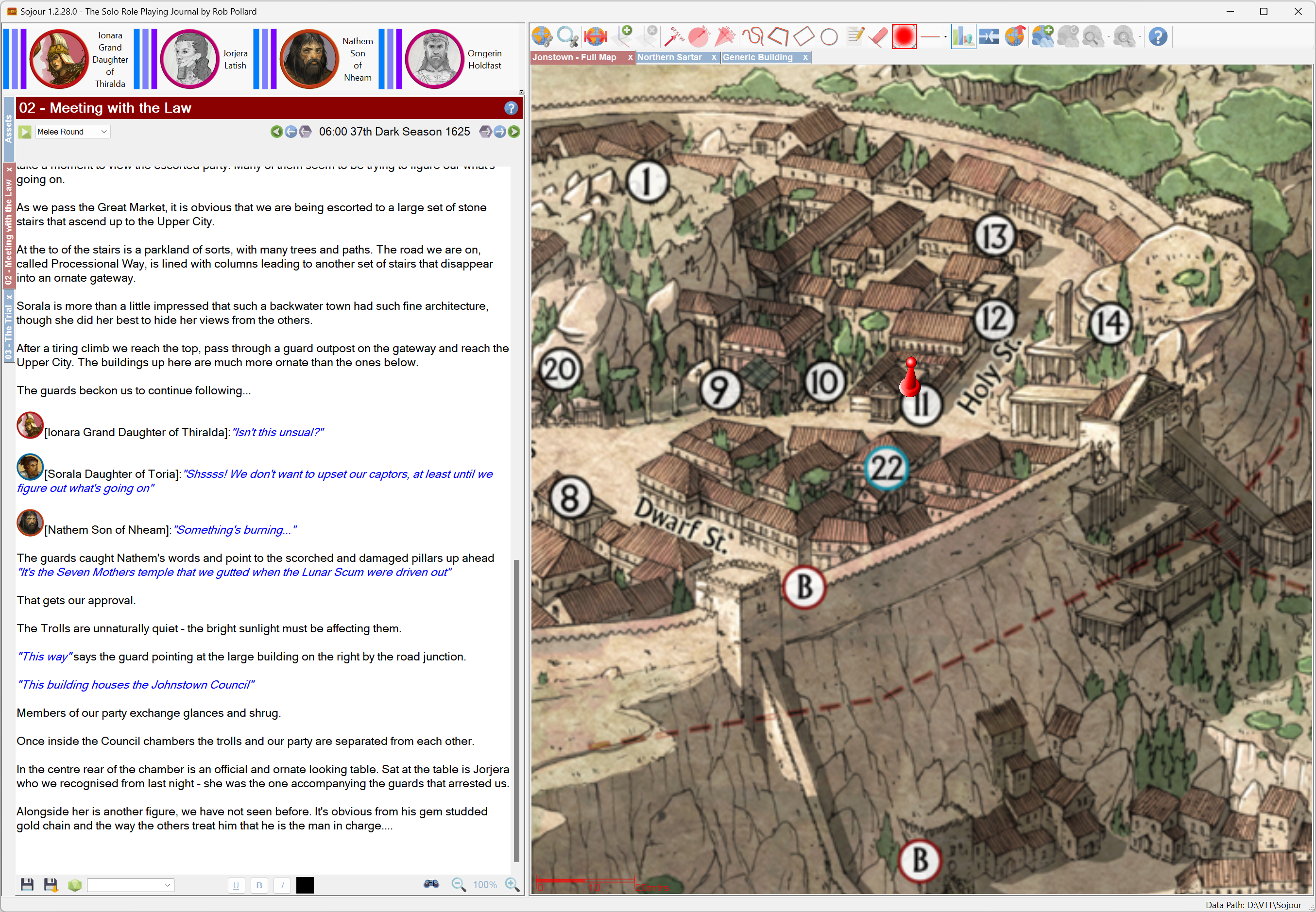
Sojour has had a good year in 2023 with numerous enhancements added and many bugs squashed. (As an aside, all updates and enhancements are offered free of charge to all existing customers!)
Despite many new features being added, there is still a huge list of enhancements that I want to incorporate!
For those new to Sojour, the key take away from this retrospective is that nothing stands still! Sojour will continue to improve based on customer feedback and my own designs.
Here is a list of some of the major achievements and enhancements that Sojour attained in 2023:
Sojour got released!
This was a huge milestone. It’s one thing to code Sojour for personal use, but quite another to make it ready for commercial use. Over 200 hours of testing and refinement got pumped into Sojour to ensure that it would work under a much expanded use-case regime.
In addition, a manual had to be created – and subsequently re-written to avoid copyright issues – which itself took several weeks of effort. This illustrated manual currently stands at 166 pages!
At that time, everything I did was focused on getting Sojour released and I had naively assumed that once released the journey would be over and I could then re-focus work on my other project Ancient Armies. (Sojour borrowed a lot of technology from Ancient Armies)
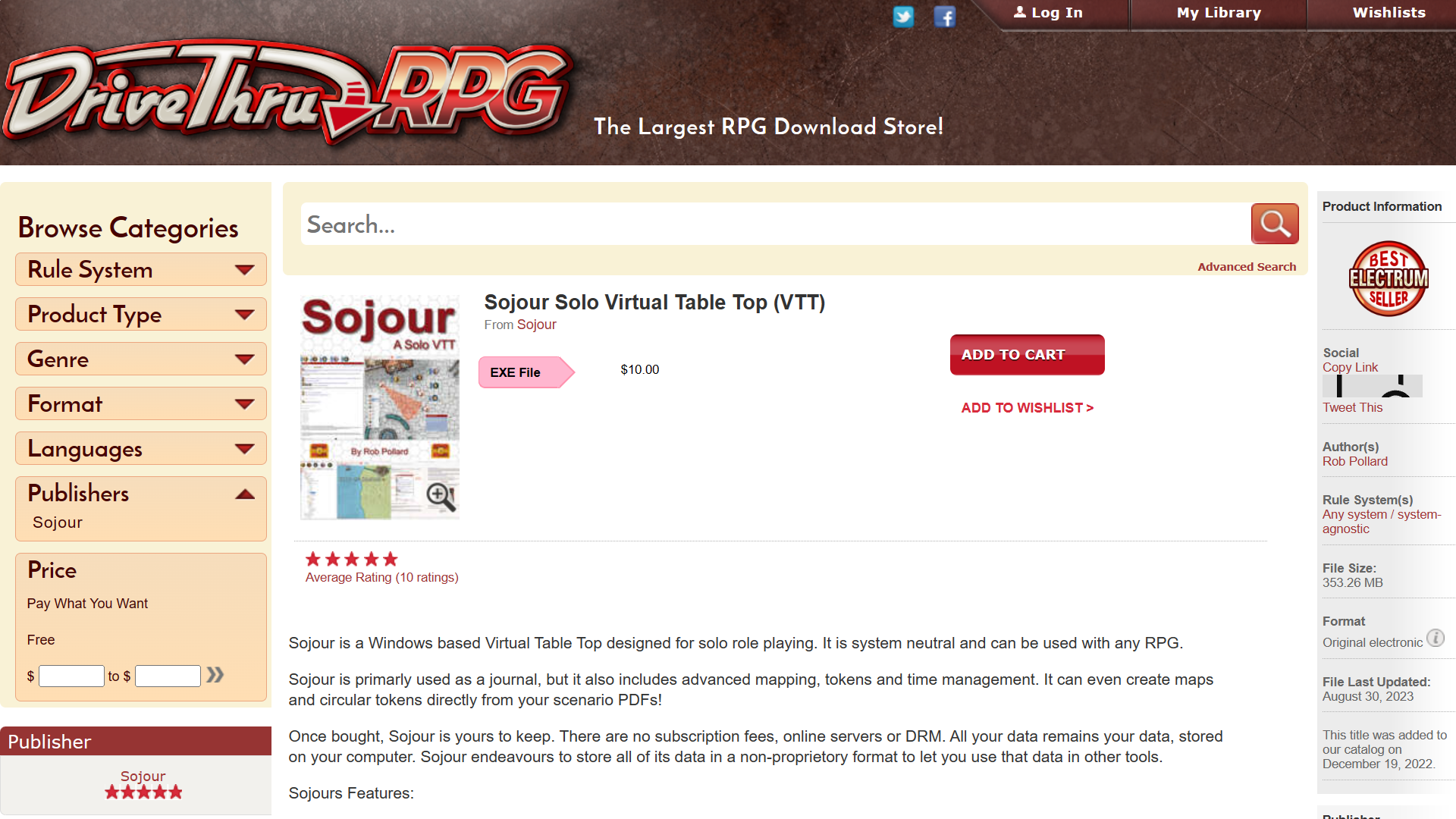
But as it turned out, the release marked the start of a whole new journey – one that I hope many of you will join me on! If you are interested, Sojour can be bought at DriveThruRPG for a one off payment of $10USD with no DRM or servers needed.
Map Scale Assistant added!
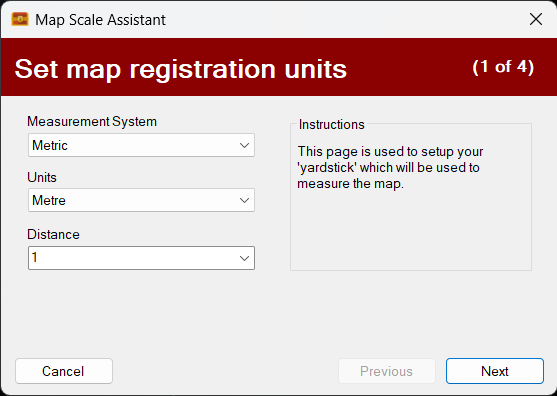
The map registration system got a complete overhaul. It was replaced by a new wizard called the map scale assistant that allows one to directly scale their maps using the actual maps rather than a separate window.
The original blog post covering this new map scaling assistant can be read here. Please note this is an earlier version of the assistant and things have progressed!
Custom Health Bars added!
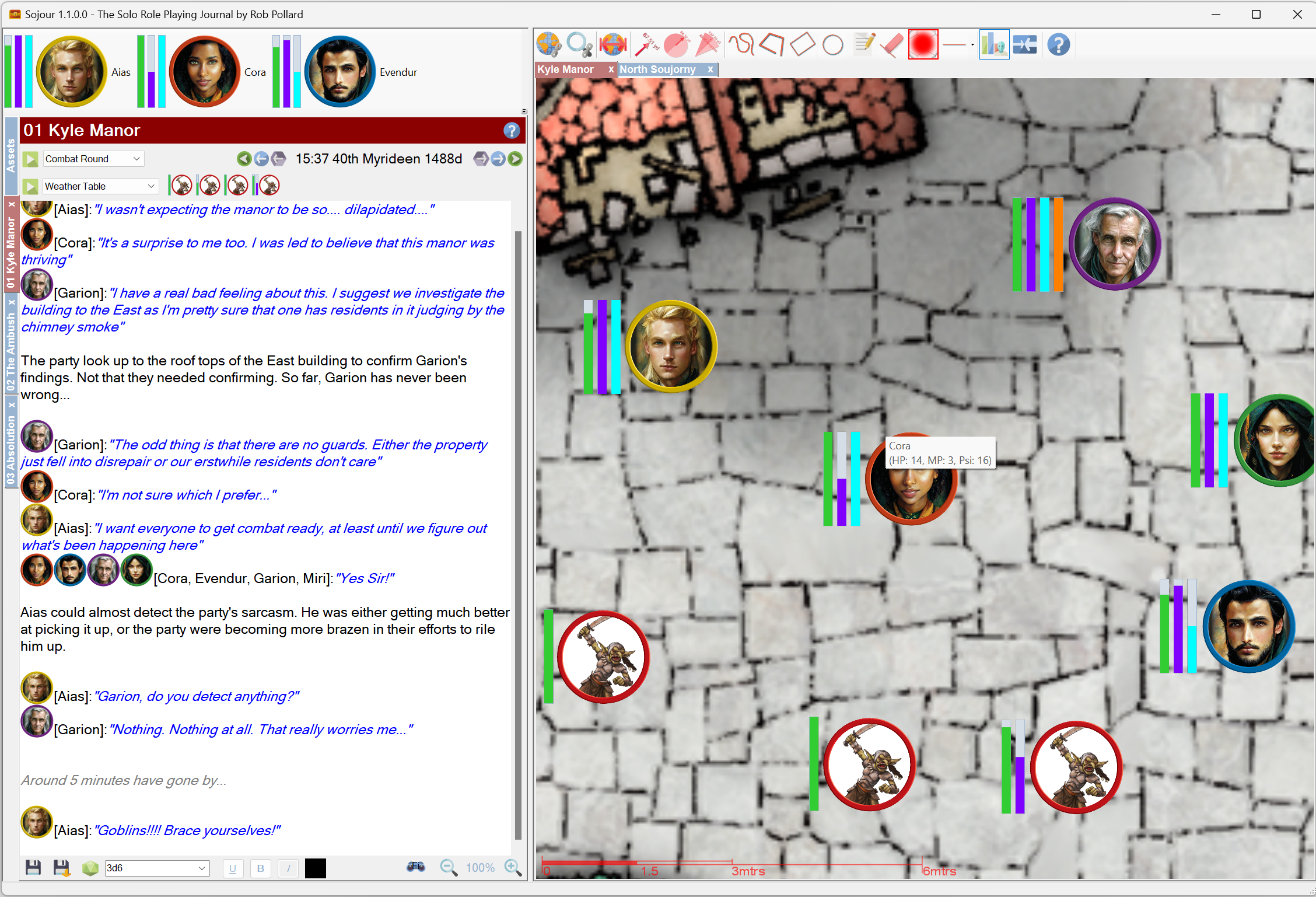
These are known as trackable characteristics and are extremely flexible. The user can create up to four health bars for each token and these can be defined in characteristic sets. This allows one to have multiple health-bar configurations in one ruleset!
The intent is to allow for more health bars in the future. The core technology already supports this. The hold up is figuring out how to make a large number of health bars a practical proposition in the user interface.
This video demonstrates an earlier version of trackable characteristics:
3D Map Tilting added!
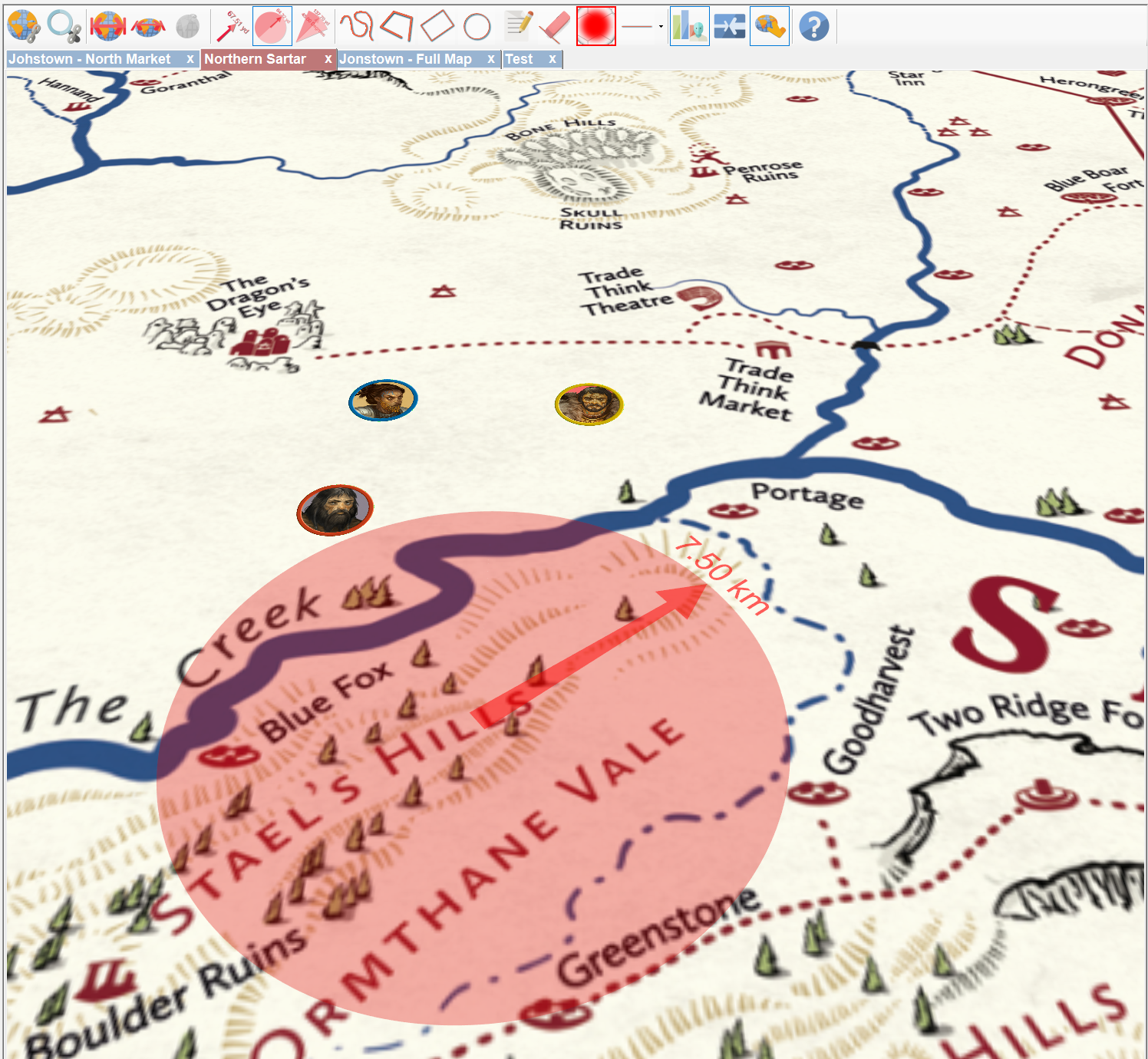
Sojour uses a custom graphics engine called Ionian. This engine was originally written for Ancient Armies and one of its hidden secrets is that it is really a 3d engine!
I decided to take advantage of this by offering map tilting which makes many maps really shine.
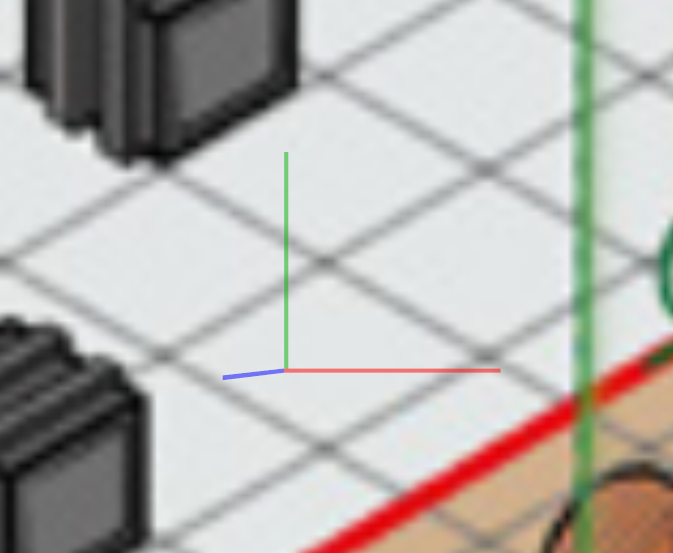
In addition, there is built in functionality to allow the user to accurately align the tilt of a map so that it is in the same plane as a 2d isometric drawing – this results in an uncanny 3d effect!
Here is a video that goes through map tilting:
Fog of War added!
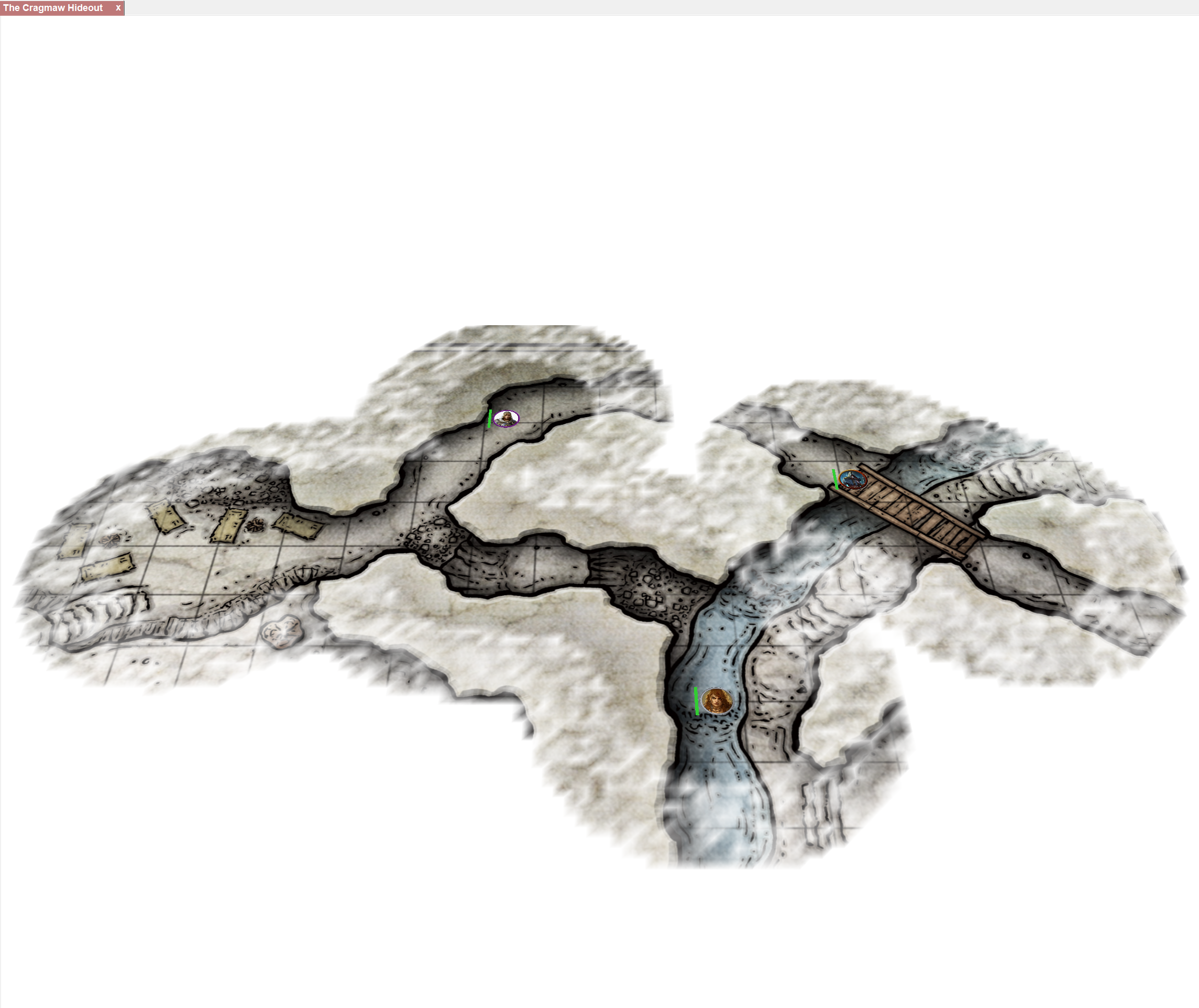
This was a huge piece of new functionality. It enables the user to add fog of war to any map!
The backend code is super configurable. However, only a small proportion of its functionality has been surfaced to the user interface – so expect more enhancements in the future!
There are two videos covering fog of war.
The first is for the original iteration:
Whilst the shorter follow-on video describes some enhancements made to the fog of war system as a direct result of user feedback:
File System Manager added!

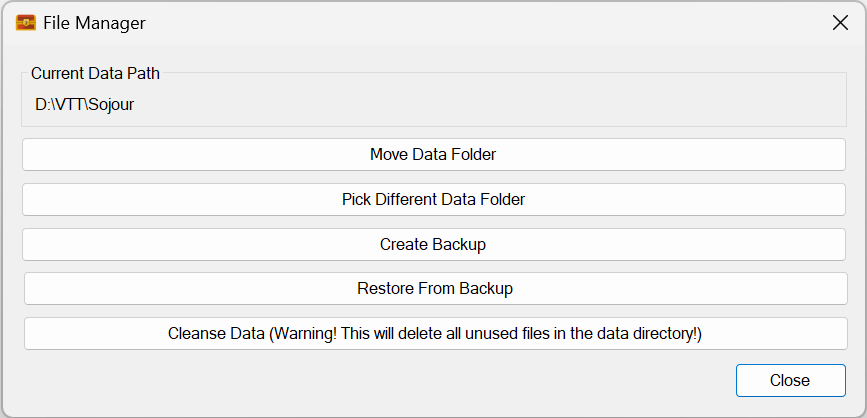
This was a major piece of work that provides users with a number of useful functions for dealing with their data. These functions also include the ability to backup and restore games.
A video covering its extensive features can be viewed here:
Tutorial Videos added!
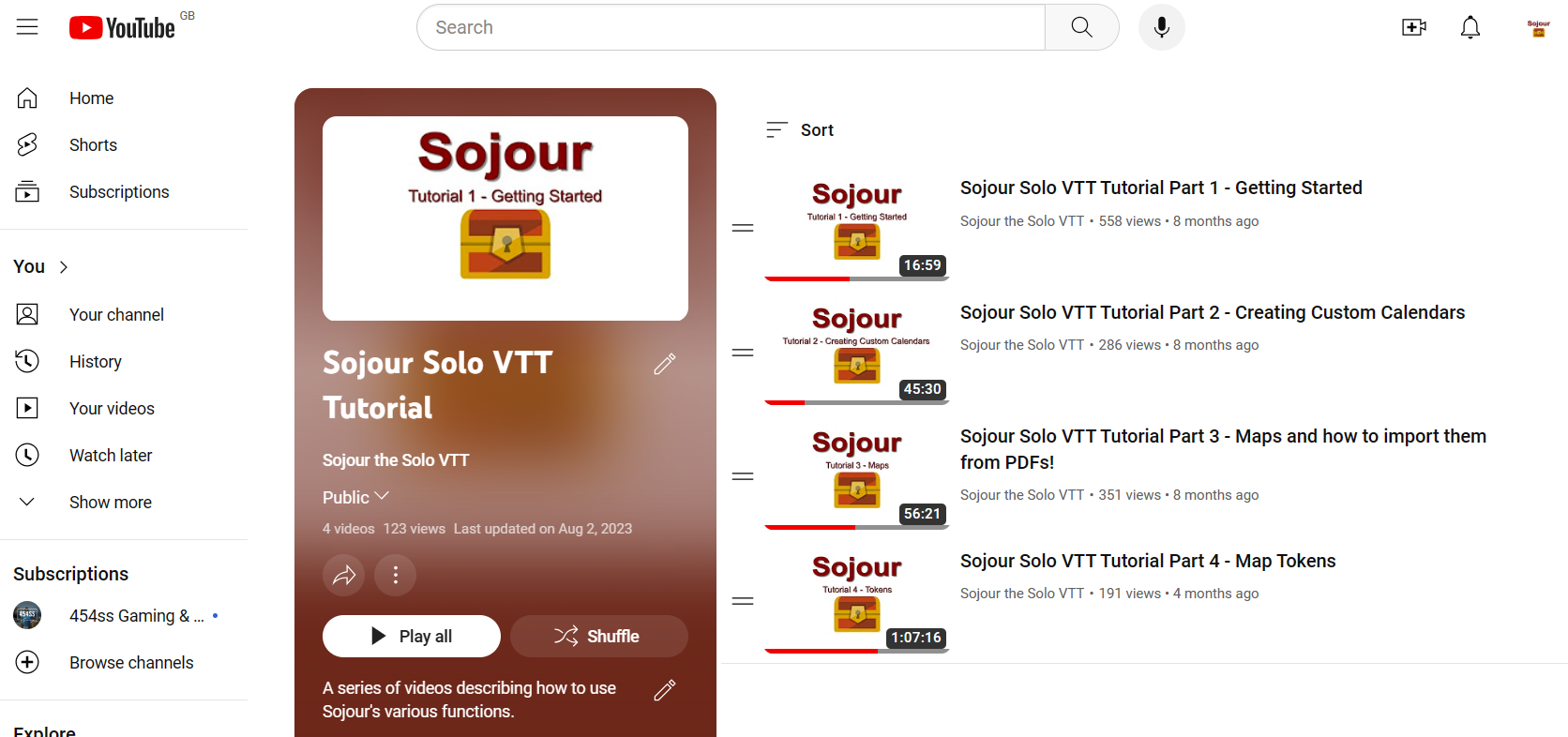
These might seem unimportant, but many users rely on these to gain an understanding on how to use Sojour and how to solo scenarios designed for multiplayer games.
Producing videos takes a lot of effort, but I think the results are worthwhile!
All the tutorial videos can be found in this You-Tube playlist. The playlist is incomplete. There are many more planned videos to come!
In addition to the Sojour tutorials, I also released a handy video describing how to solo multi-player RPGs!
Well over 300 sales!
It would be fair to say that Sojour has sold a lot more copies than I envisioned.
The reason for my low expectations is that I have done no real advertising. I was kind of hoping to make it ‘feature complete’ before really pushing it out there.
This low profile combined with the fact that the product is in a niche of a niche (a solo VTT, in a VTT market), meant that my original sales expectations were generally a lot lower.
In fact, truth be told, Sojour was never really meant to go on sale!
I originally wrote it to satisfy my own personal needs for a VTT. I had tried many of the popular ones out there and each one of them was great for multi-player gaming (their design intent), but not so good for solo play.
As Sojour developed, and I started using it, I got an inkling that many others might have a need for a solo VTT too. That’s when I decided to commercialise it.
I’d like to thank everyone that took the plunge and bought Sojour!
Not forgetting the minor enhancements!
A huge number of enhancements got added to Sojour. Here is an incomplete list of some of them:
- Static Campaign Assets. The user can now create tokens that are part of the map – for example discovered caves.
- Ability to create on-map custom names for multi-instanced tokens or campaign assets. For example, you could drag 4 goblins to the map and then set about giving them custom names to add more character to them.
- Sojour’s default automatic token scaling can now be altered by the user on a per-map basis.
- Improved map context menu. It now looks better and is much more context sensitive based on what’s been clicked.
- Dead tokens can now be optionally hidden – or not….
- Tokens can now be double clicked to view their associated documents.
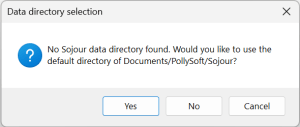
- Sojour’s installer got many improvements, including the ability to directly upgrade an existing installation in-place without needing to manually uninstall it first.
- Various improvements to the journal, including the conversation system (now more flexible) and enhanced dice rollers (in fact the original version of Sojour had no dice rollers at all!)
The Failures….
No one likes to talk about failures, but every software project has its share of failures. They are an intrinsic part of the natural evolution of the software. If one doesn’t take the risks, then the software can never hope to improve in any meaningful way.
Sojour suffered from two setbacks in 2023, both of which cost a lot of development effort and ultimately lead nowhere:
Dark Mode
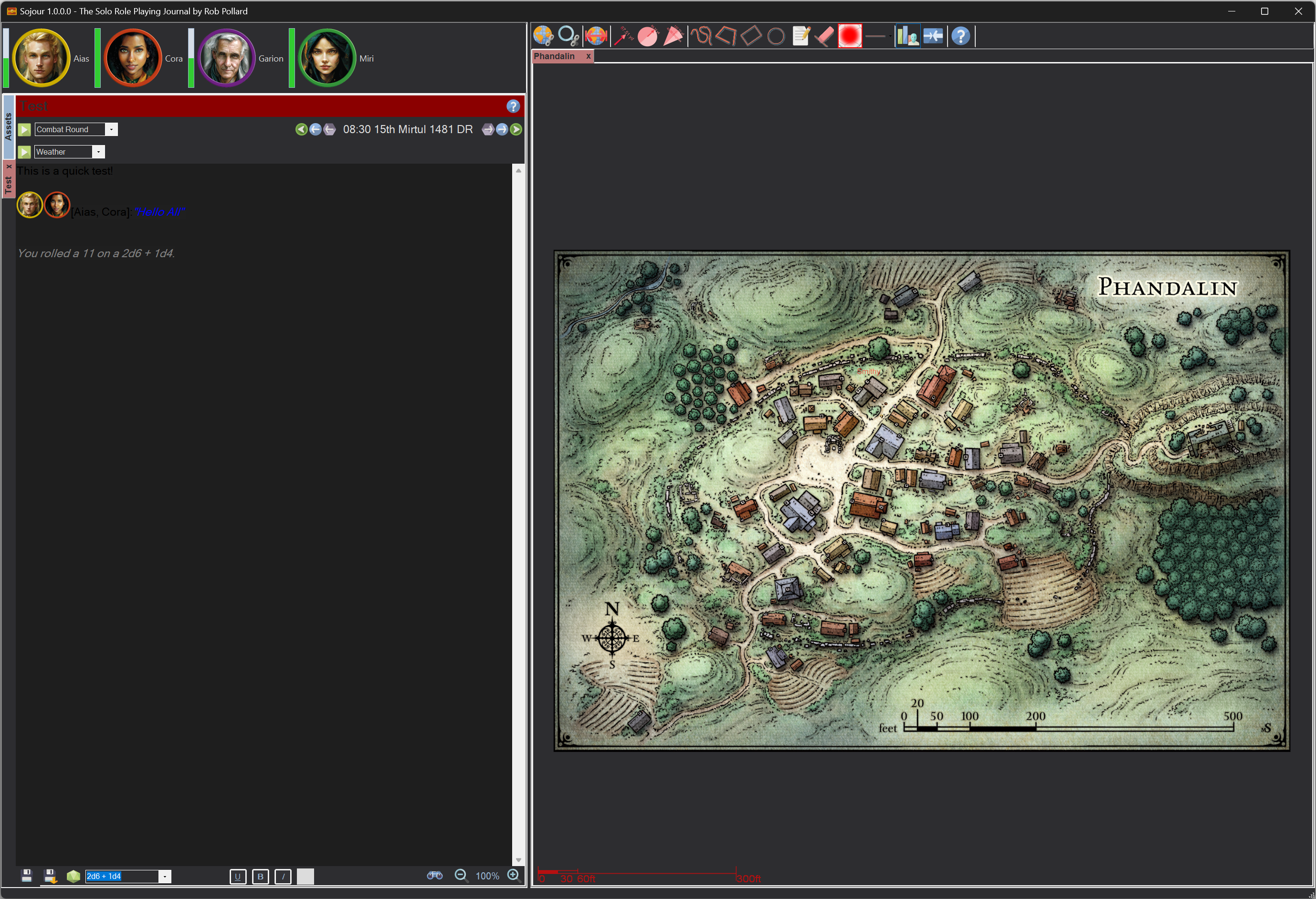
An attempt was made to give Sojour a dark mode. Alas, this ill fated attempt failed because the technology underpinning Sojour doesn’t really support it.
The aim is to re-write Sojour at some point in the future using a more modern technology stack, but this will only occur once the current feature pipeline reduces somewhat.
A re-write would require considerable effort and take me away from general Sojour enhancements and bug fixing – which is why I need the feature pipeline to dry up a little first!
The trials and tribulations of this doomed feature can be read in this blog post and this one.
Custom Folder System
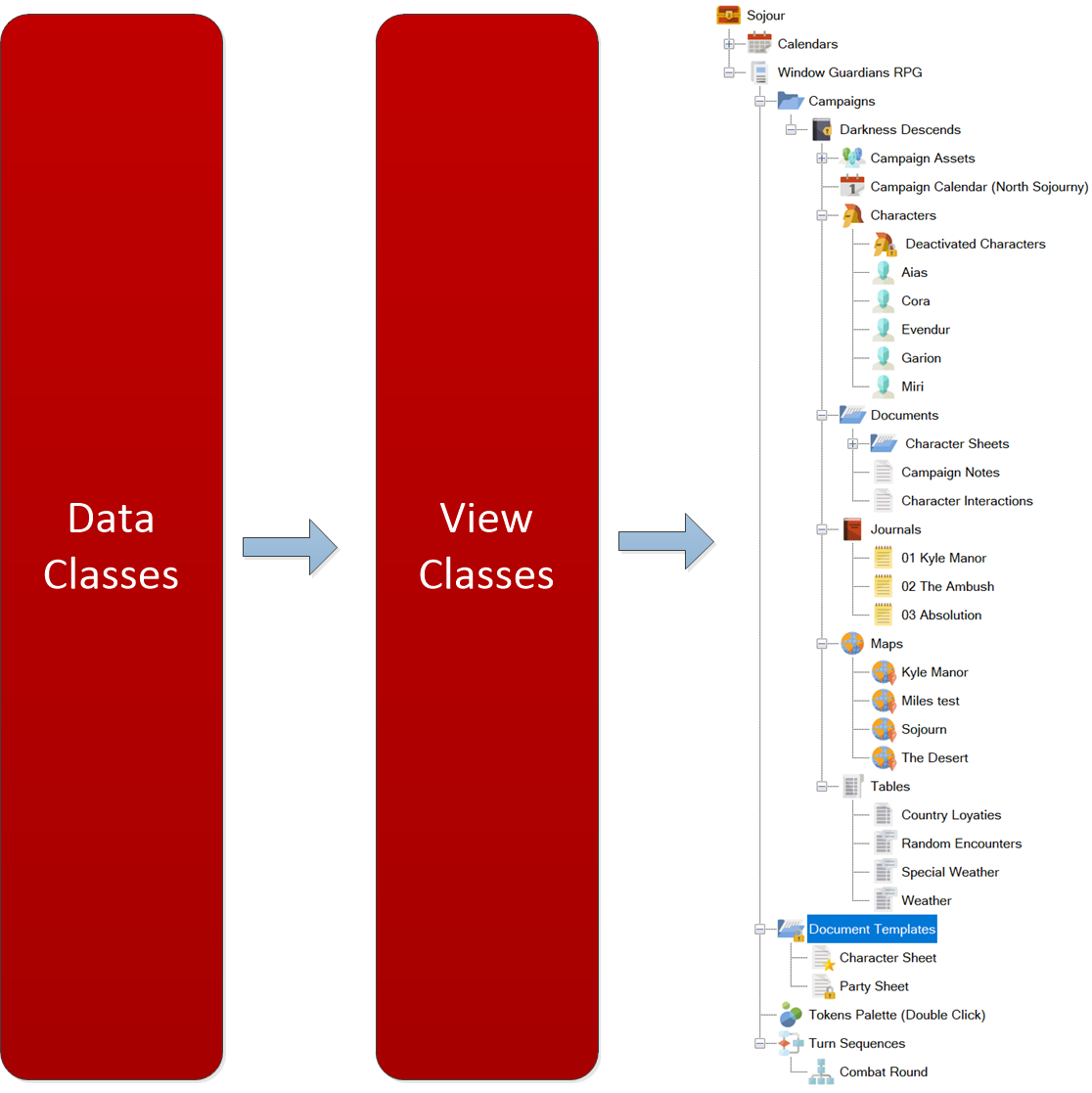
This was to be a system to allow users to completely configure Sojour’s asset browser in any way they saw fit. It even allowed one to create custom views that could show combinations of assets.
The problem with the system is that it was complex and took too long to write and test. Alas, it got to a point where its code base was too far behind the current version of Sojour to make any kind of integration a viable possibility.
I still have the code on its own test branch, so it’s not completely dead. I will probably resurrect this feature as a simpler cut down version sometime in the future.
You can read about my initial aspirations in this blog post.
A final thanks!
Finally, I would like to personally thank each and every customer that took the punt and bought Sojour from an unknown developer. It means a lot to me and helps instil a sense of responsibility that I have to all my customers.
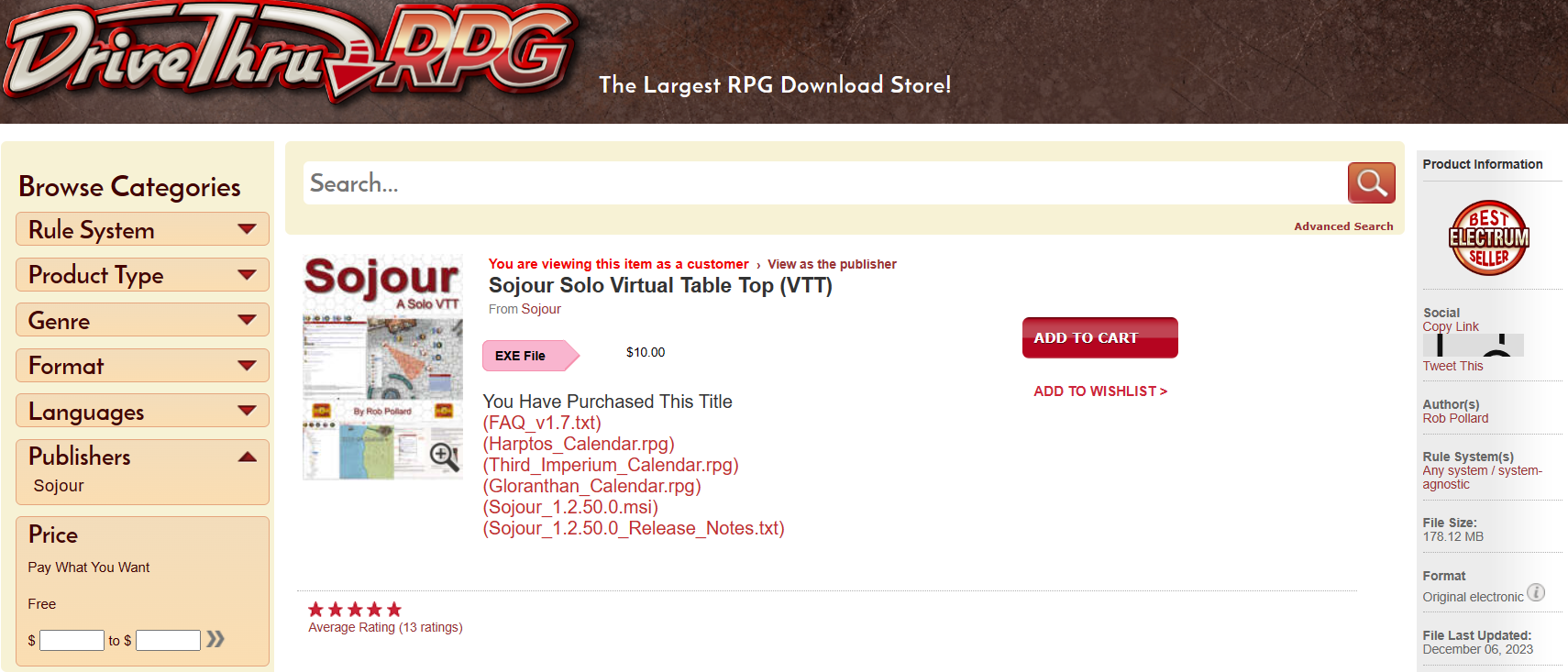
Customer feedback has been really good thus far. Thirteen reviews, all maxed out at 5 out of 5 stars.
One quote that makes me particularly proud is this one from DriveThru RPG:
Overall, Sojour Solo RPG VTT offers a level of functionality and ease of use that is unmatched by any other VTT platform. – David S.
It’s quotes like this that provide some feedback that we are headed in the right direction! 🙂
I hope Sojour has provided for a lot of fun and enjoyment. There is more to look forward to in the future. The version of Sojour that you have in your hands right now is only the beginning!
Have fun and here’s to hoping for a great 2024!
RobP