
This release focuses on giving users the ability to change the language Sojour uses when spell‑checking journals and documents.
Until now, Sojour has always defaulted to Windows 11’s system language — and there was no way for you to change it. Now you can!
There is one caveat: you can only choose from languages that are already installed on your operating system. For example, I currently have English (United Kingdom) and English (United States) installed:
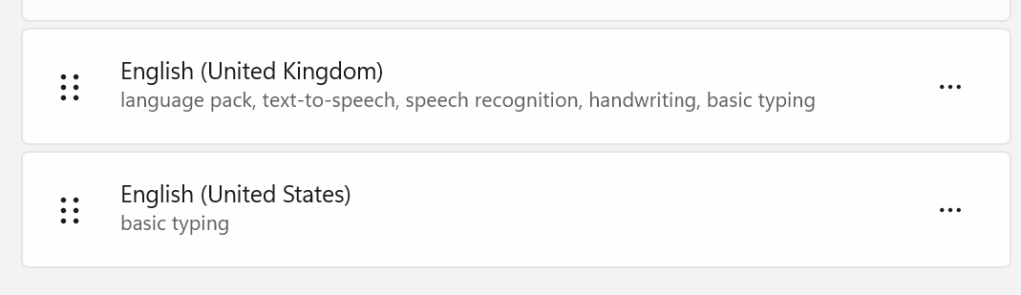
Most Windows 11 installations allow you to add as many additional language packs as you need.
If you open Sojour’s Settings, you’ll now see a new option:
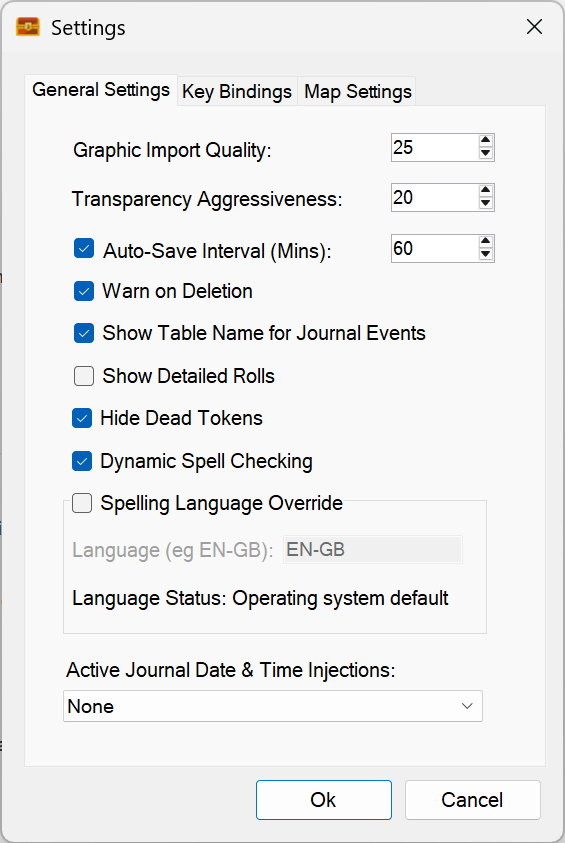
A new setting called “Spelling Language Override” has been added. It defaults to using the operating system’s language, and it will tell you which one that is — in my case, EN‑GB (English – Great Britain).
If you want to change the language, simply tick the checkbox:
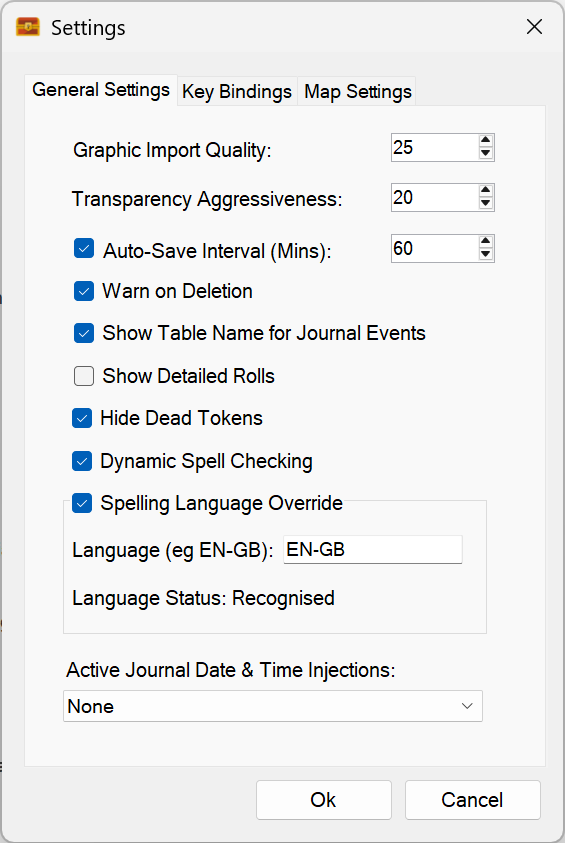
Once enabled, you can type in the shorthand name of the language you want to use.
Unfortunately, .NET provides no reliable way to detect which language packs are installed, so the best I can do is give you a text field. To help, Sojour will tell you whether the language you typed is recognised.
In the screenshot above, EN‑GB is recognised. If I type “DE-DE” (German), it fails on my machine:
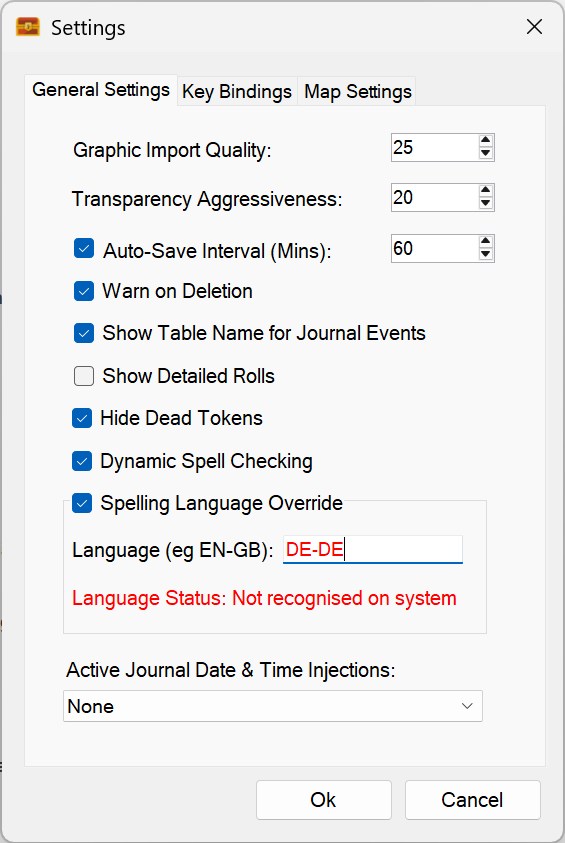
This isn’t because the name is wrong — it’s because I don’t have German installed. Windows reports that the language isn’t available, and Sojour highlights the field in red to let you know.
If you select a language that isn’t recognised, spell checking will be disabled. You’ll see this when viewing a journal:
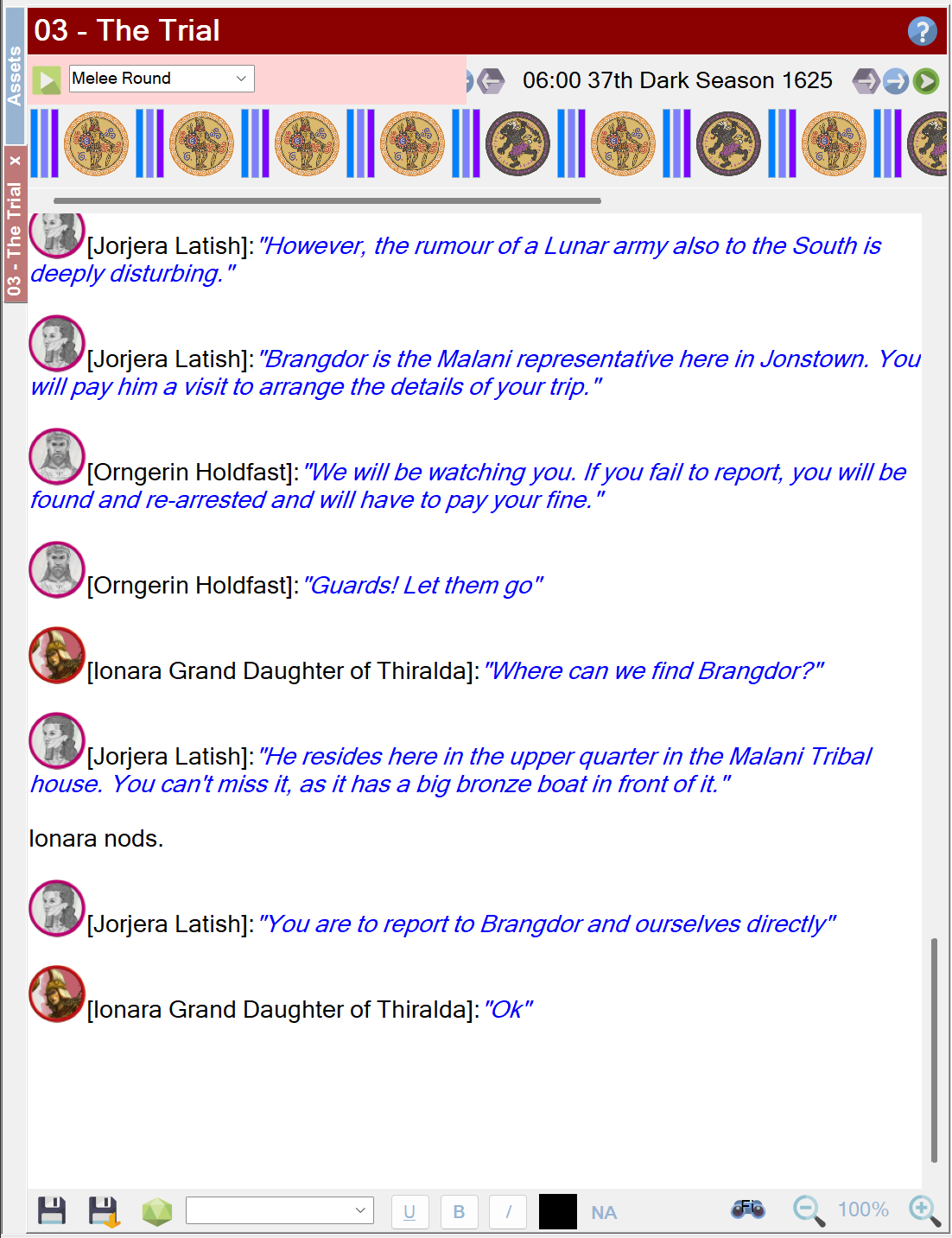
Once a valid language is selected, the indicator at the bottom of all RTF panes will update to show the chosen language:
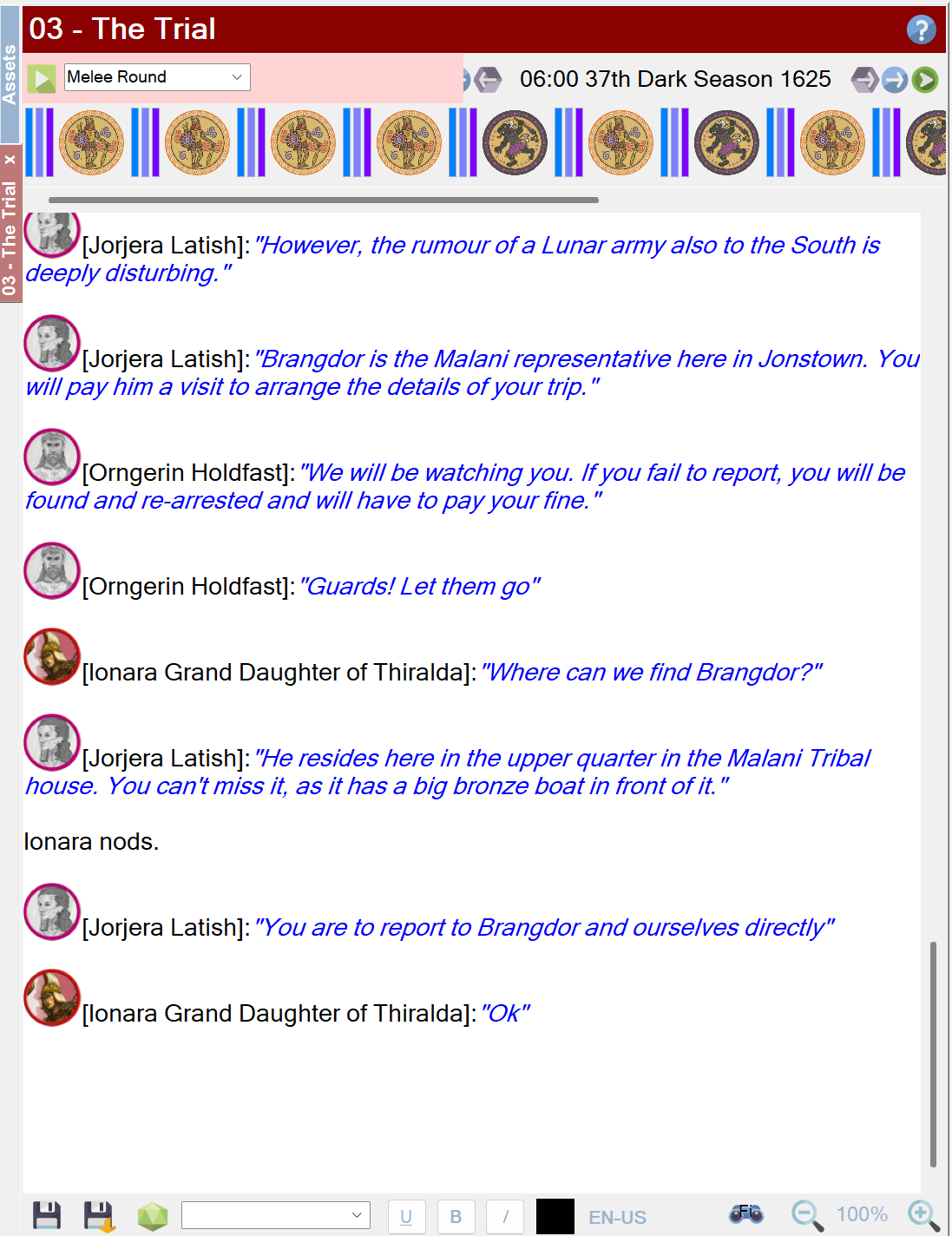
If you untick the override checkbox, Sojour will revert to the operating system’s default language.
Other small changes
- A spelling fix in the helper windows
- Updated to the latest version of WebView2 (used for PDF viewing)
That’s it for this release. Have fun!
RobP


Leave a Reply